Writing about Krea 3?
- Logos and wordmark
- Product images
- Launch film
Annual billing Krea3 annual plans cost about 50% less than 12 monthly payments

Create from a written brief or edit with up to eight reference images. Explore Krea 3 product photography, characters and design examples, choose 1K or 2K, and review credits before creating.
Examples
1 / 302
Krea 3 is an image editing model built for production. It changes only what you ask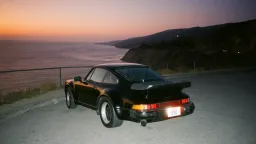
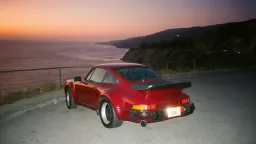
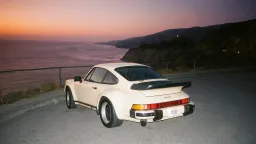
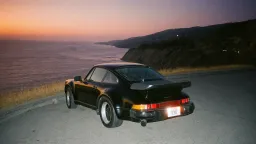
 , finishes an edit in under , and costs per image.
Krea distributes through the world’s leading organizations, helping them advance their industries:
 fal
fal  Baseten
  Comfy
Comfy  Luminal
  Together AI Envato
  Creative Fabrica
  Oxen
Oxen  Civitai
  RouterPlus
  Mito AI
  Flora
Flora  Eachlabs fal Baseten Comfy Luminal Together AI Envato Creative Fabrica Oxen Civitai RouterPlus Mito AI Flora Eachlabs

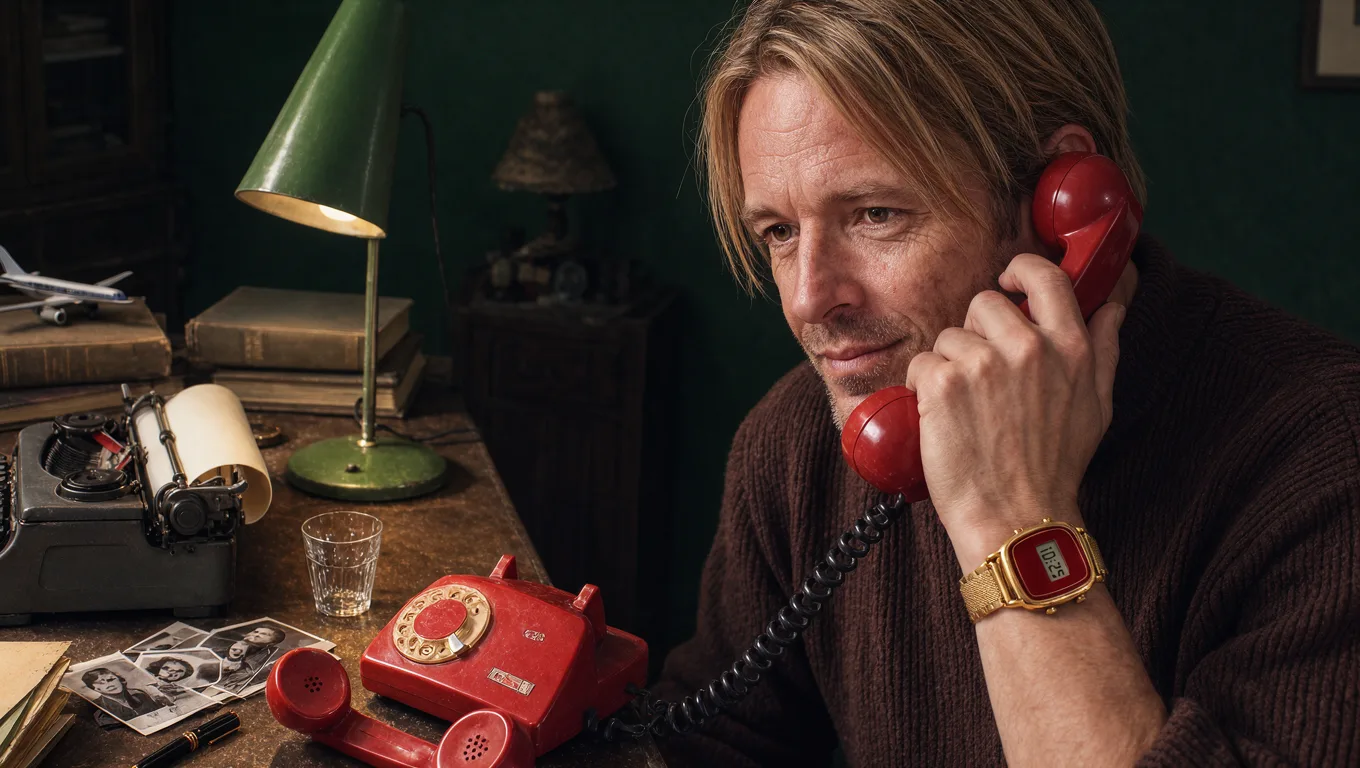
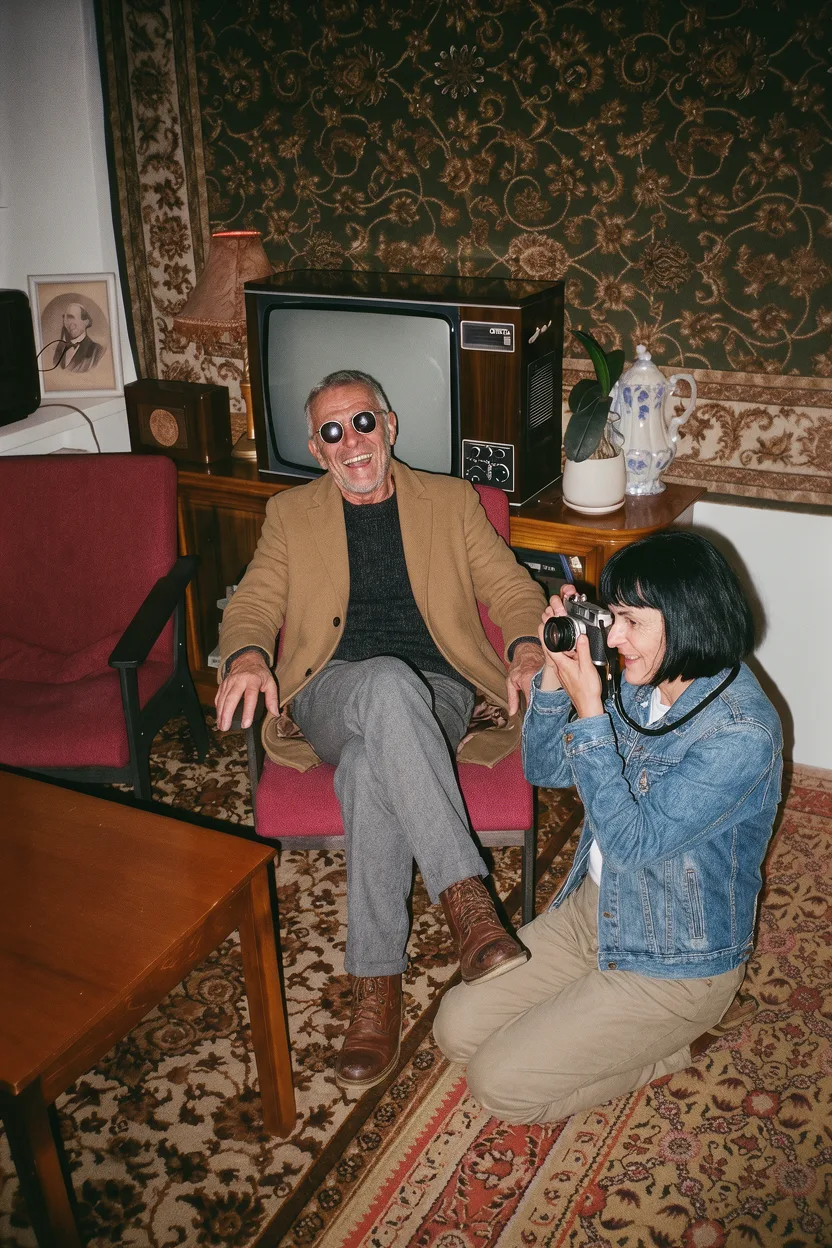
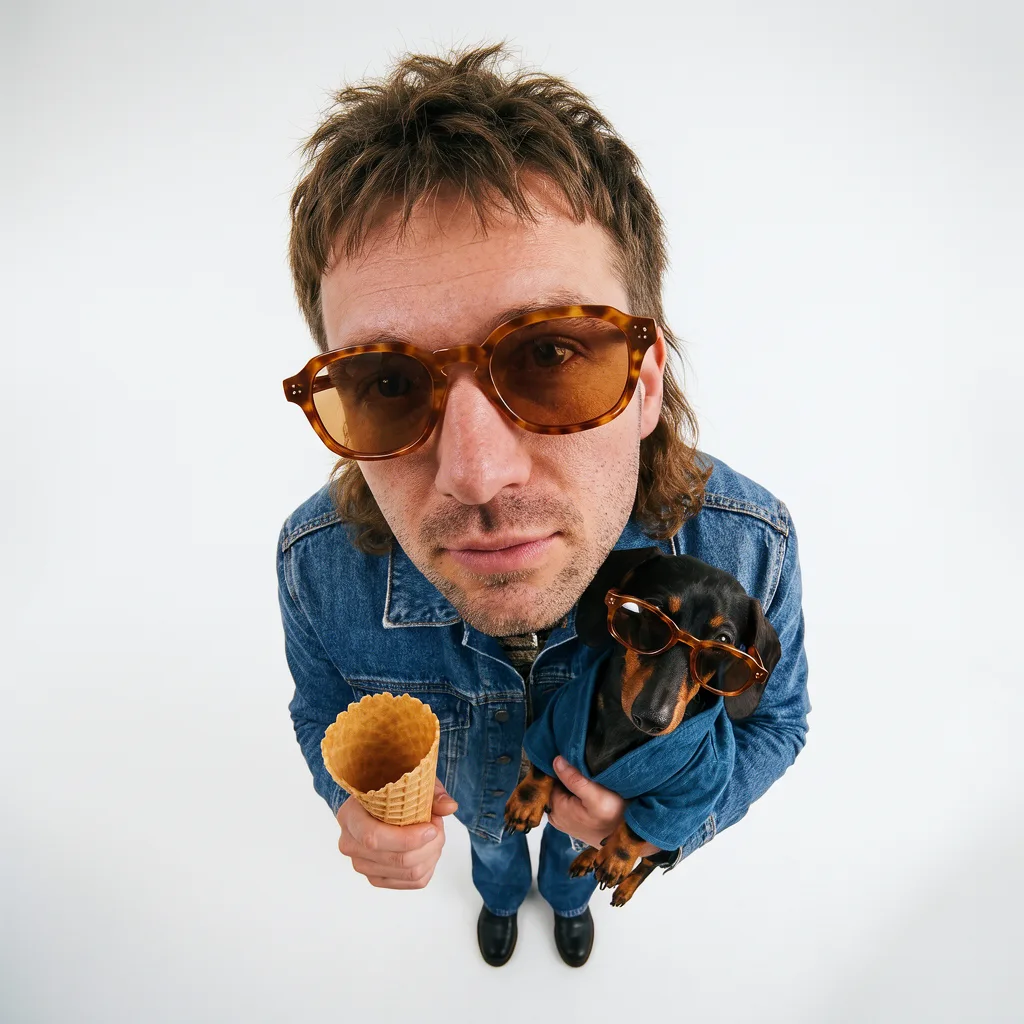
 1
1  2
2 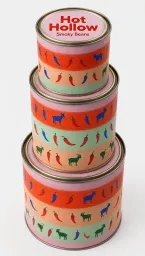 3
3  1
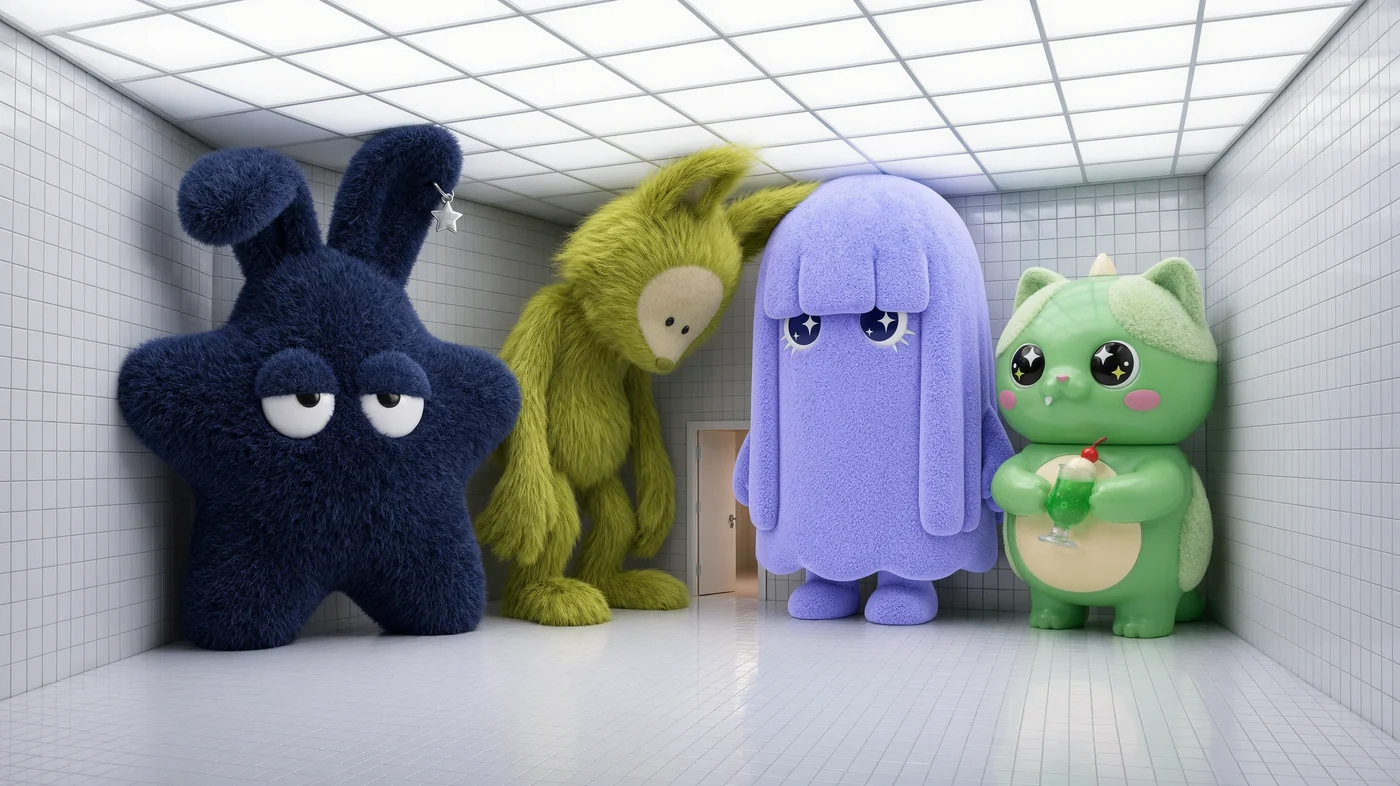
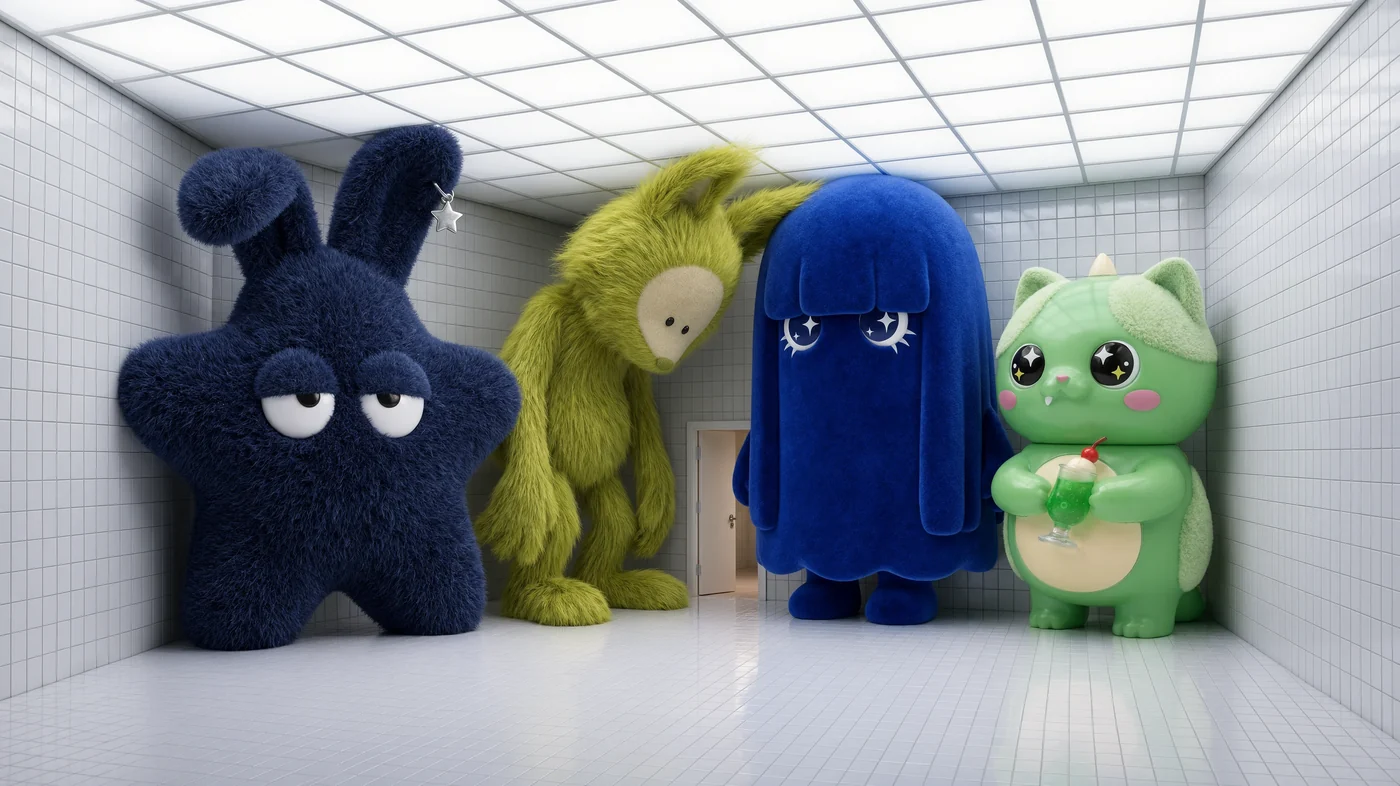
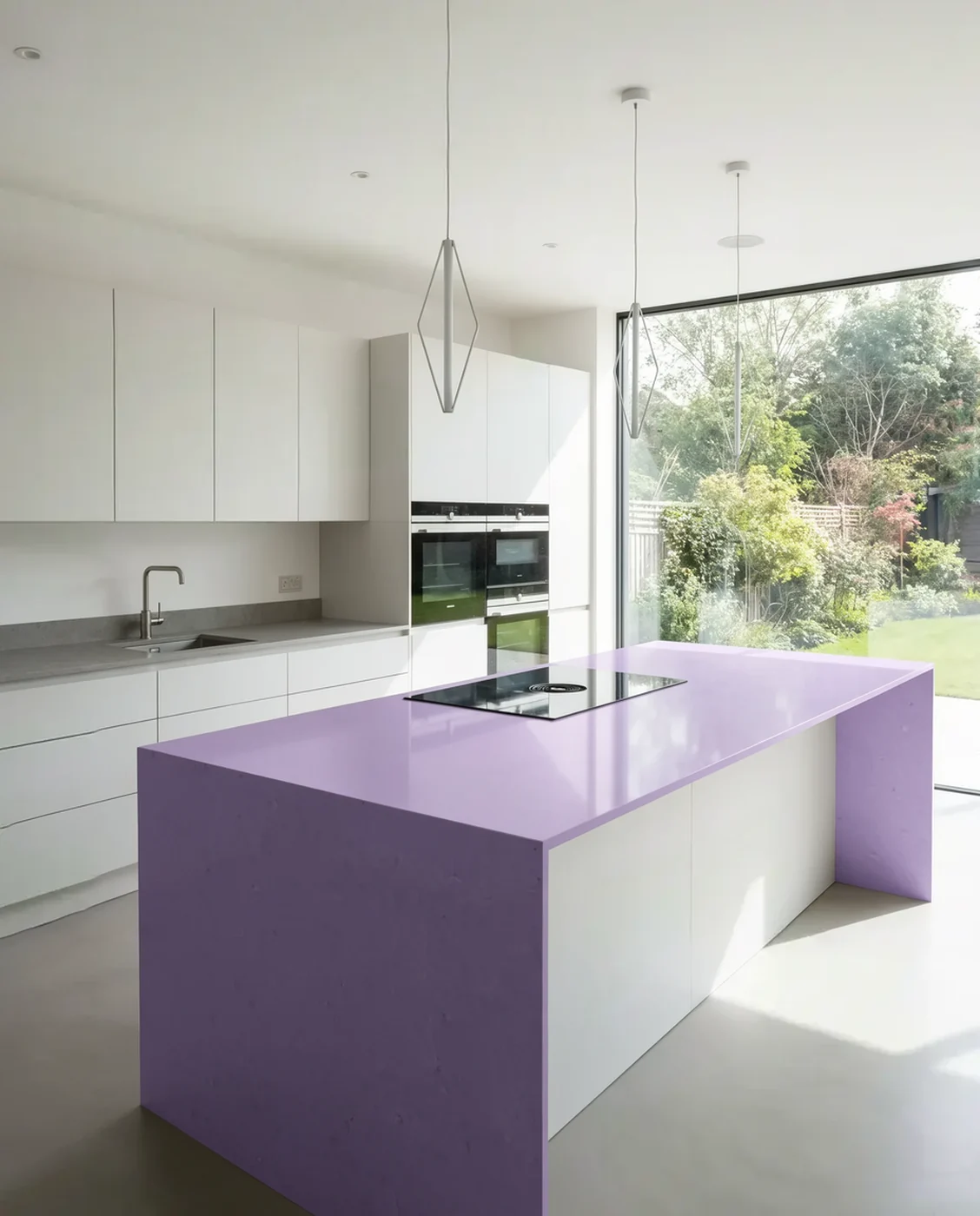
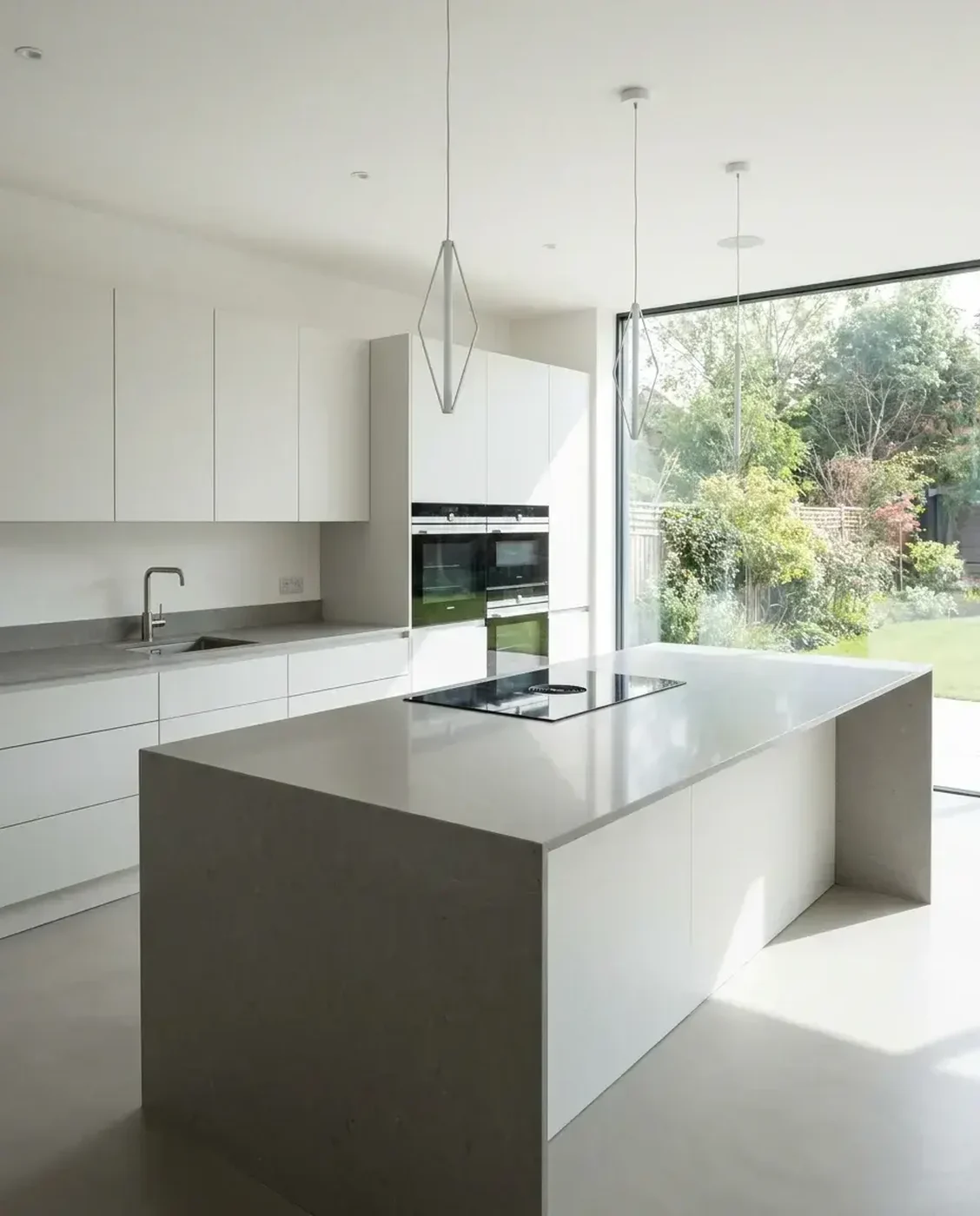
1Draw a box and say what changes. Krea 3 redraws inside it and leaves the rest of the image as it was.
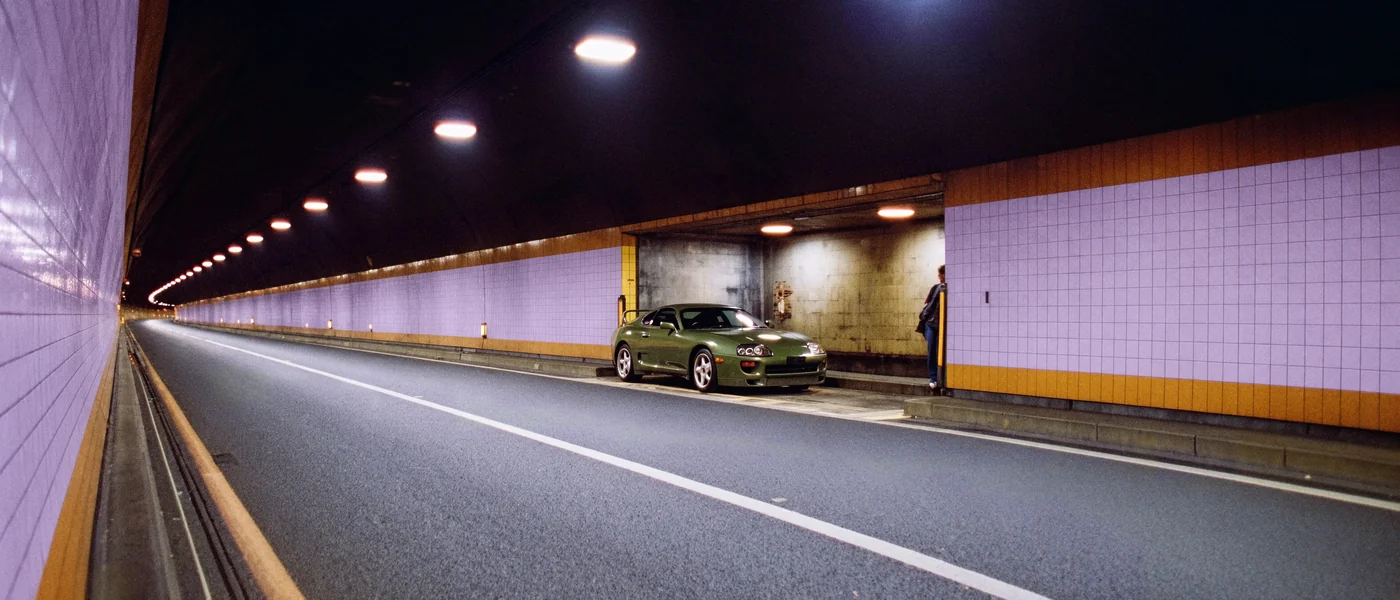
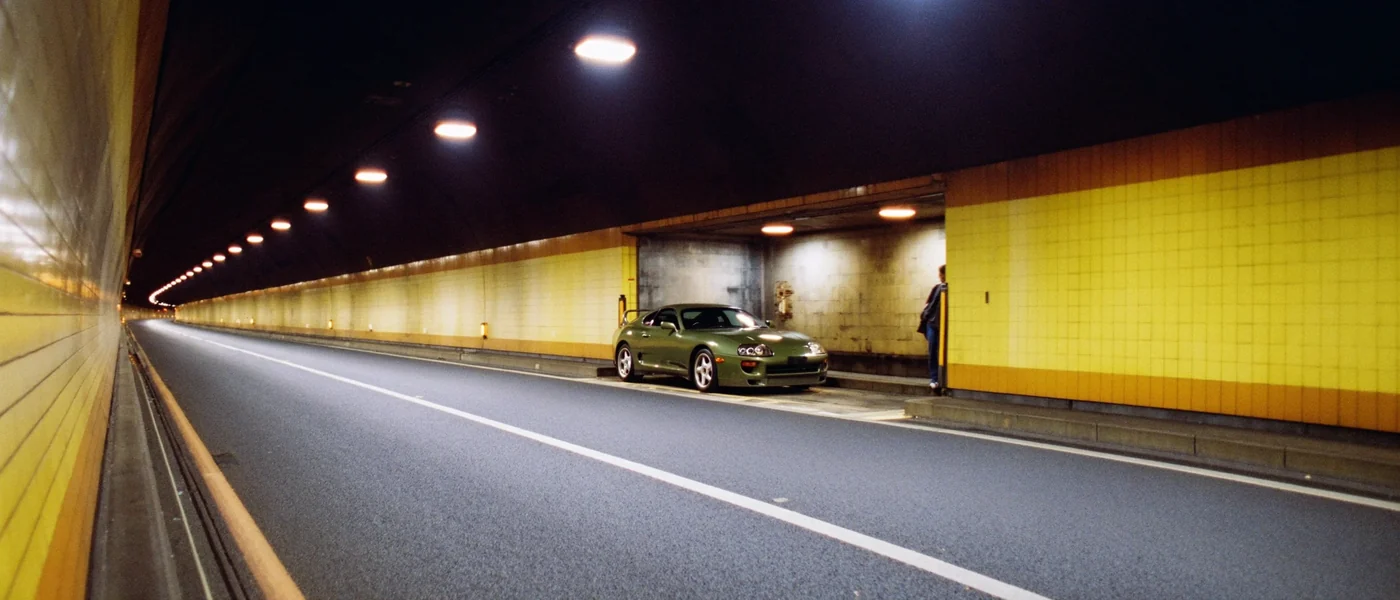
Three Krea 3 edits of one image, made with regional editing. Changed pixels are measured against the original.
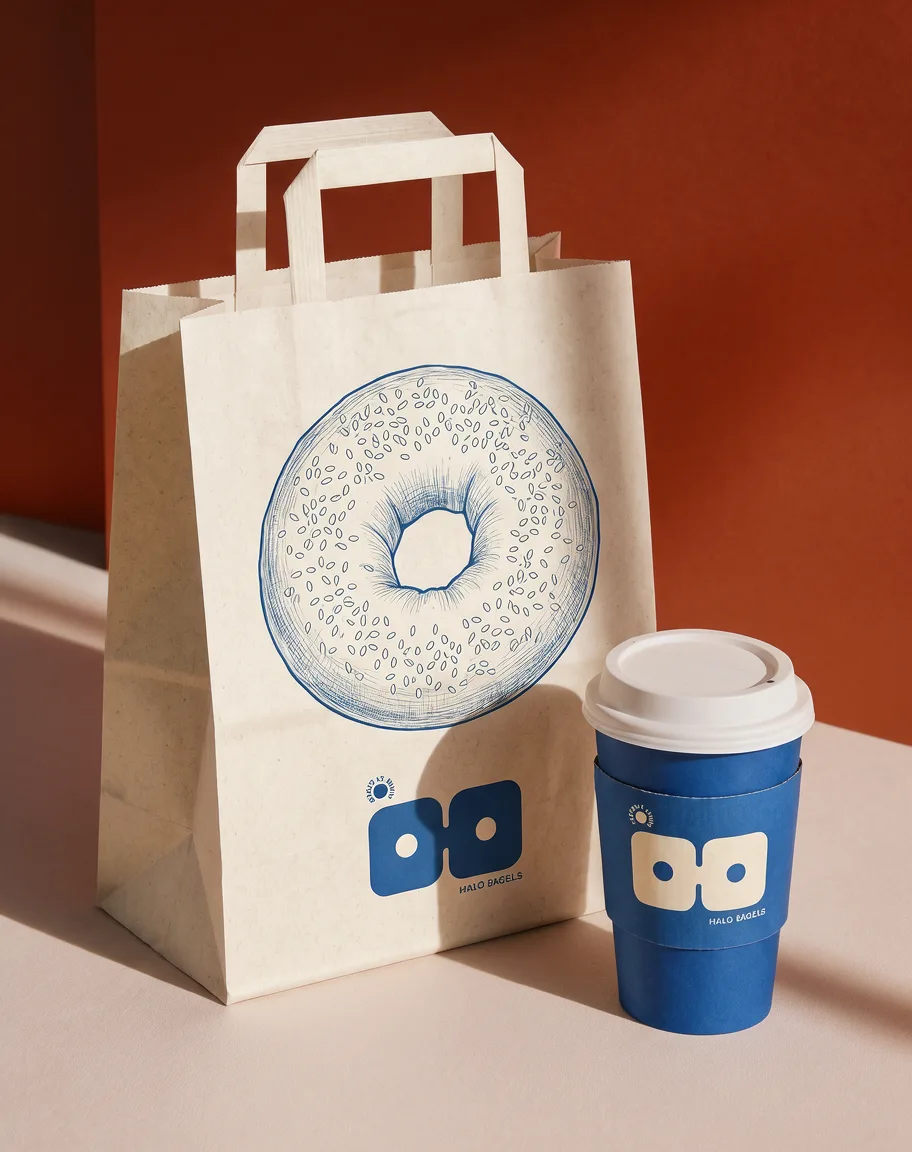
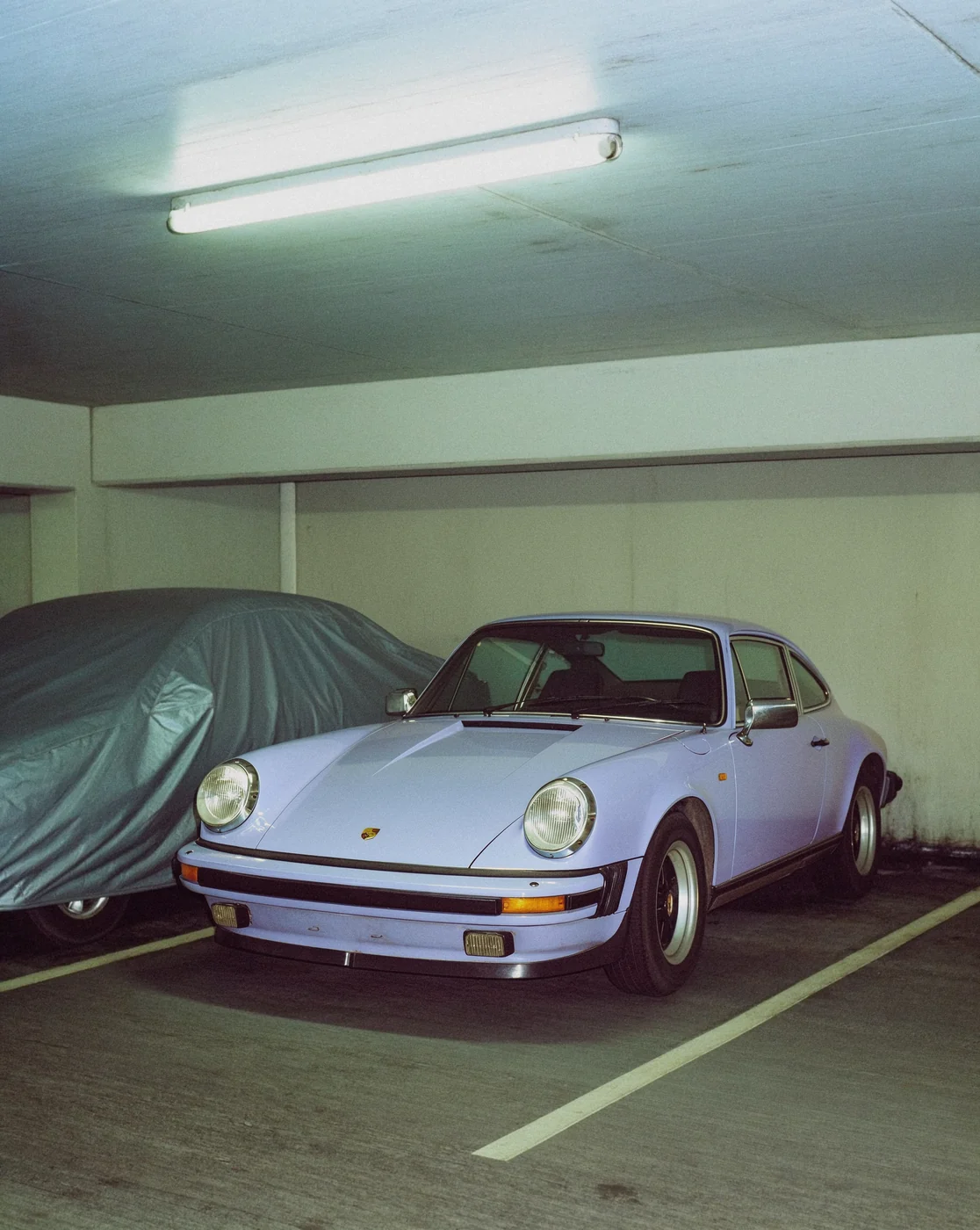
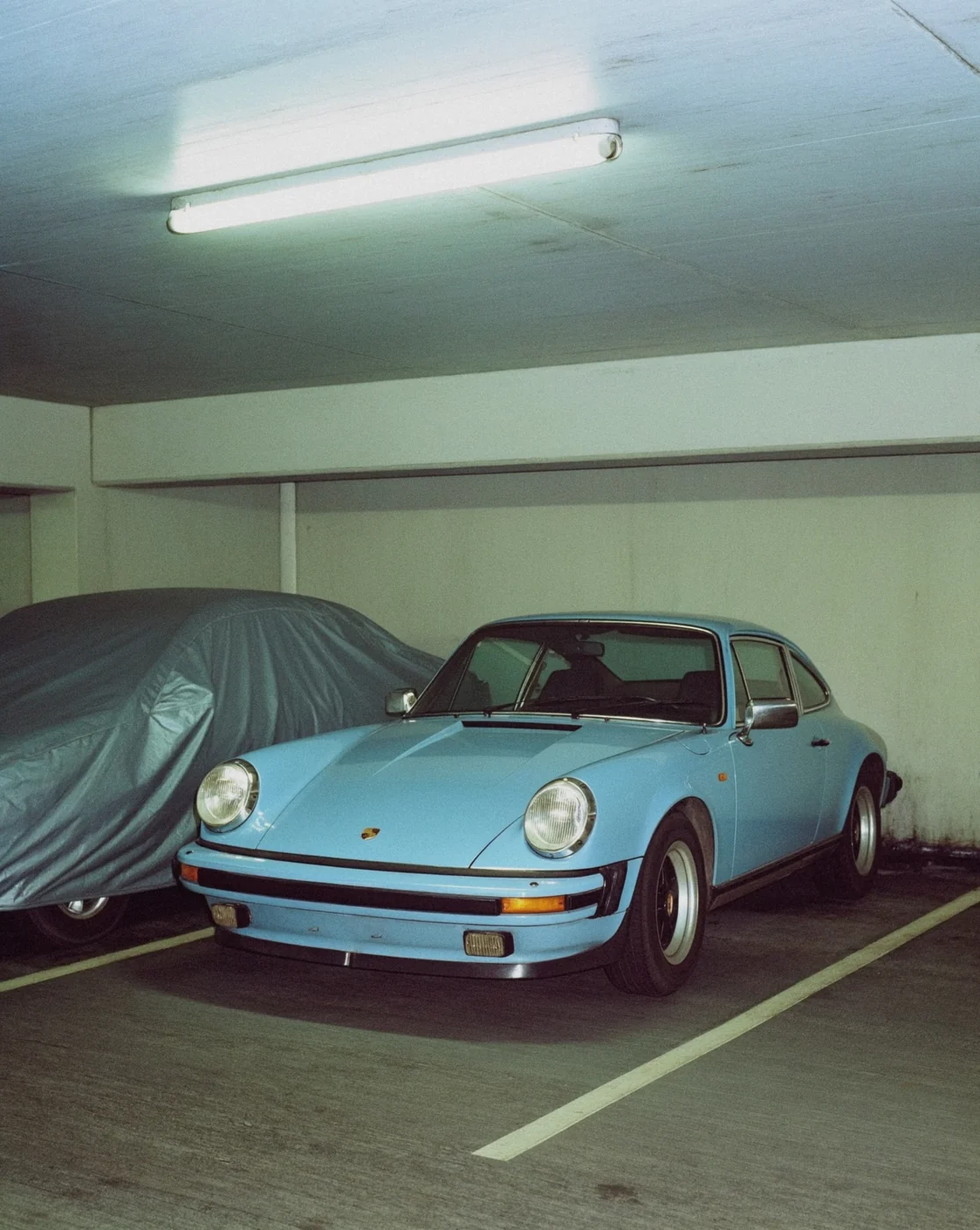
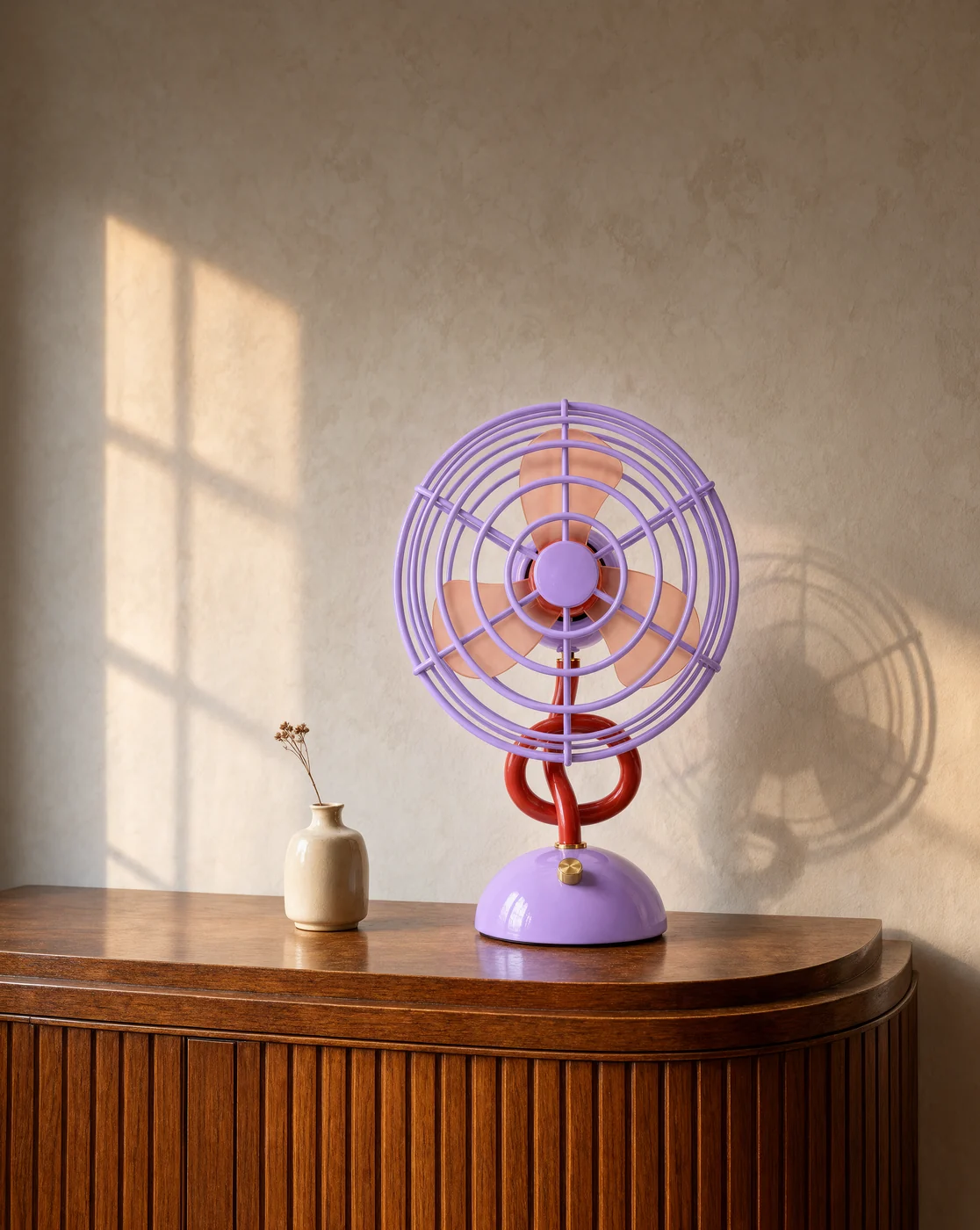
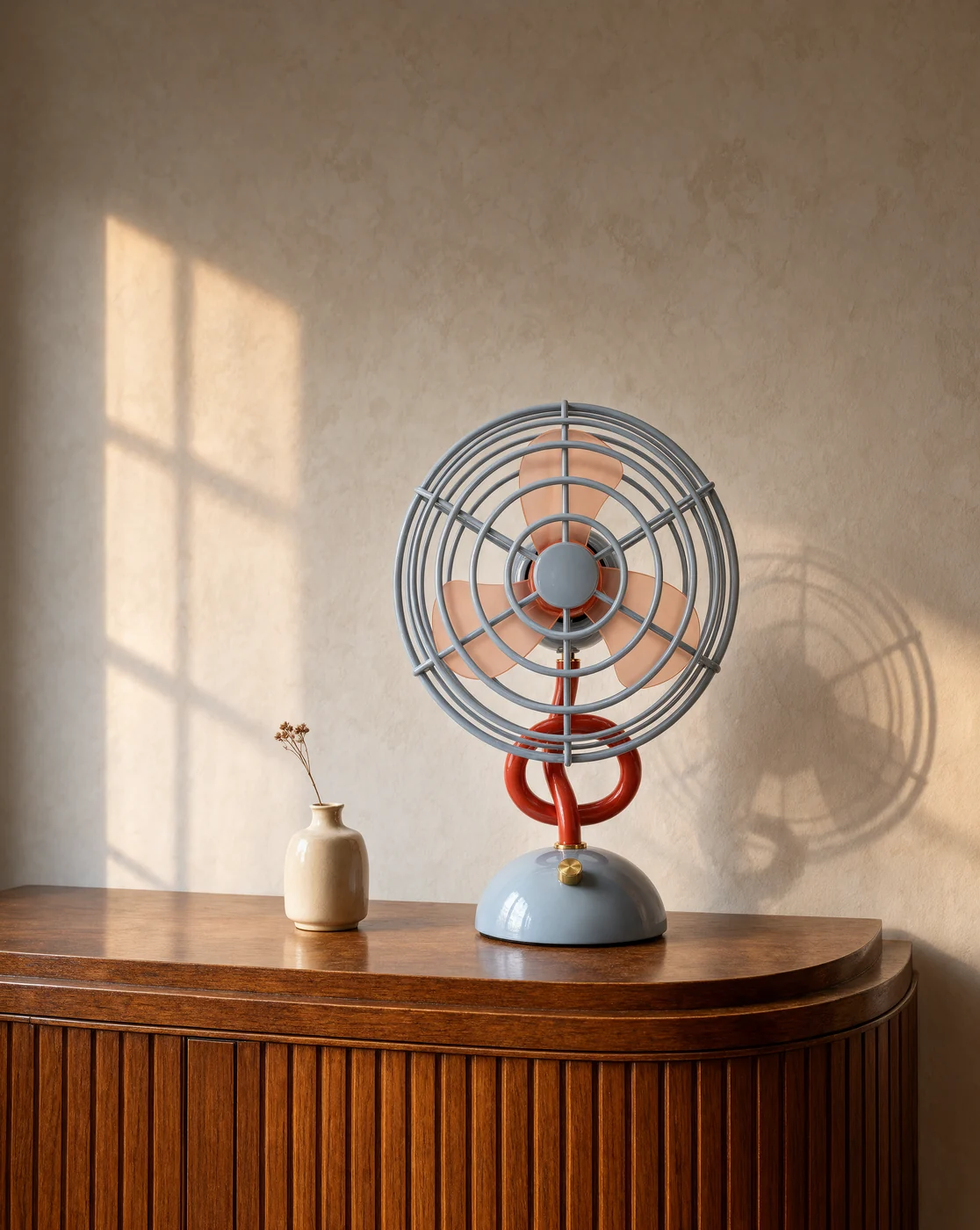
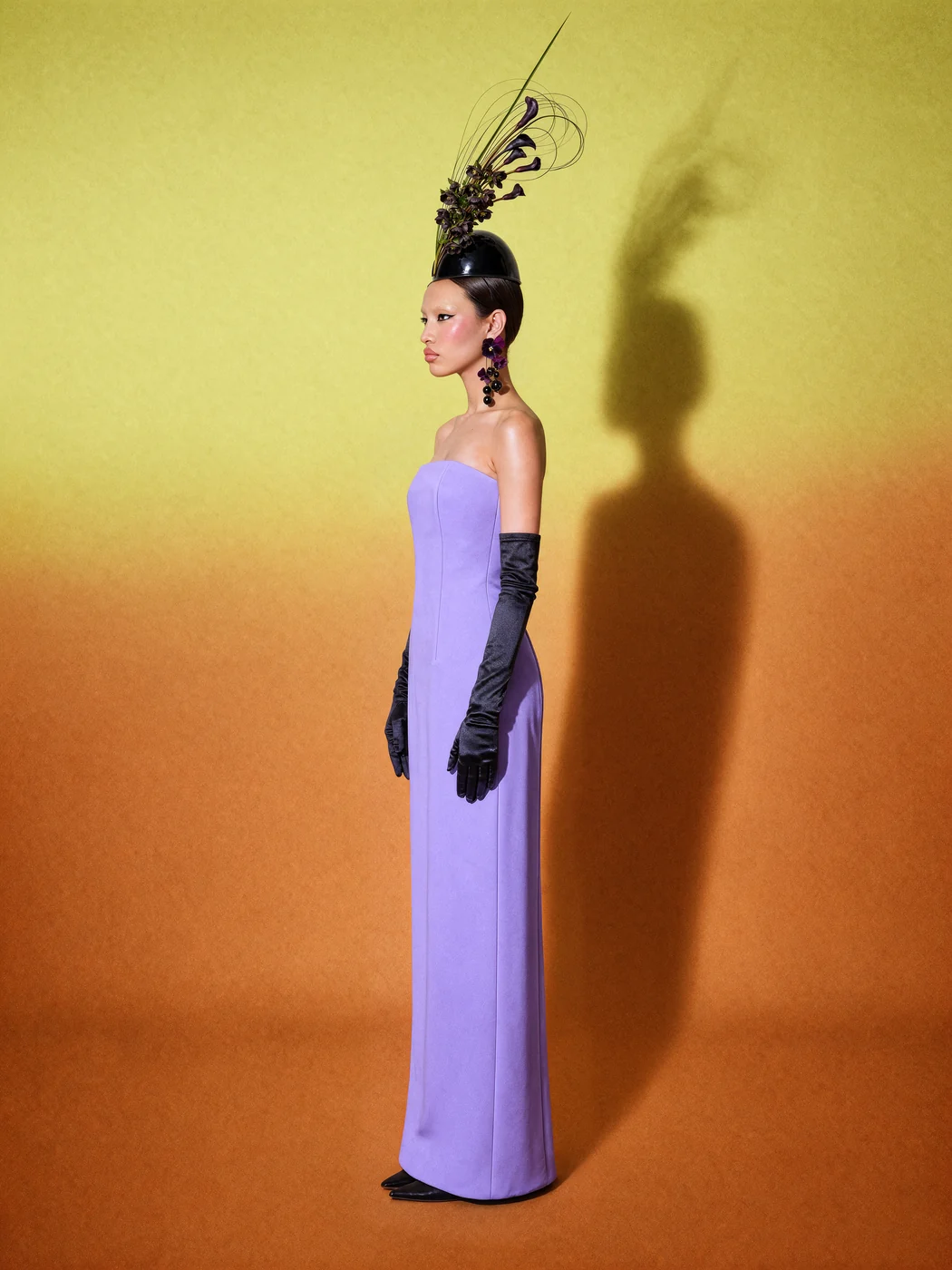
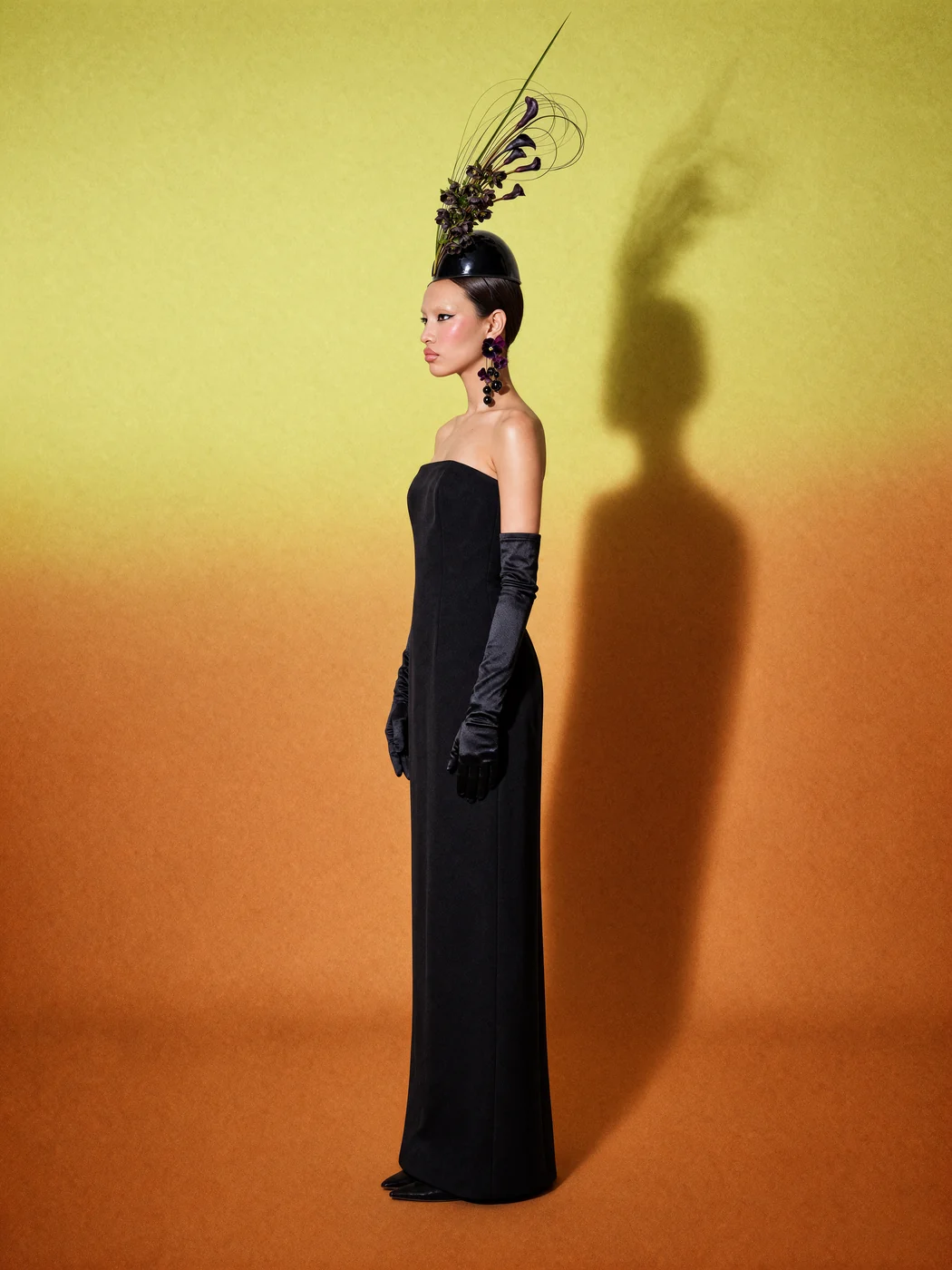
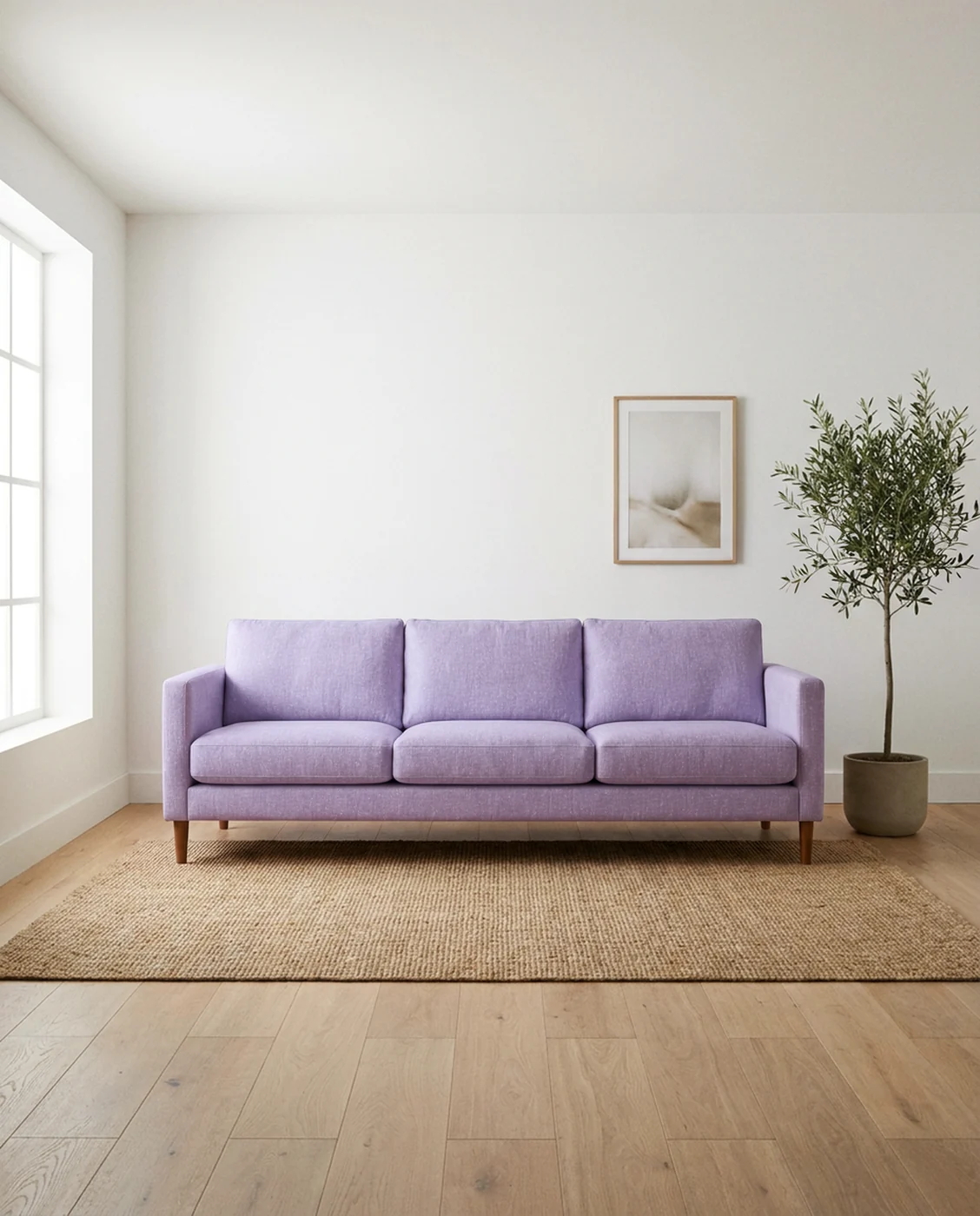
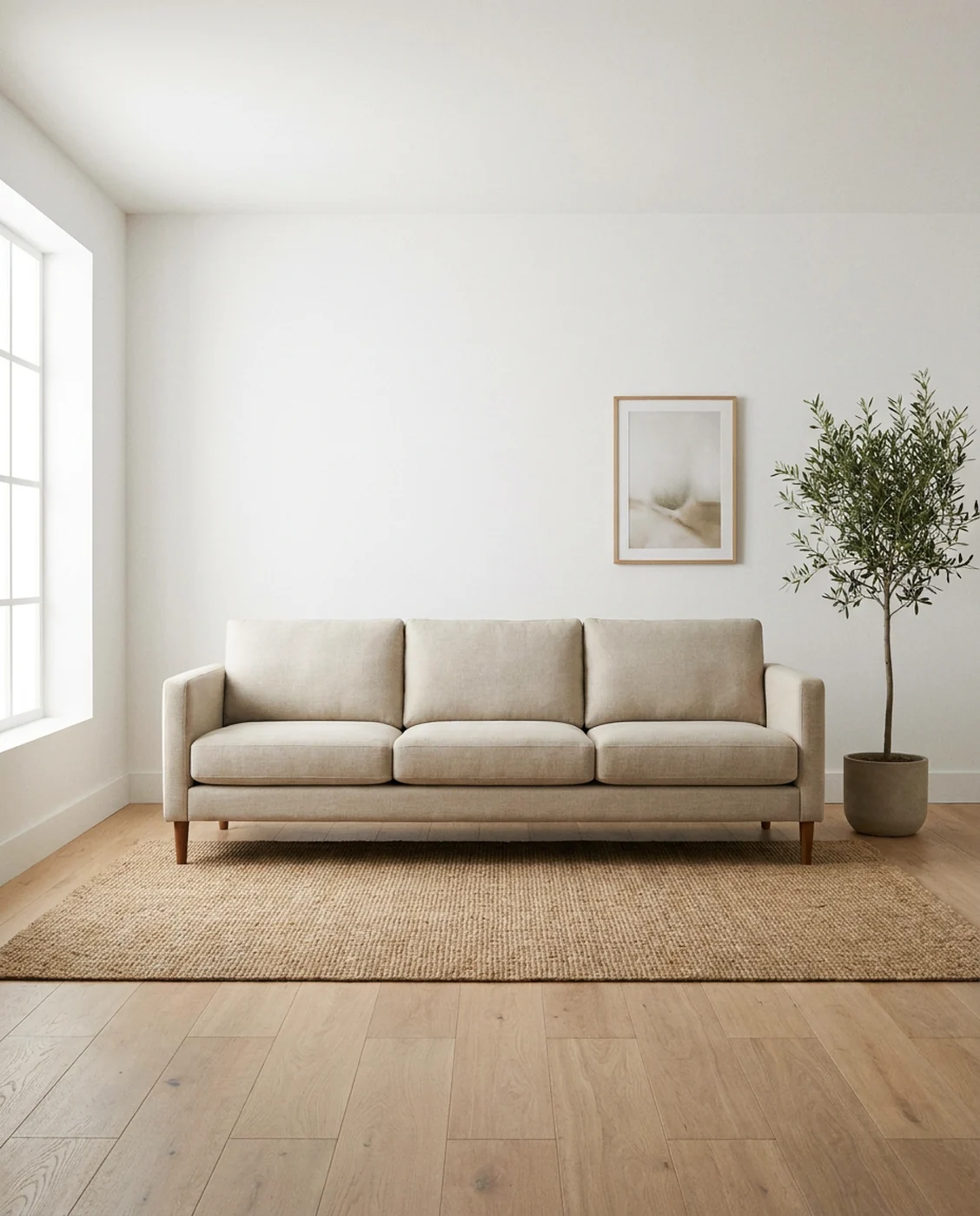
Name a hex code and Krea 3 matches it on the product, and only on the product. Pick a swatch.
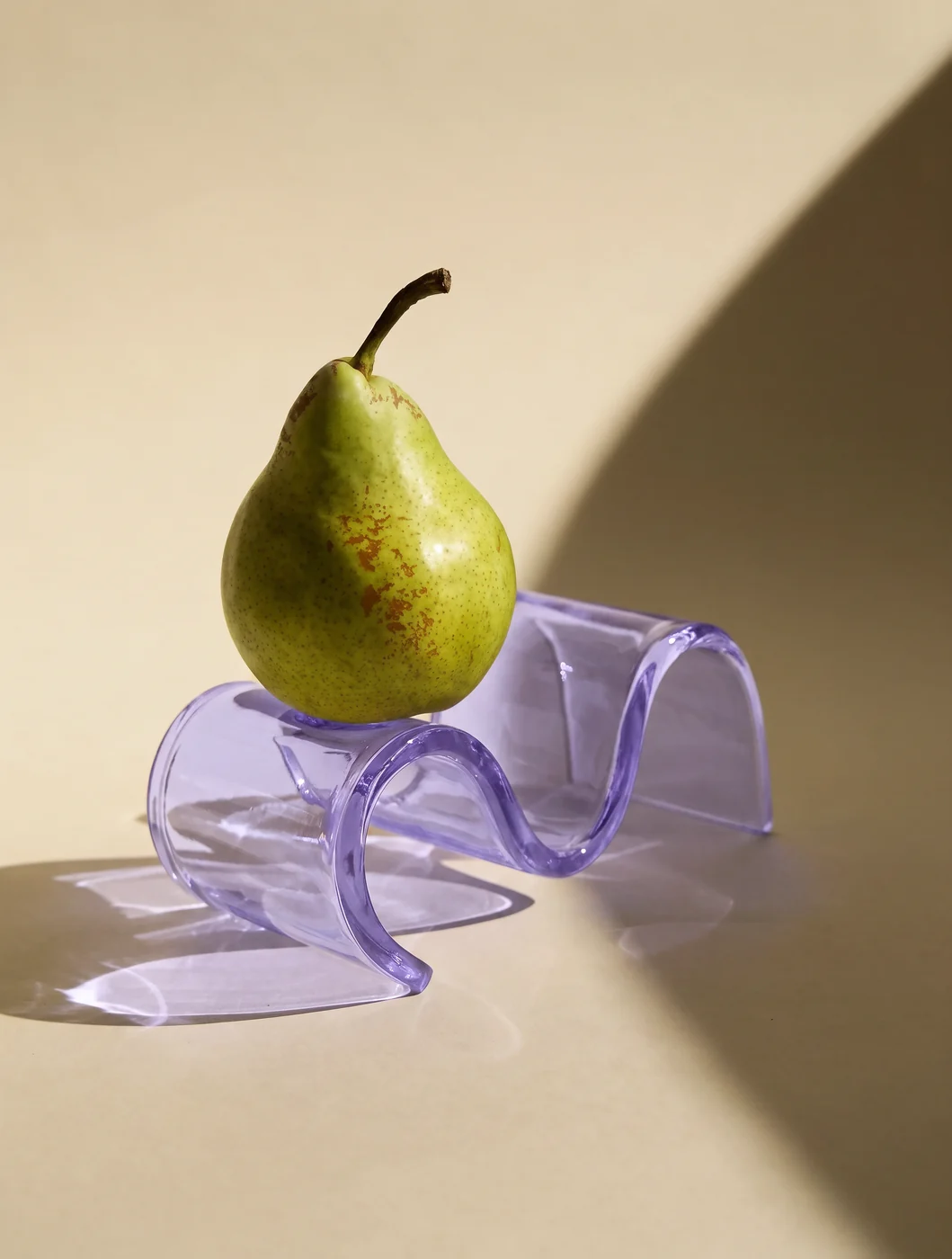
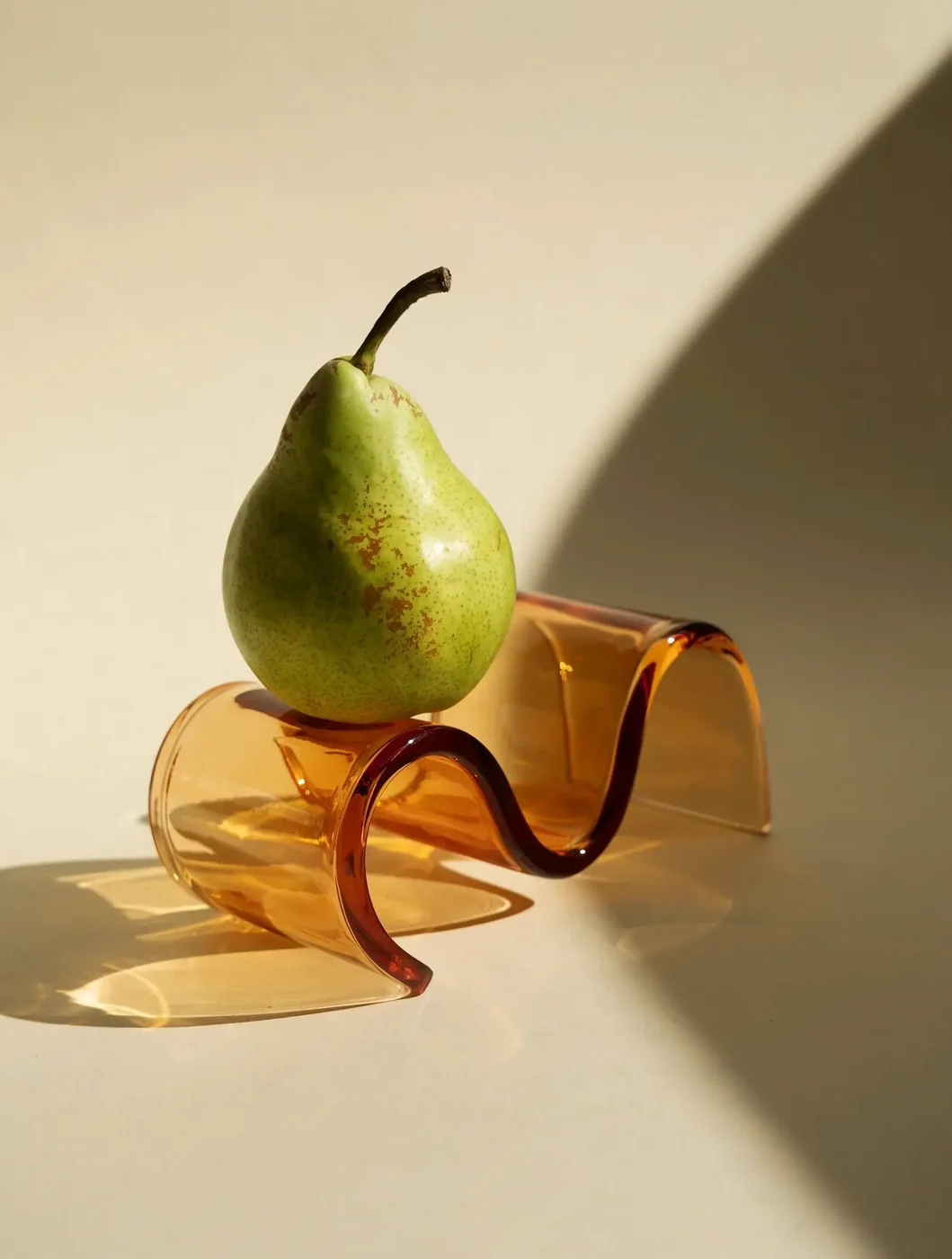
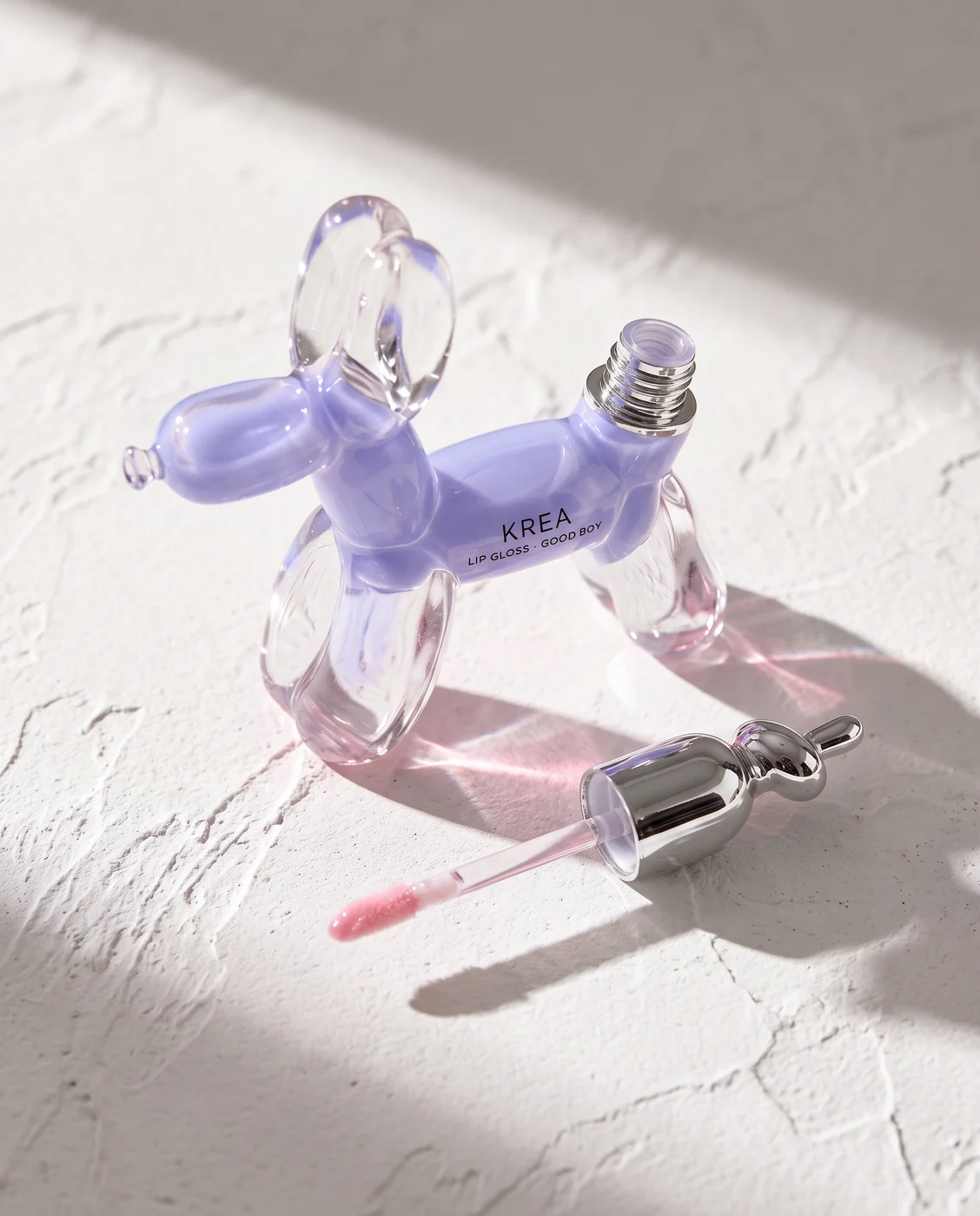
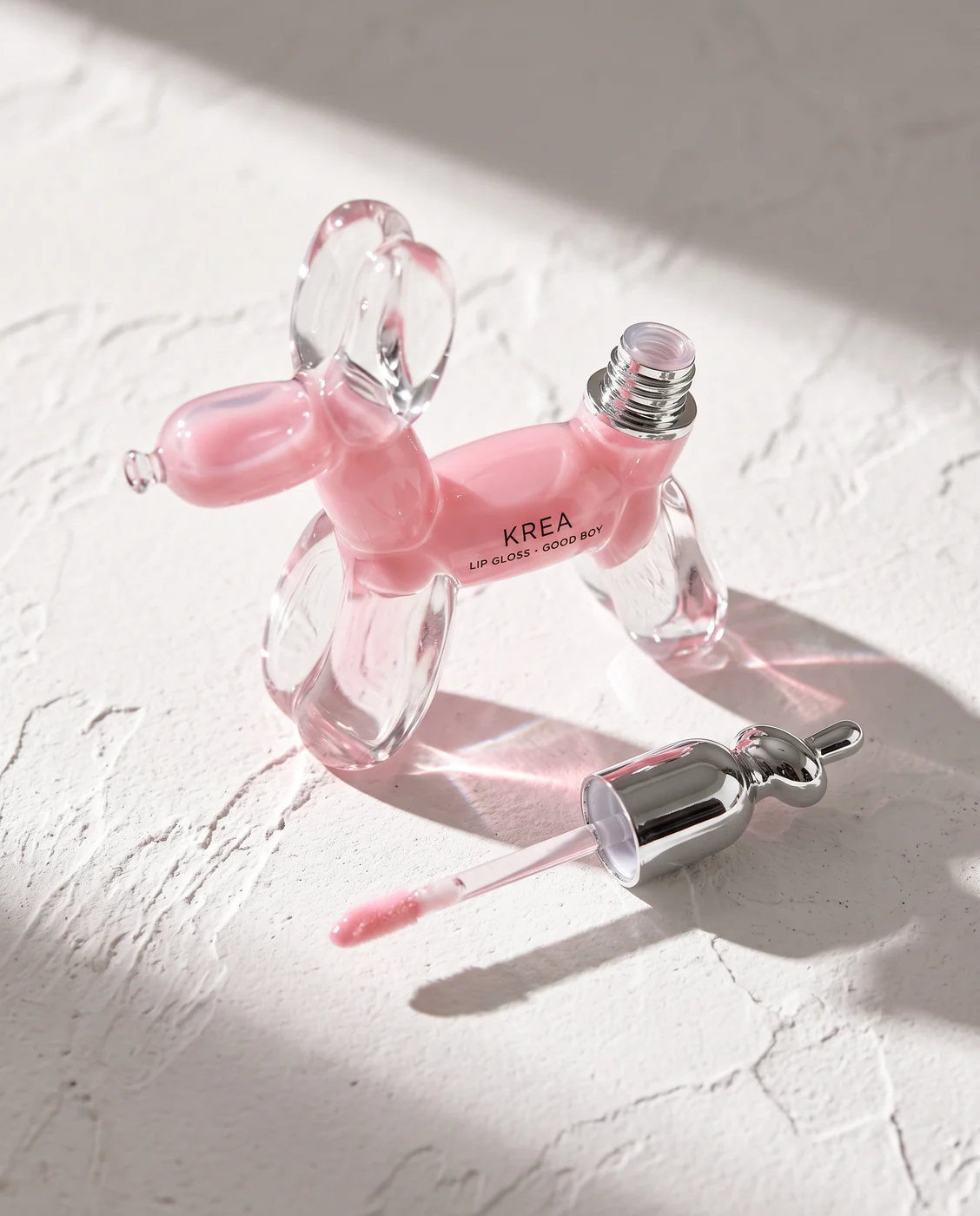
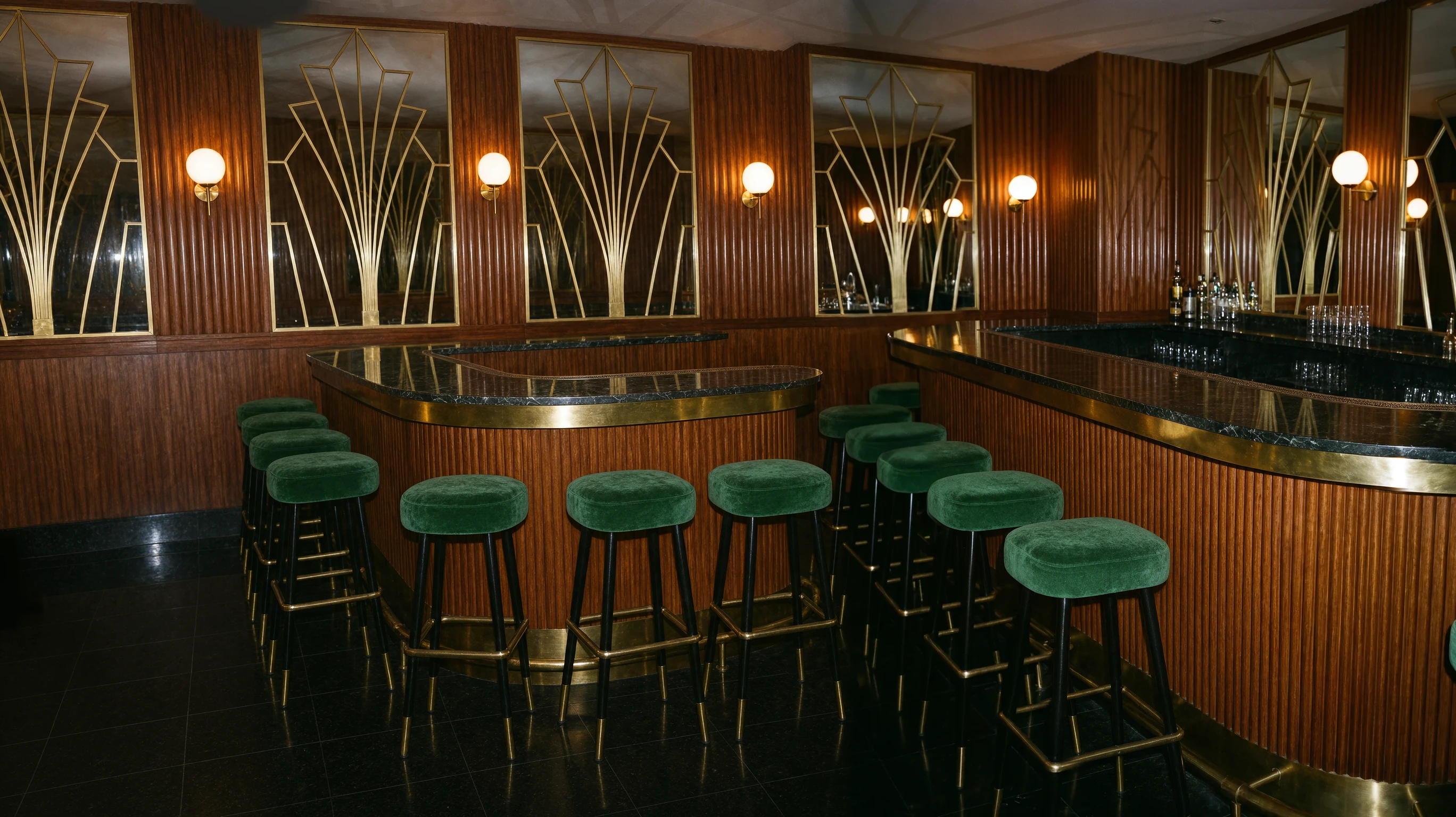
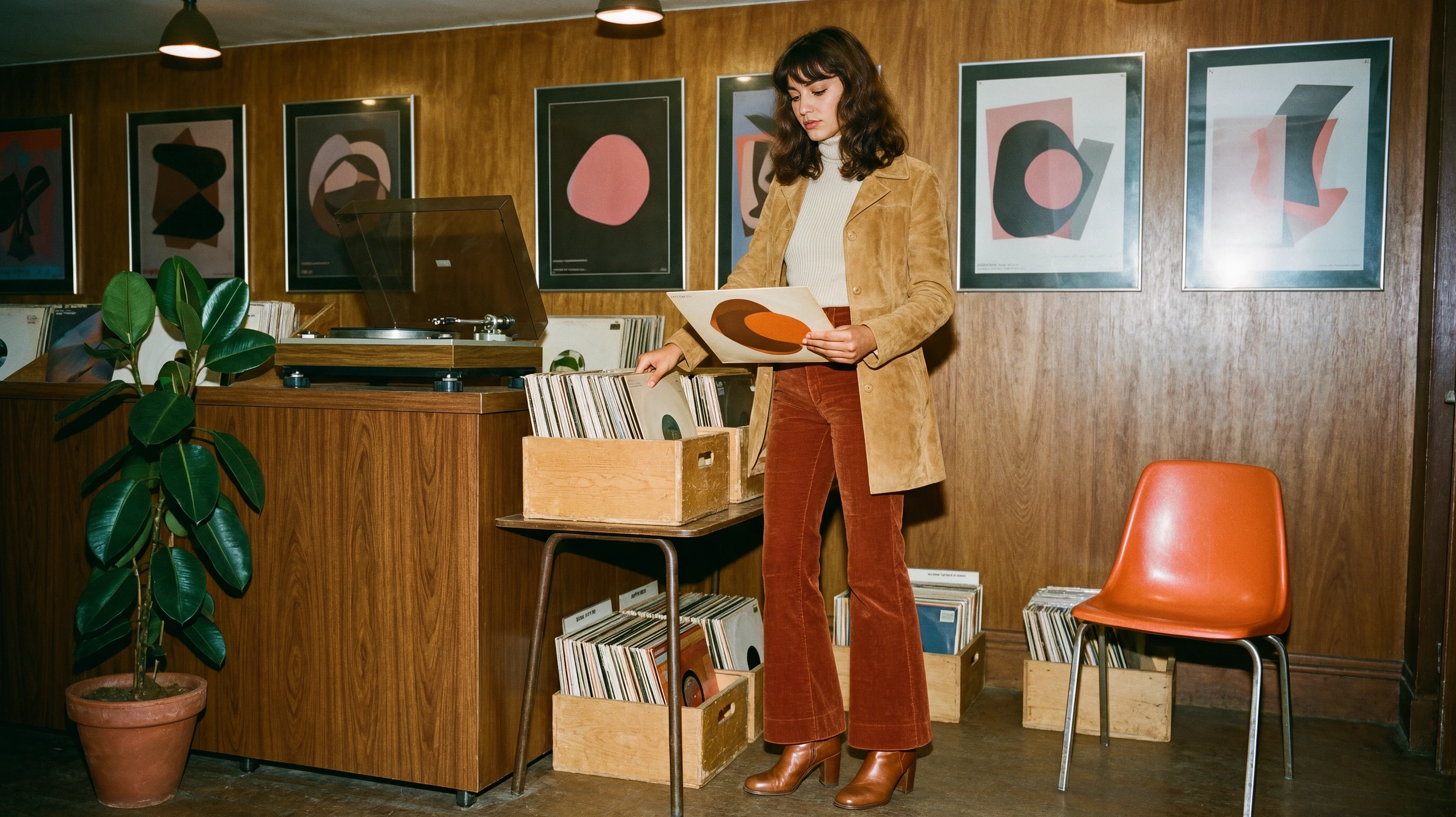
Seat the woman from 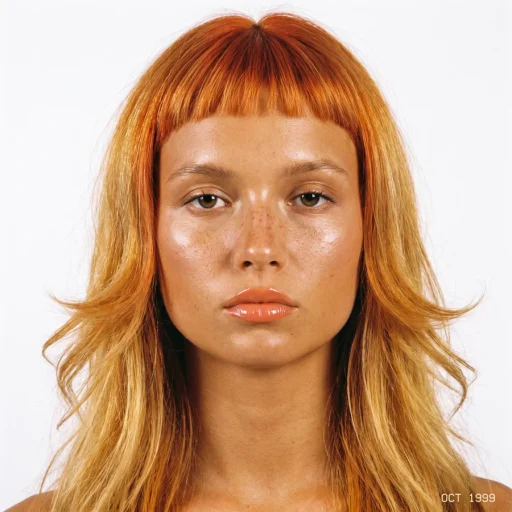 at a candlelit Art Deco bar in the knit sweater from
 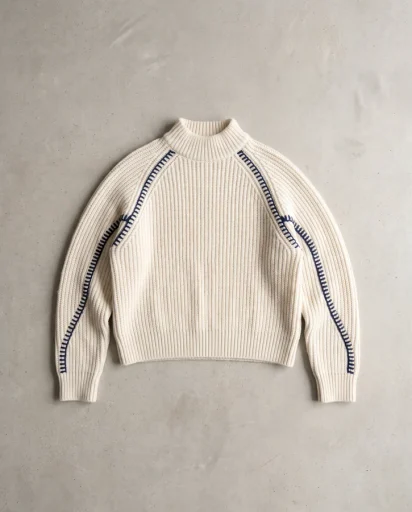 , with the silver bag from
 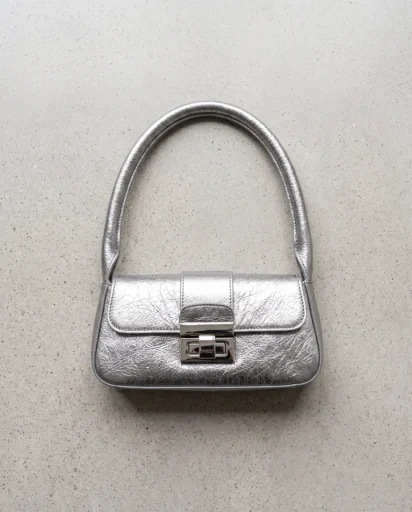 on the counter.
Point at people, products, places and styles by number. Krea 3 puts them in one picture.
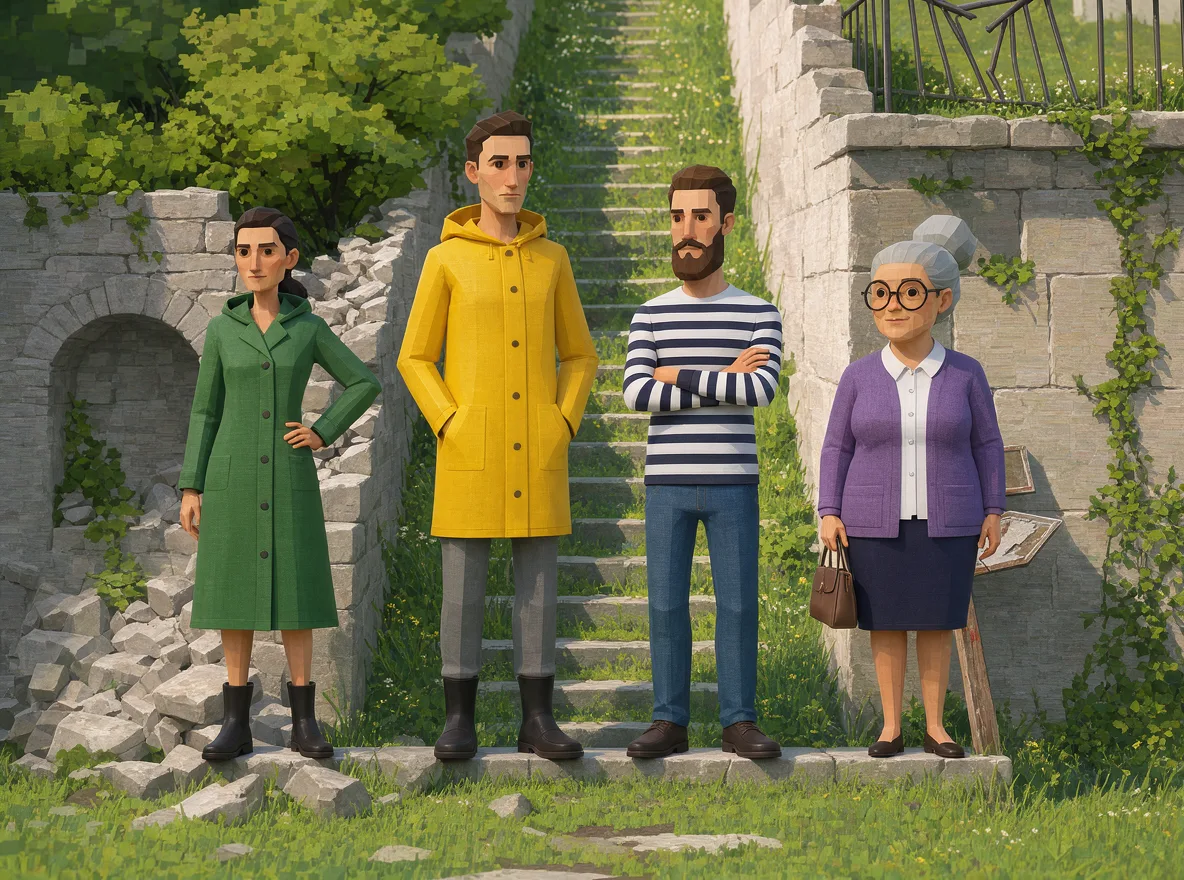
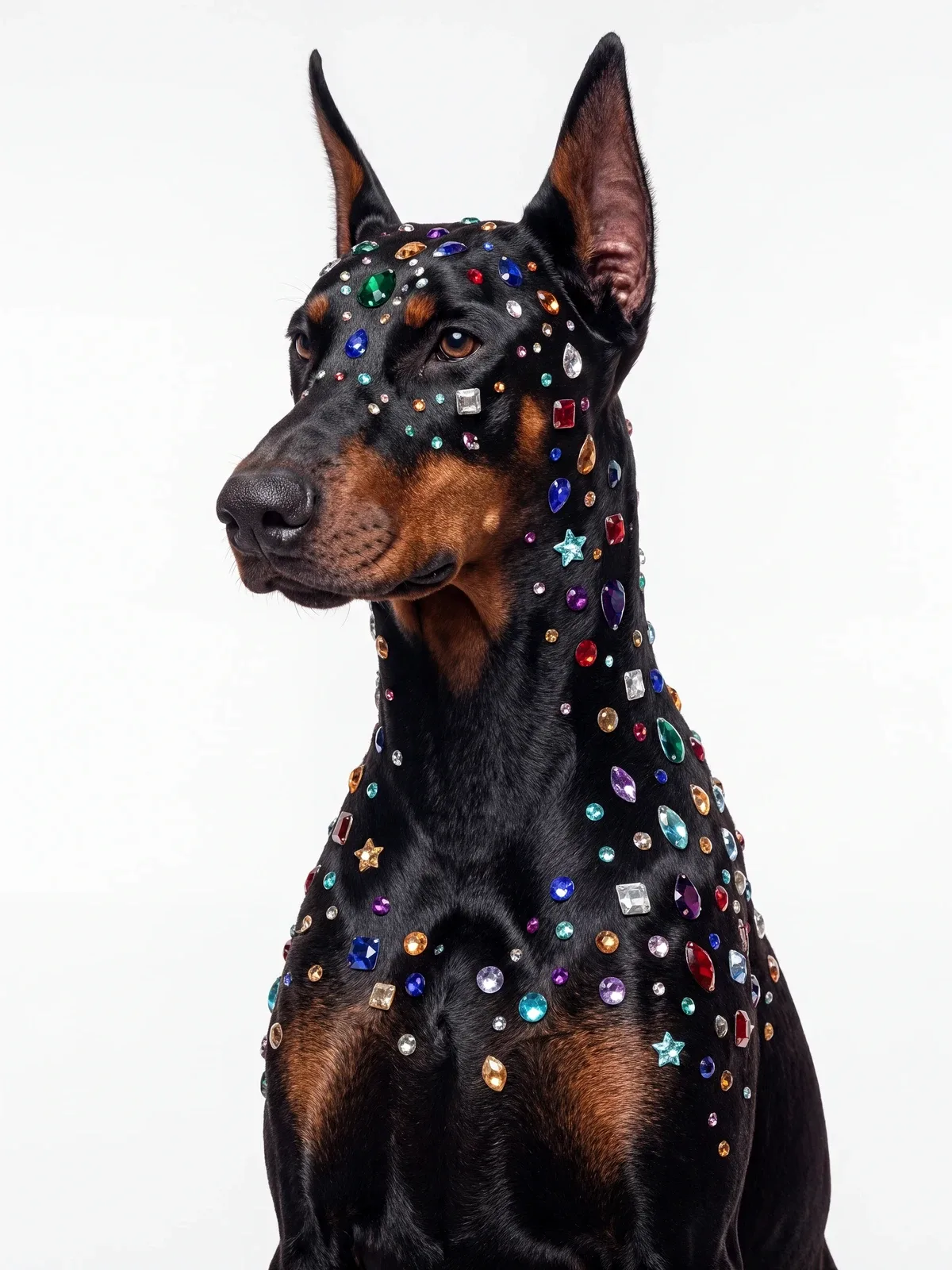
Change the styling, setting, and mood while keeping the face familiar. Explore character consistency across a sequence of edits.
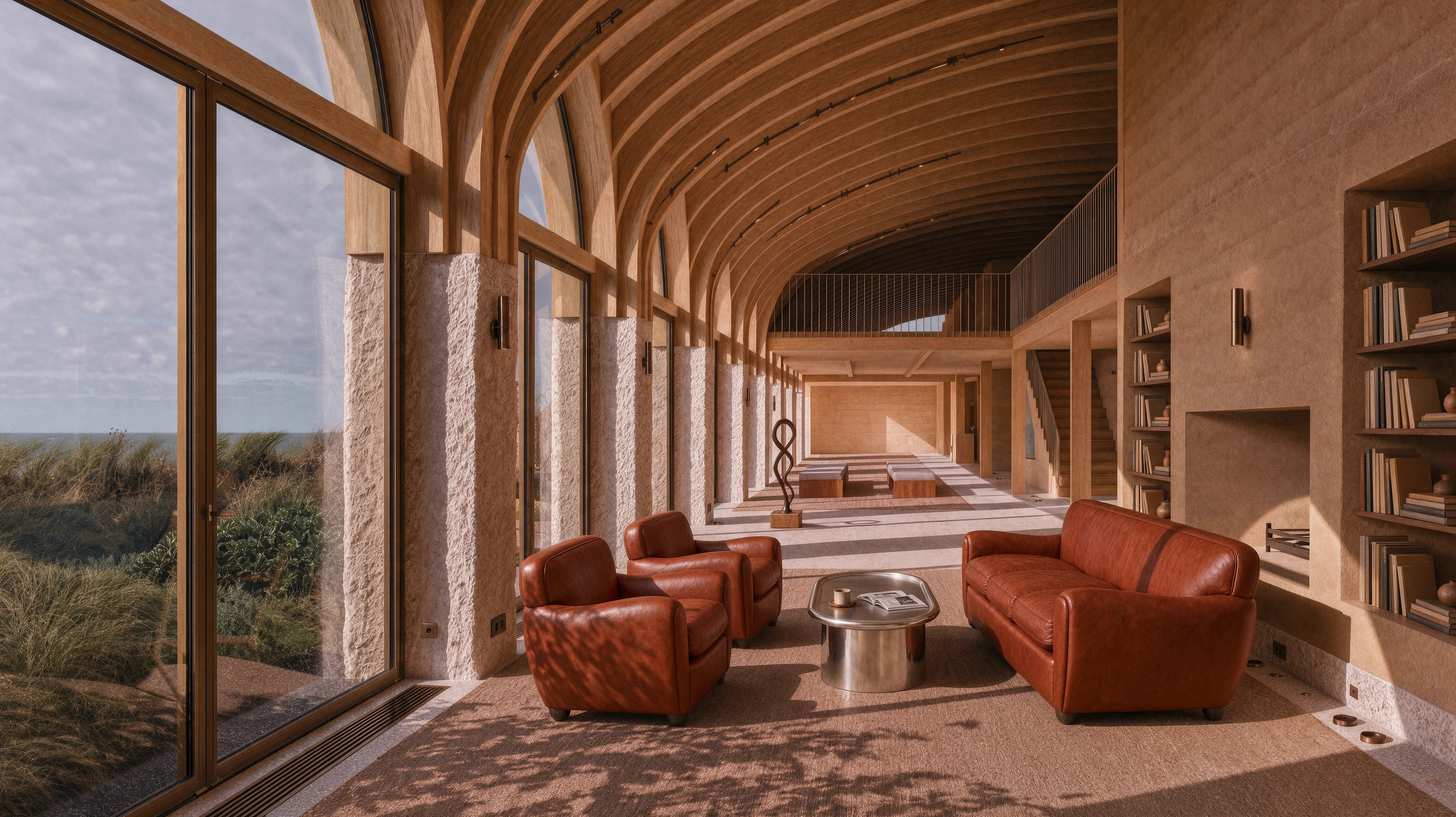
Krea 3 renders 2K natively. Move the loupe over this 2K output to see its real pixels.
One image. Twelve identical prompts. Watch Krea 3, Nano Banana Pro, and GPT Image 2.5 work through the same edits side by side, then speed up playback to see the difference.
~ $0.06 / edit 0 images
~ $0.135 / edit 0 images
~ $0.21 / edit 0 images
Pre-generated outputs, not a live benchmark. Krea 3 uses an illustrative playback time of 8s per edit. Nano Banana Pro uses 26.8s and GPT Image 2.5 Sunburst uses 39.9s: the median request-to-result time of each model's 12-image batch, including queue time. Each edit starts from the same original image. Each model loops continuously at its own pace. Costs are approximate USD list prices for 2K edits, excluding promotions. GPT Image 2.5 pricing is a draft estimate pending validation.
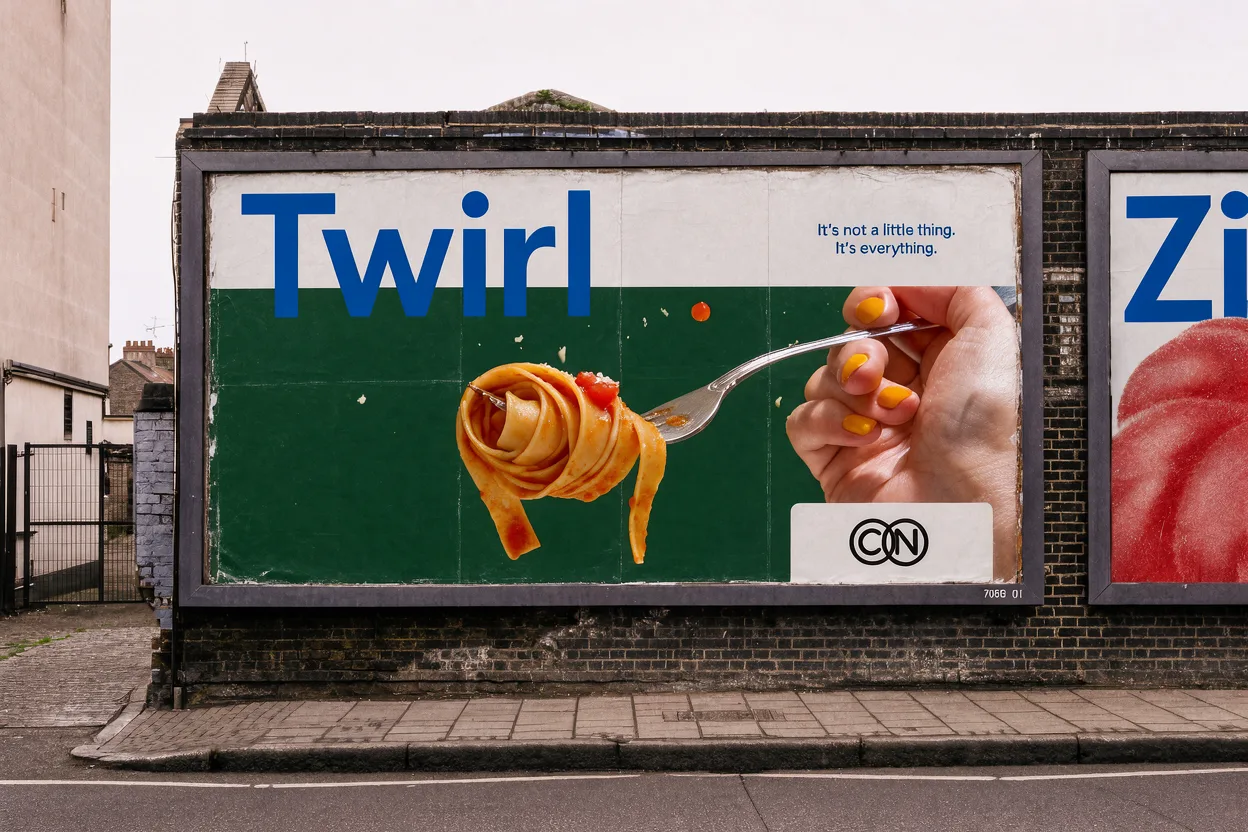
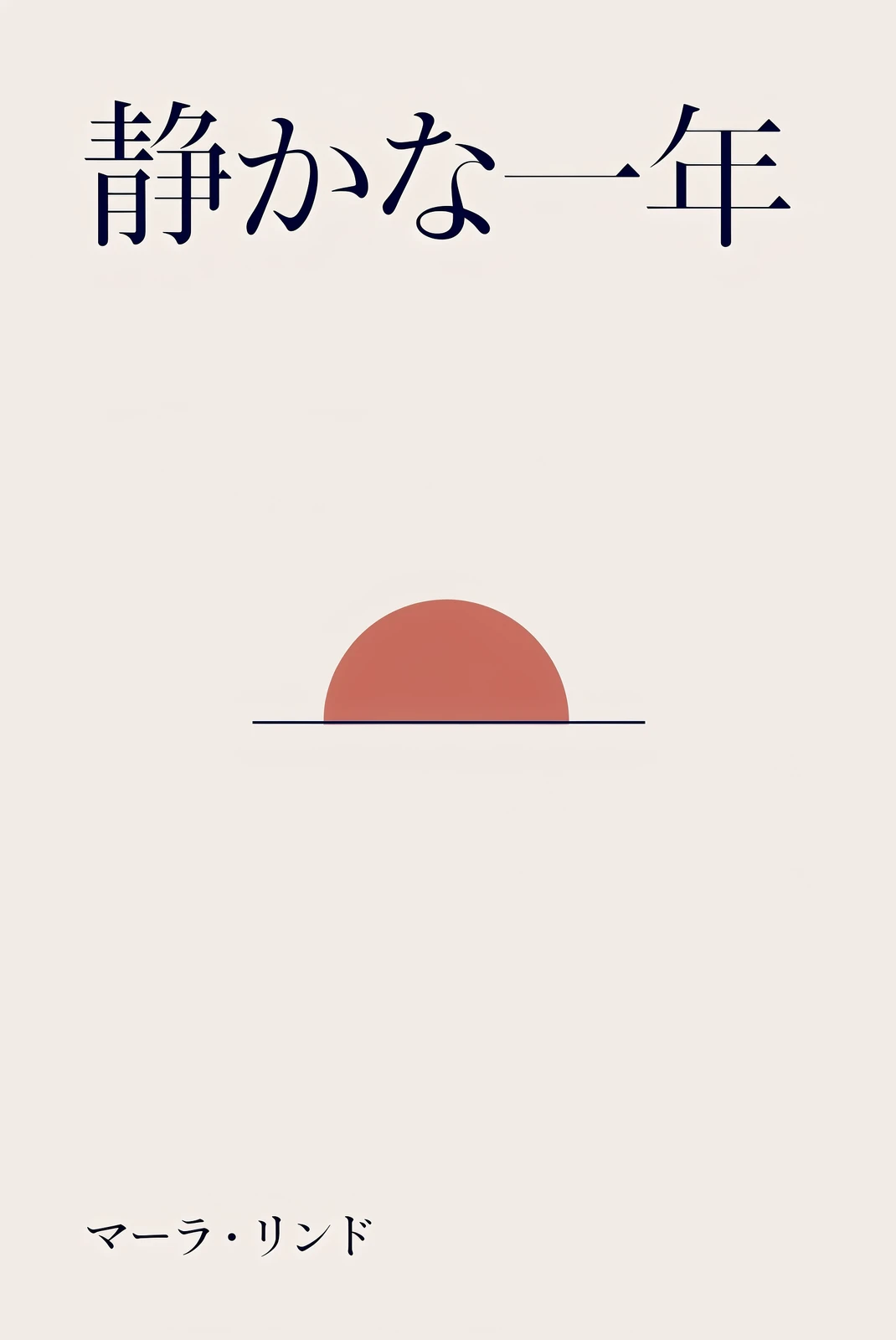
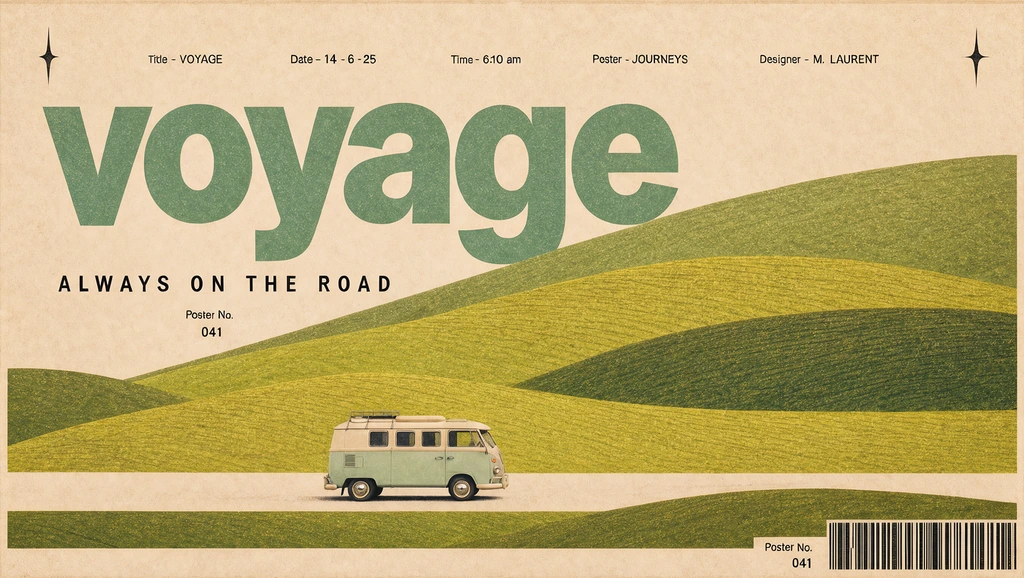
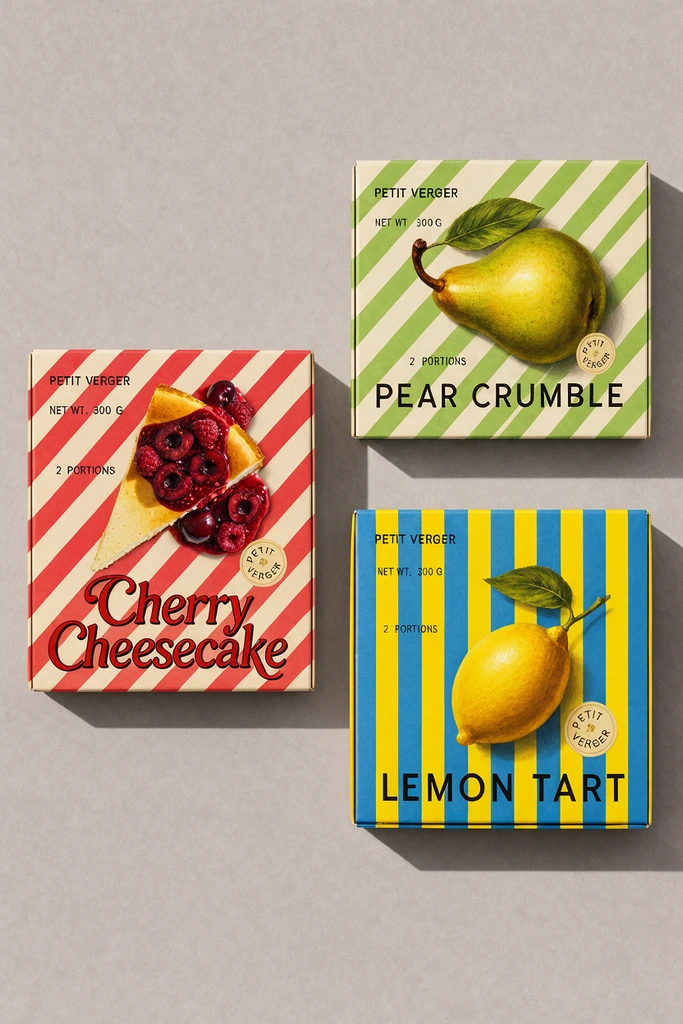
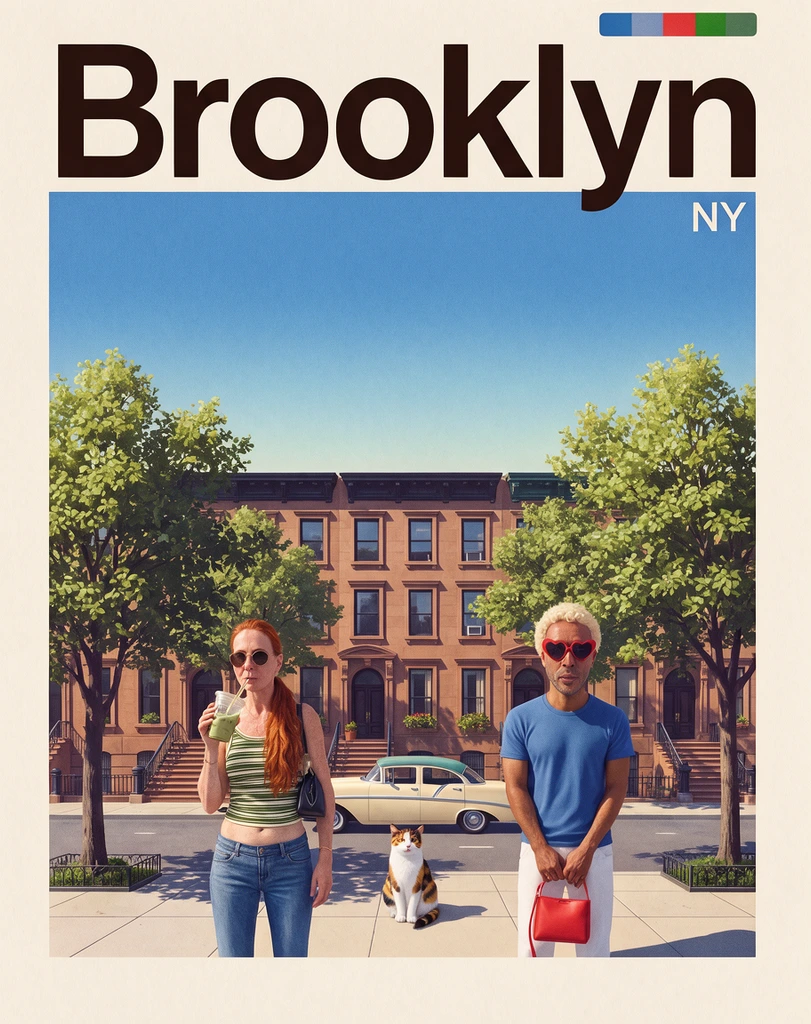
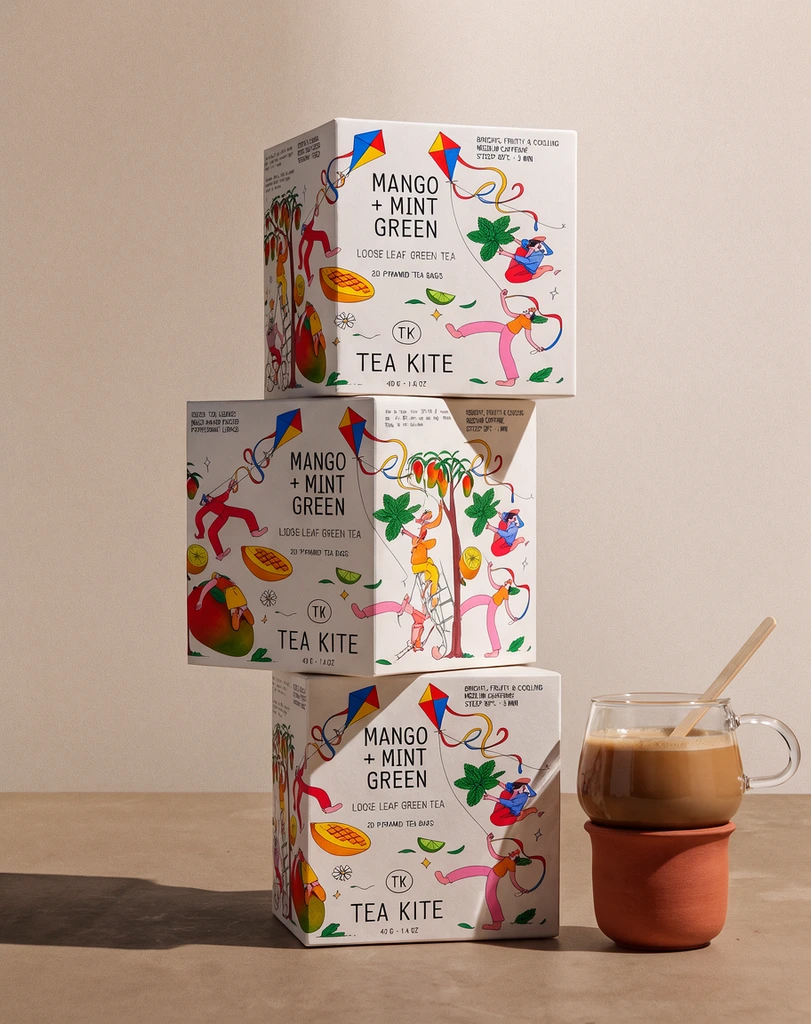
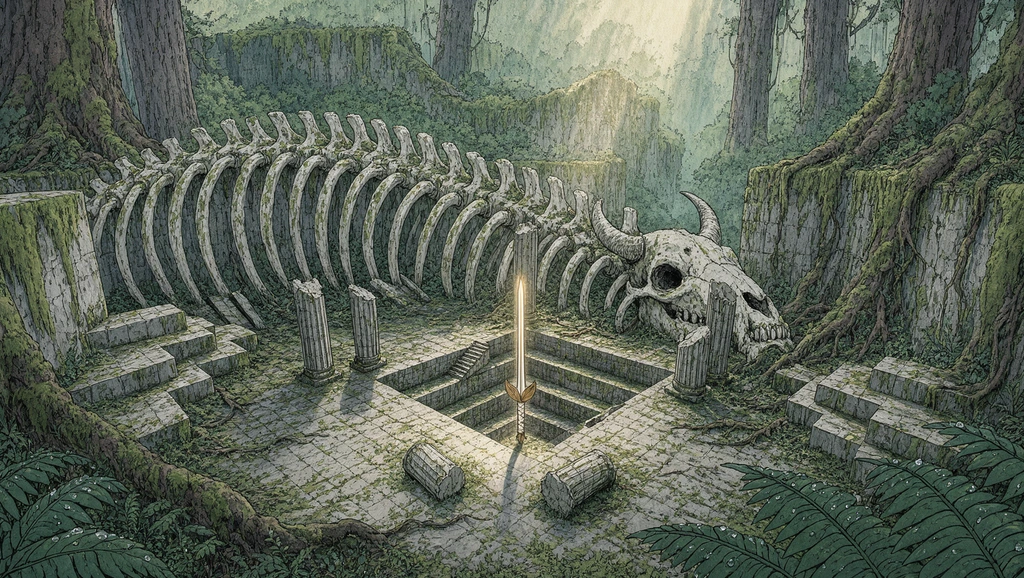
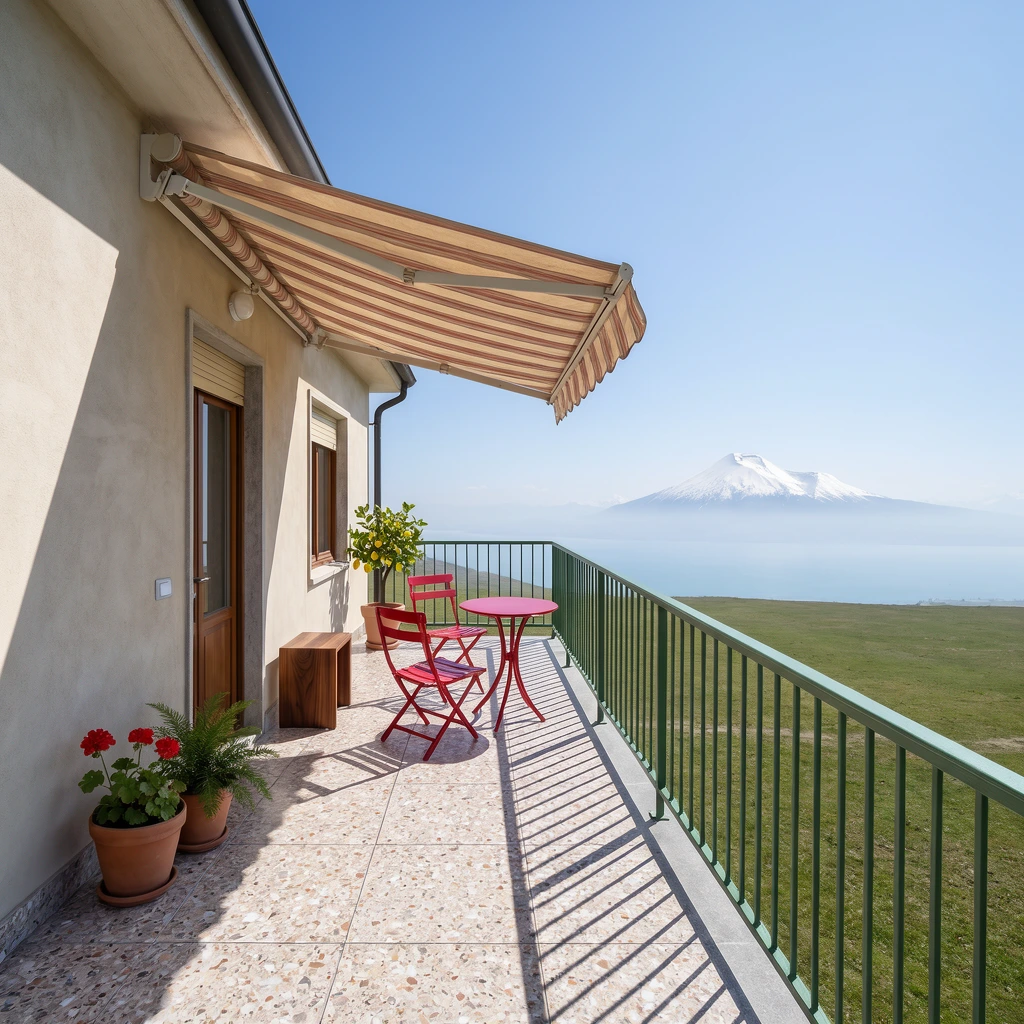
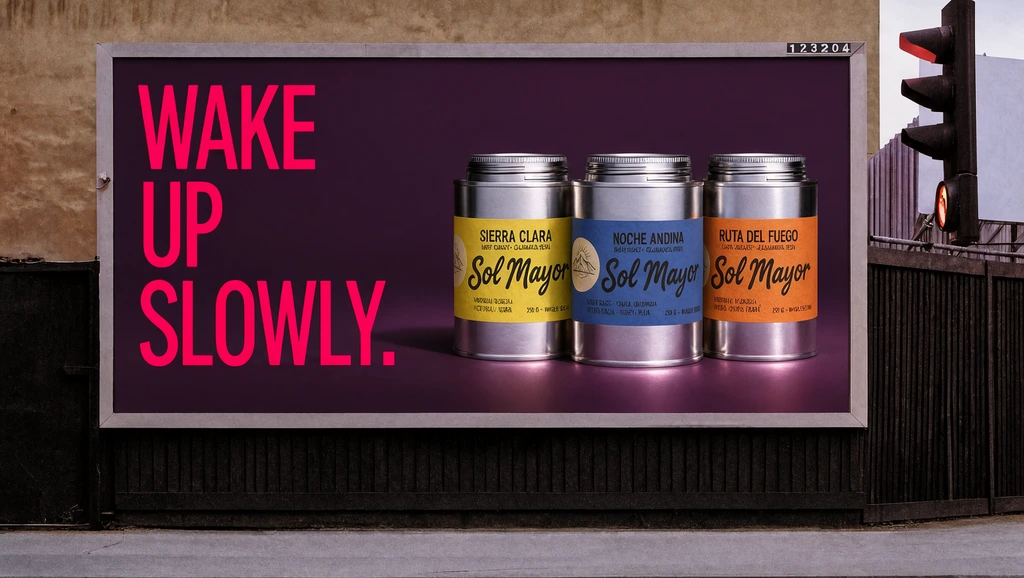
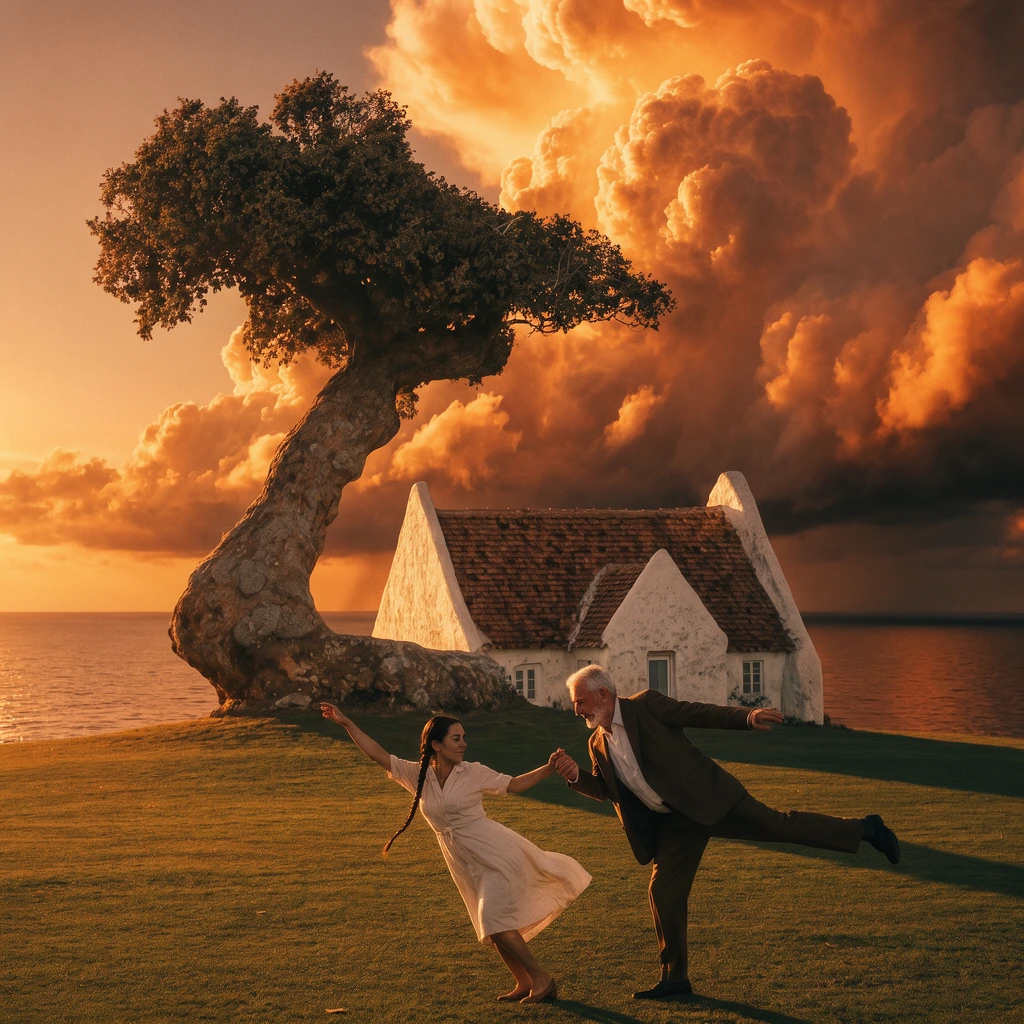
Swap the product, the photo or the brand and keep the layout and type. Hold any piece to see what it started from.
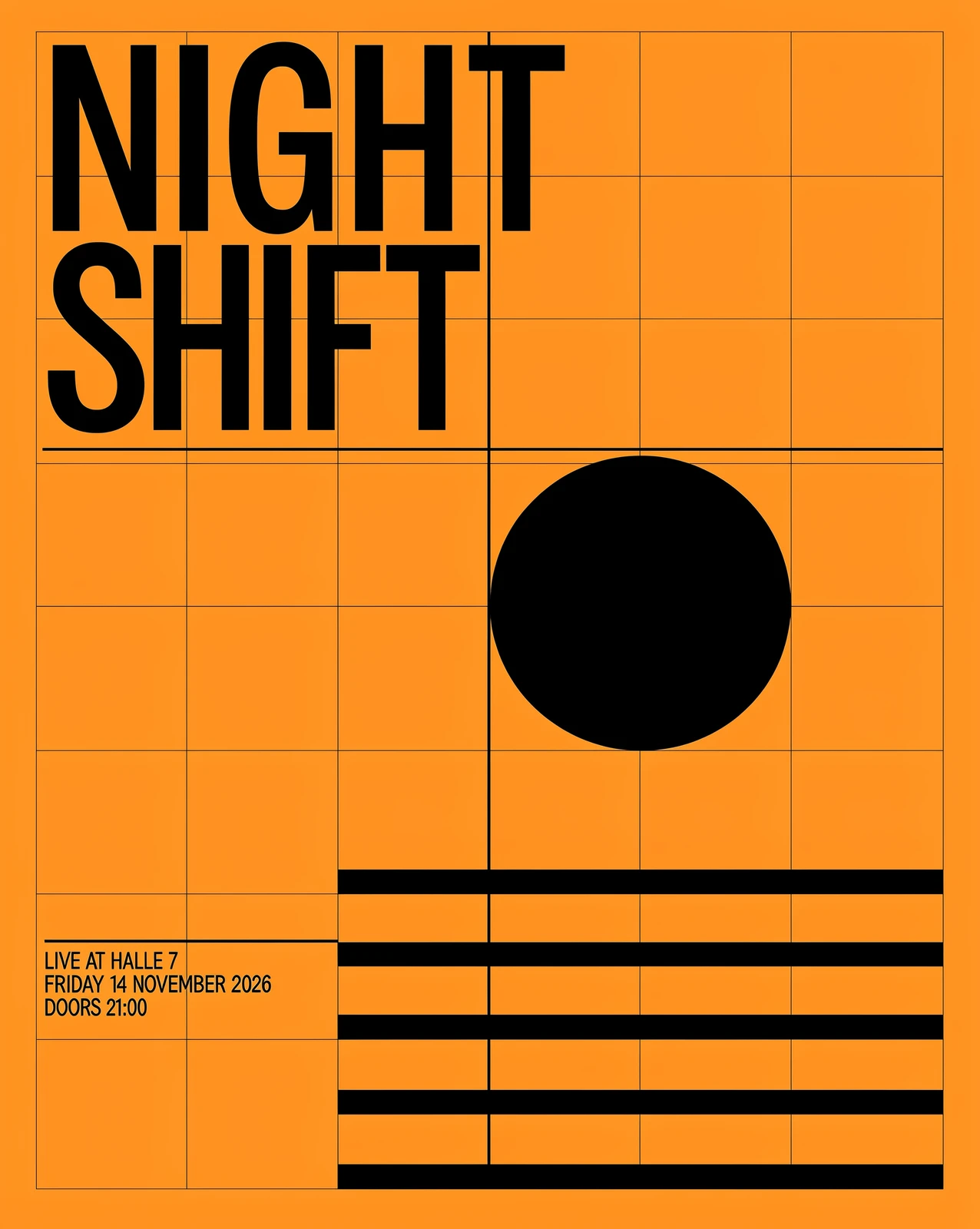
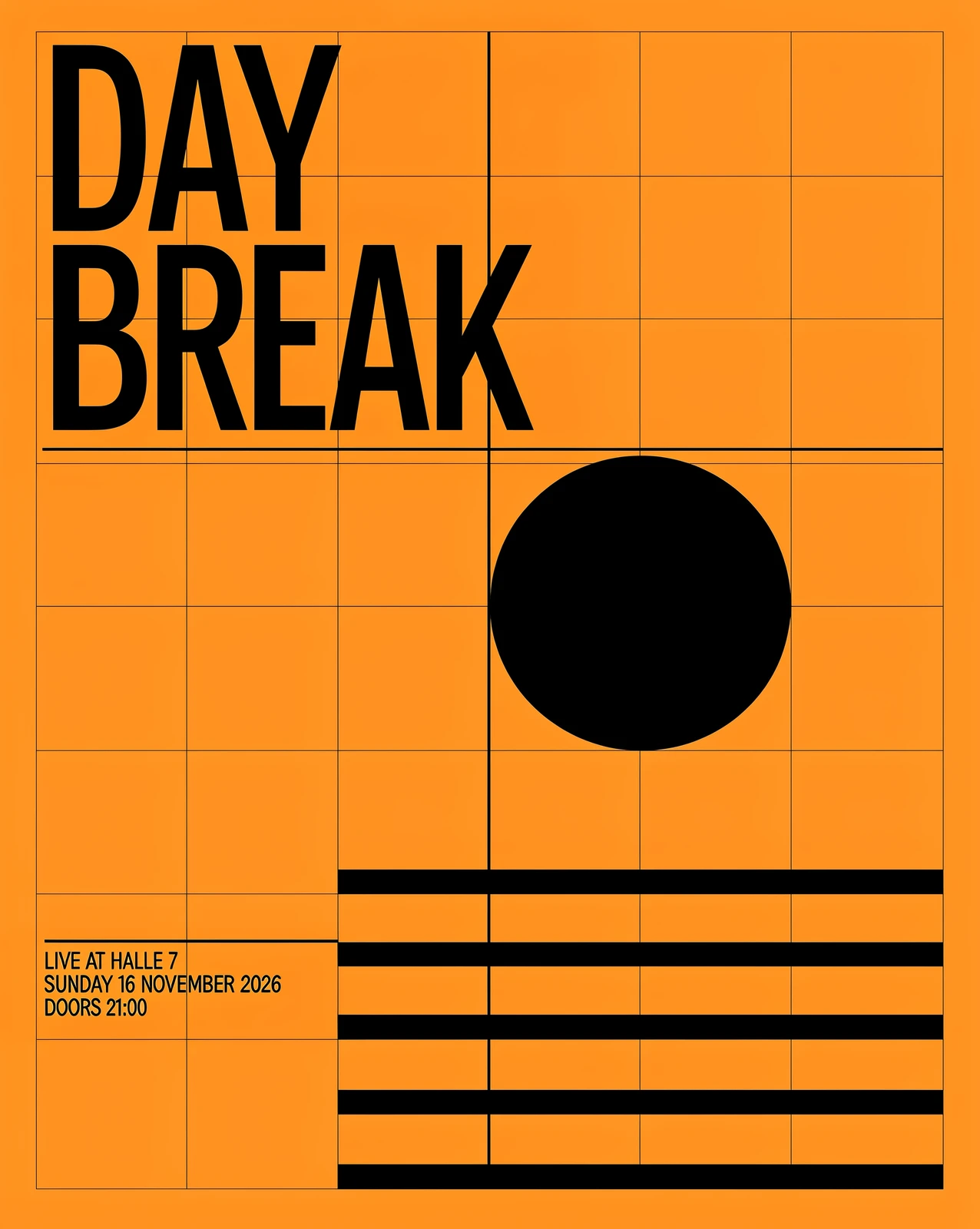 Hold to compare
 Hold to compare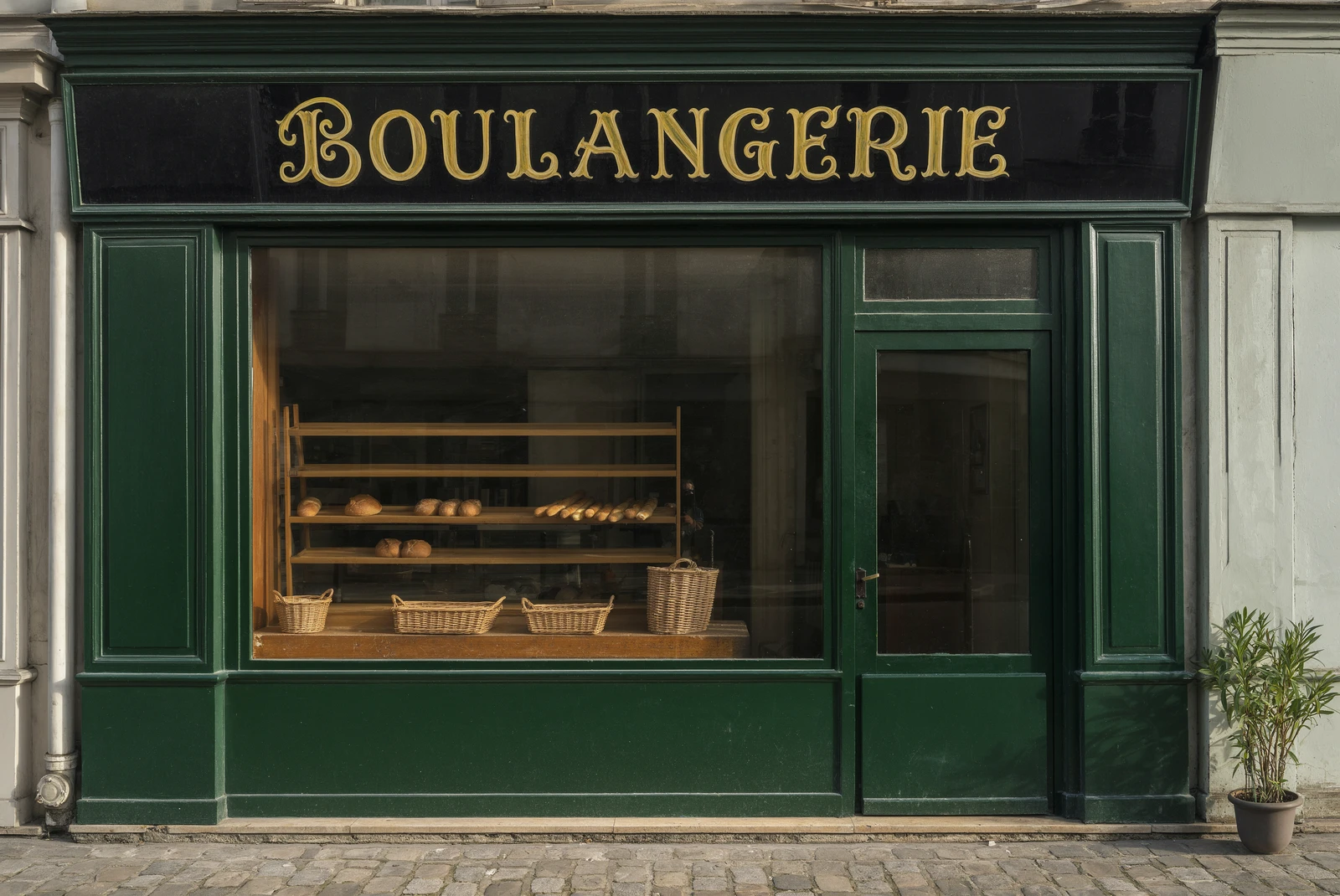
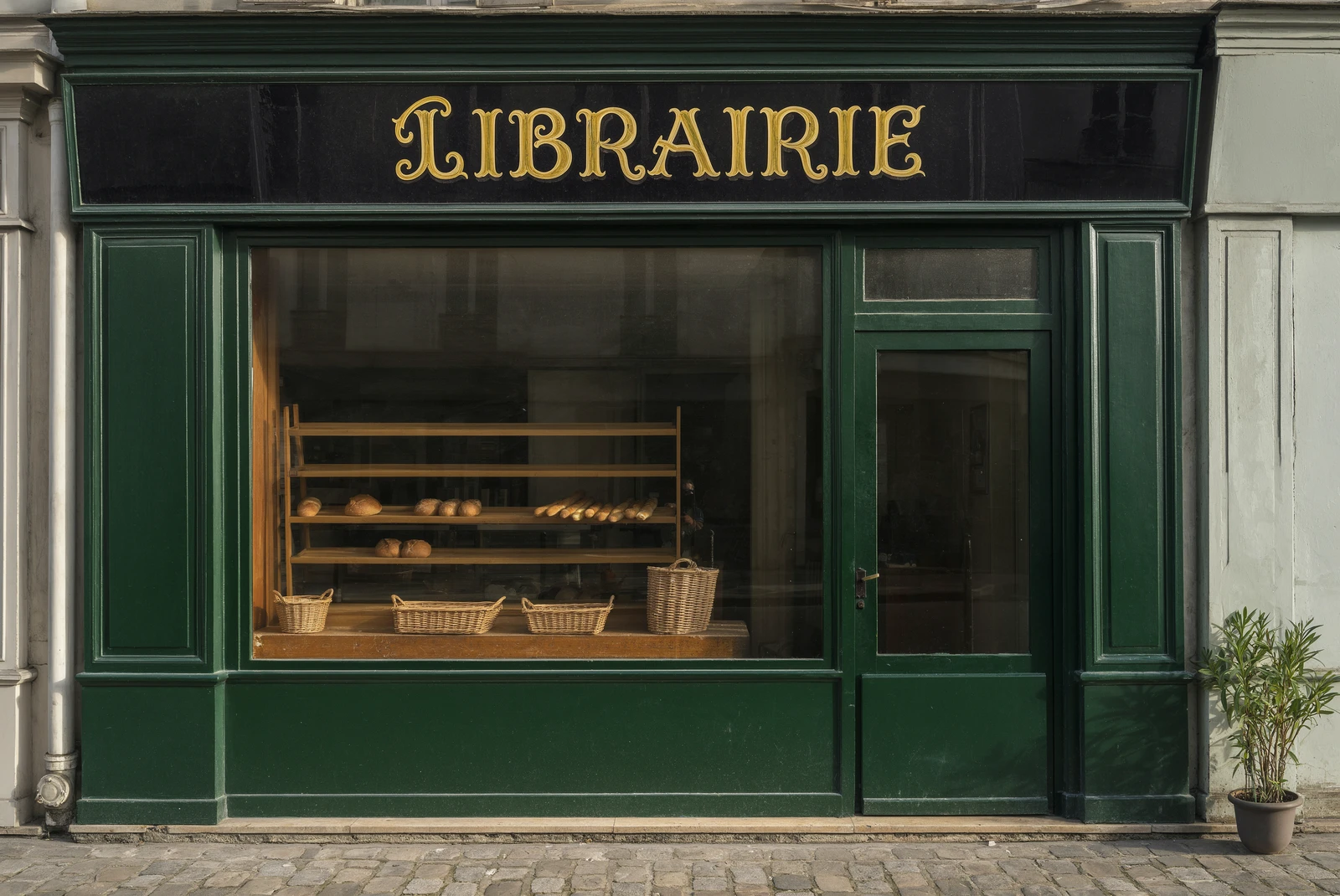 Hold to compare
 Hold to compare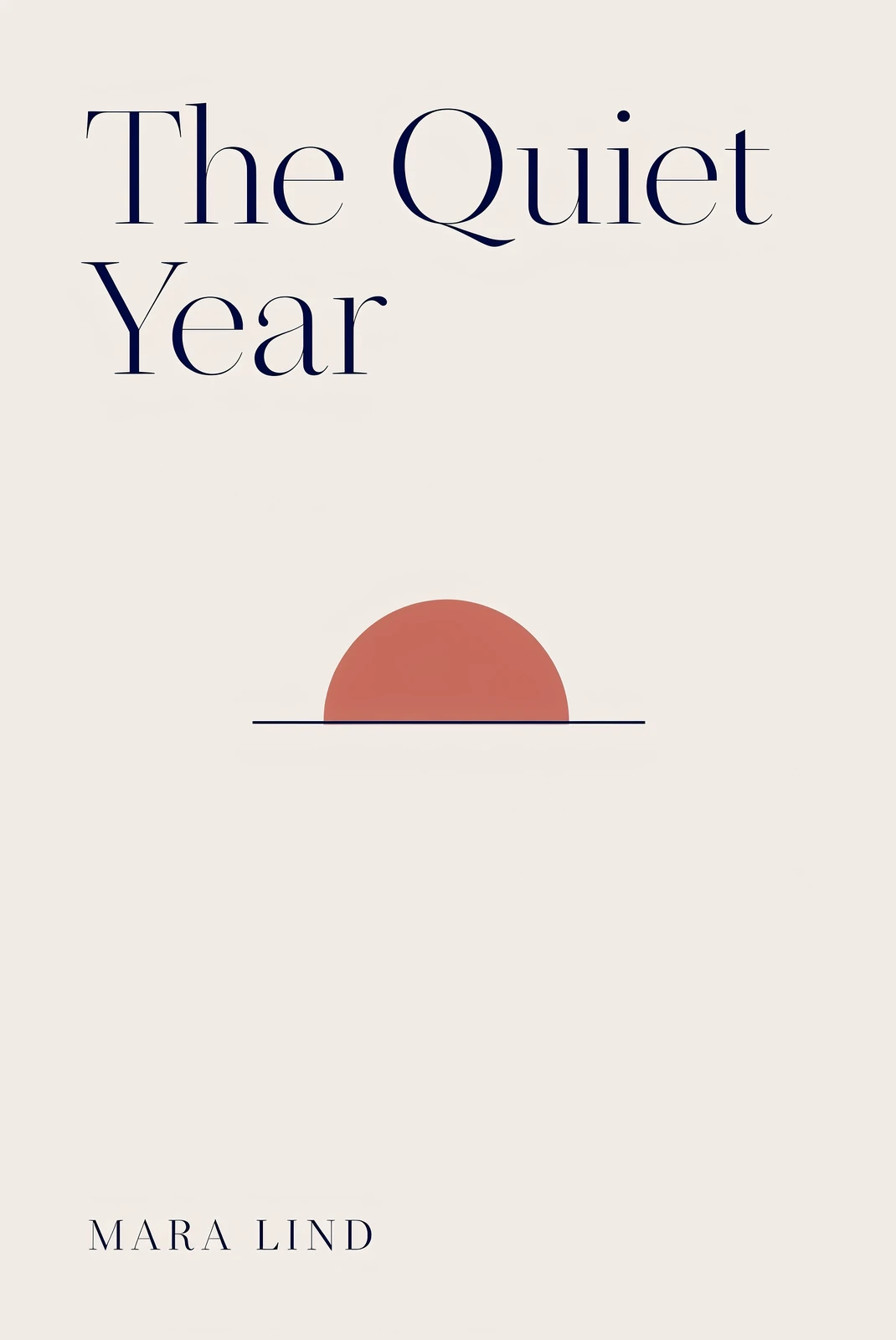
 Hold to compare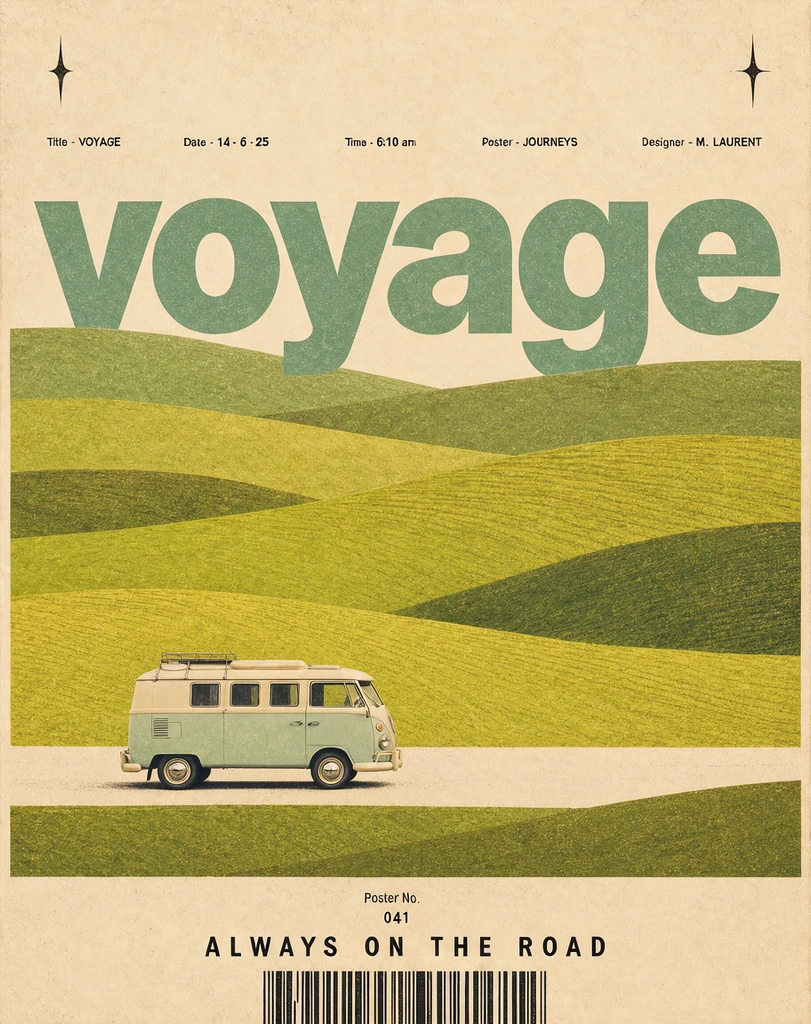
 Hold to compare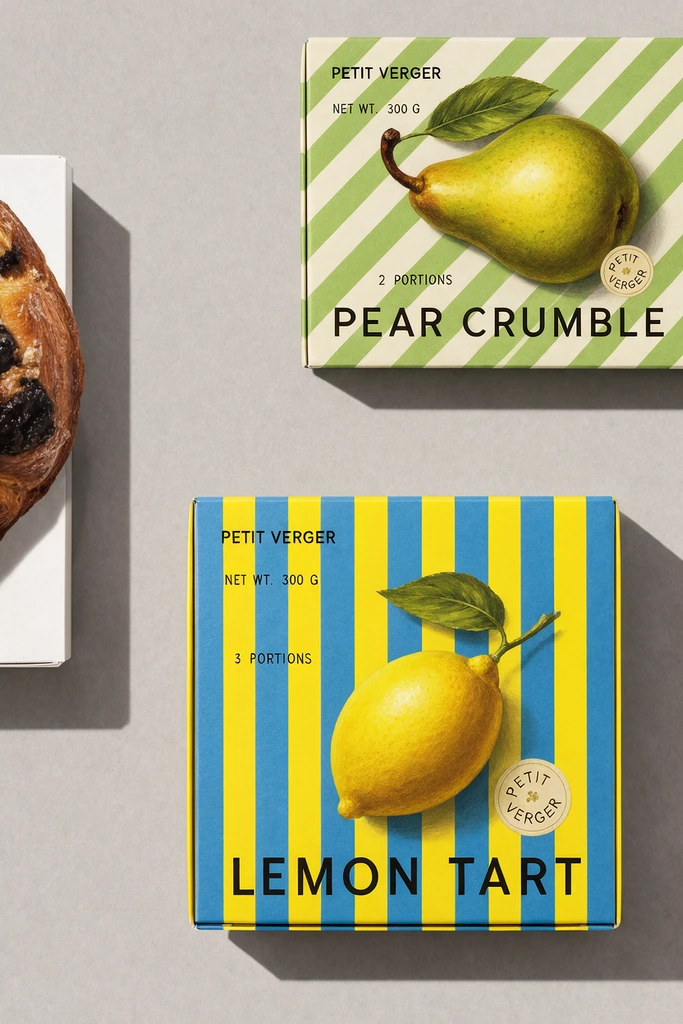
 Hold to compare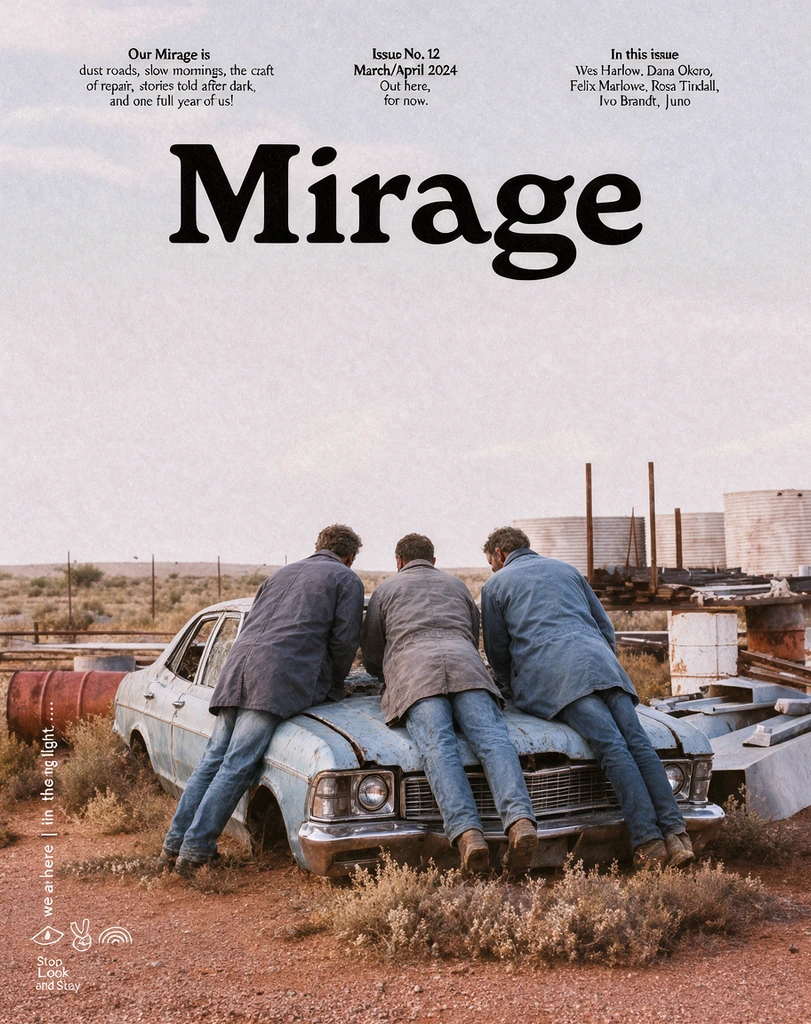
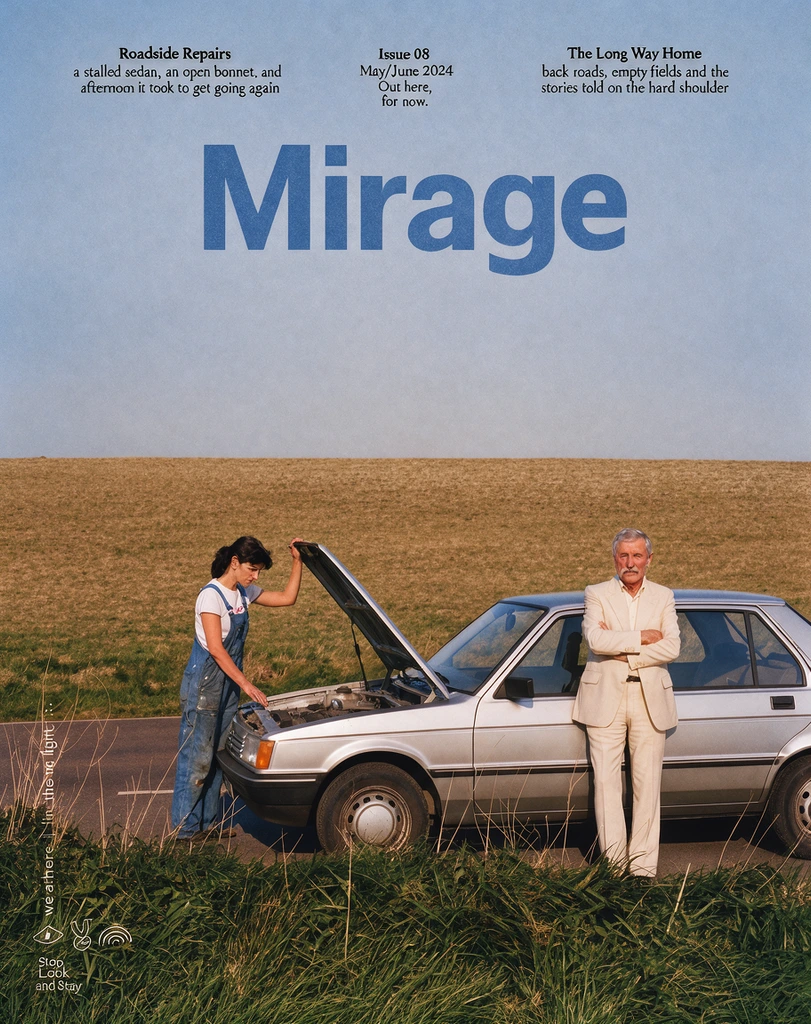 Hold to compare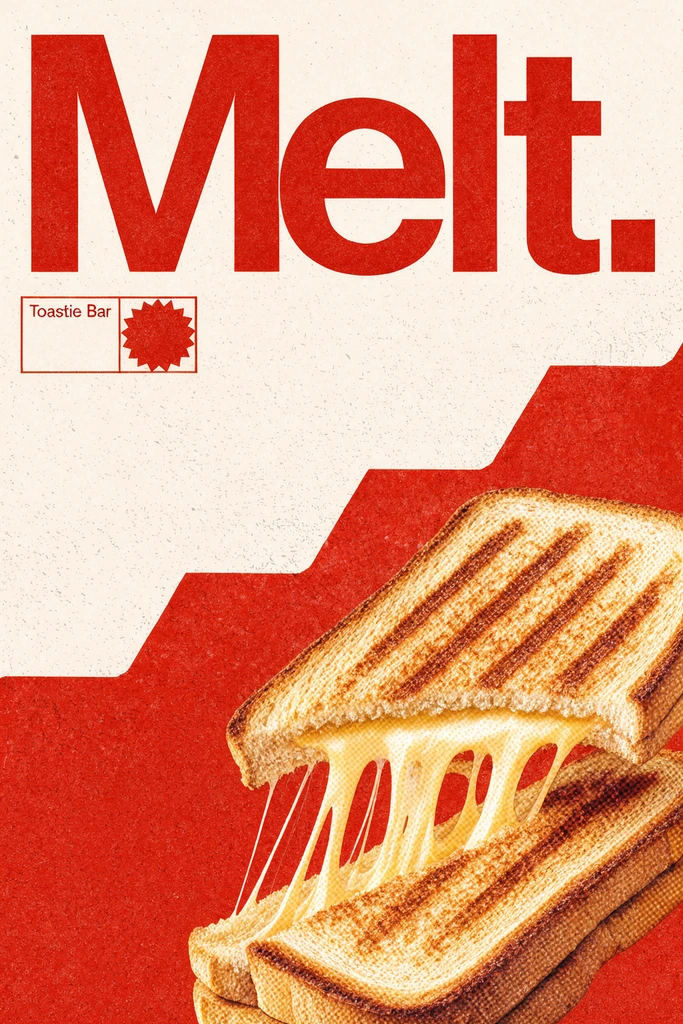
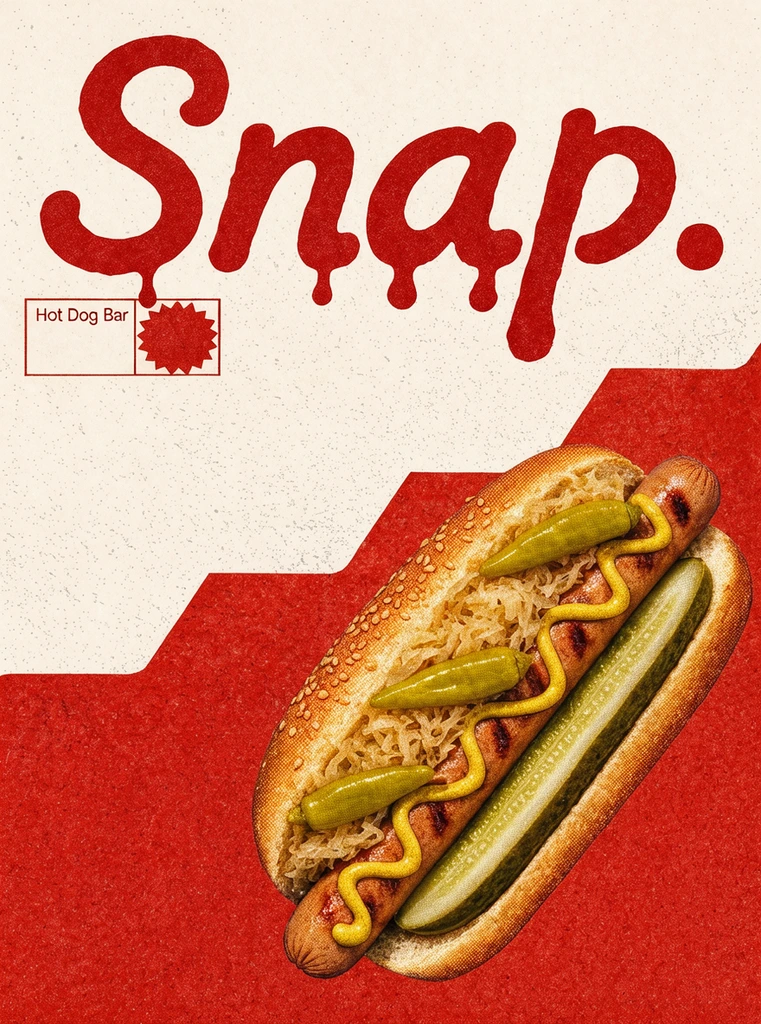 Hold to compare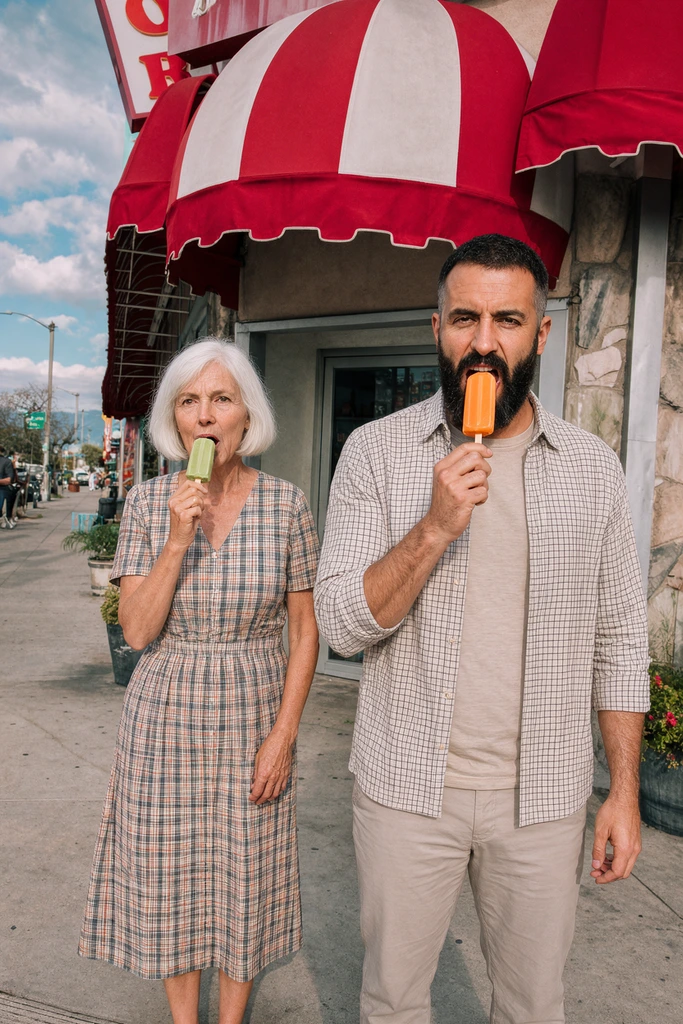
 Hold to compare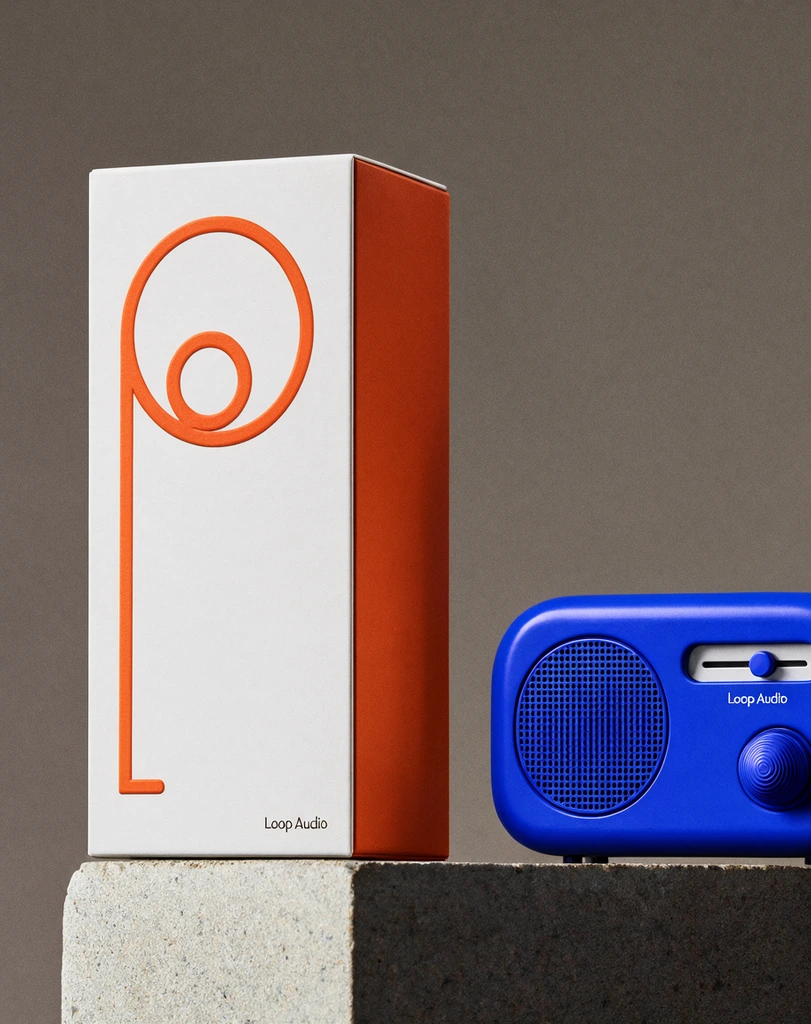
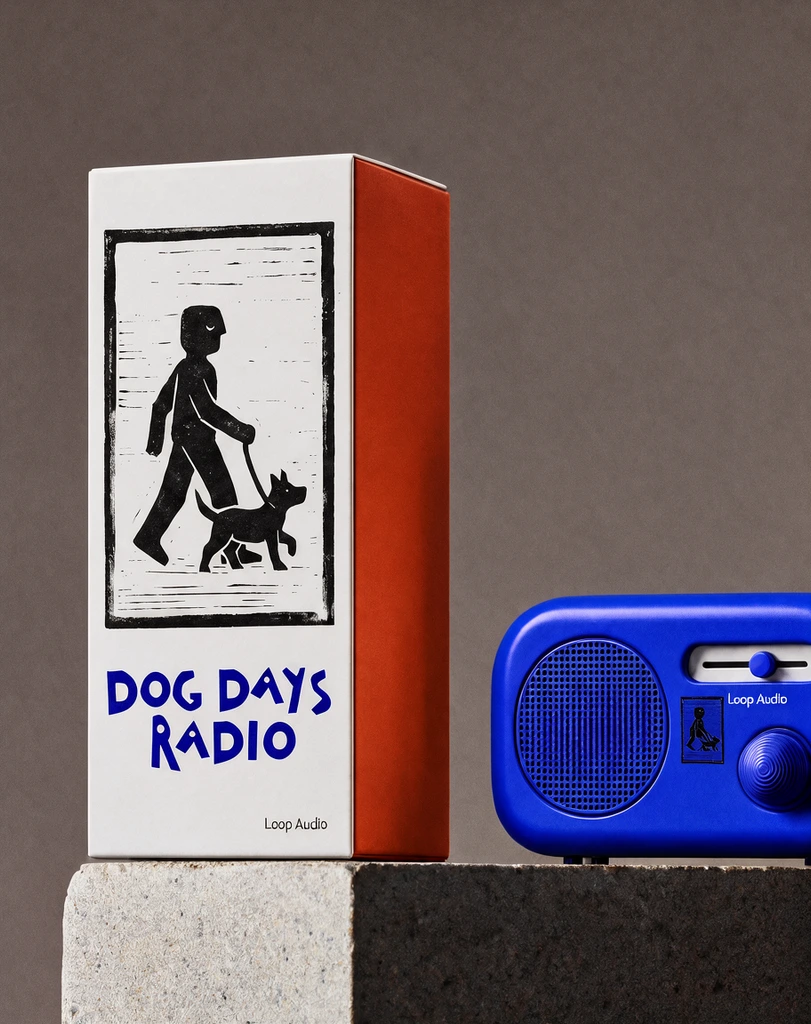 Hold to compare
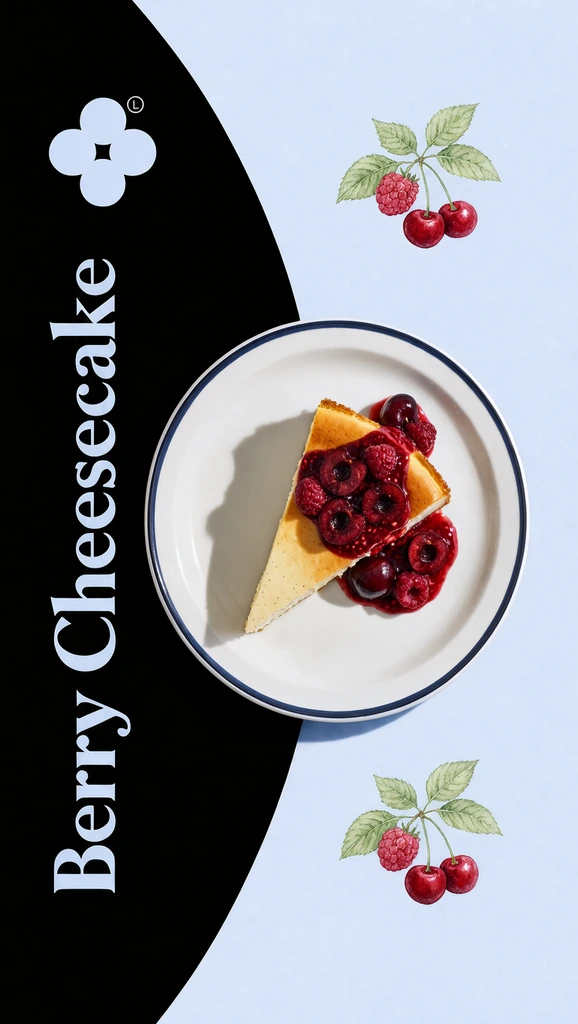 Hold to compare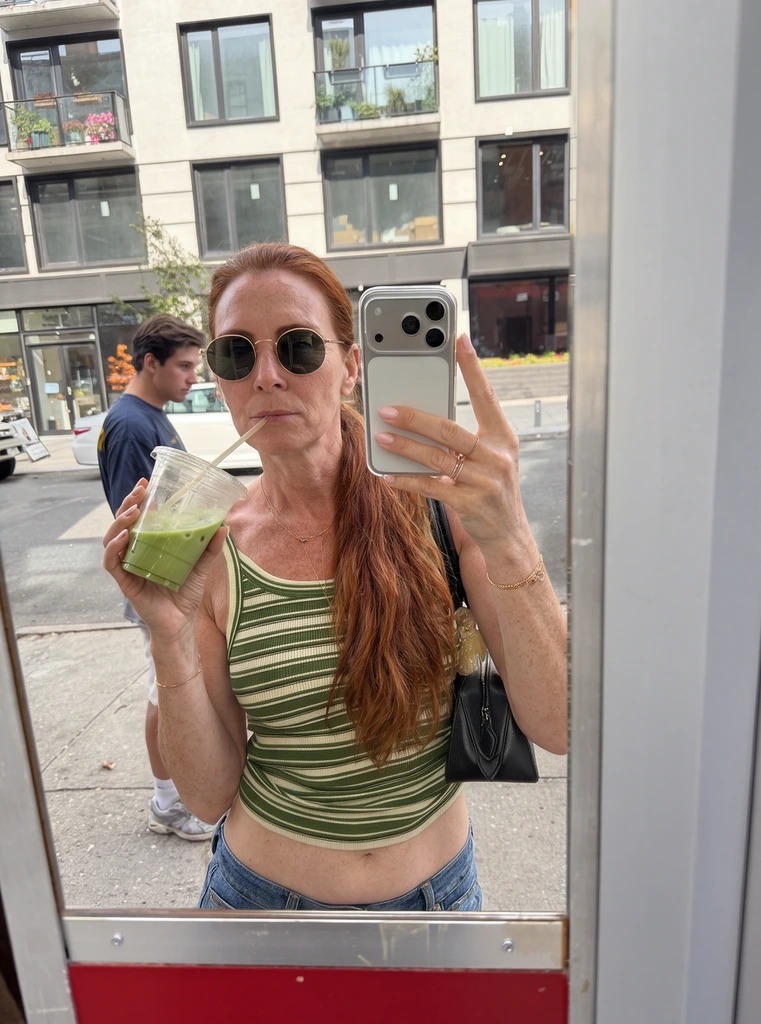
 Hold to compare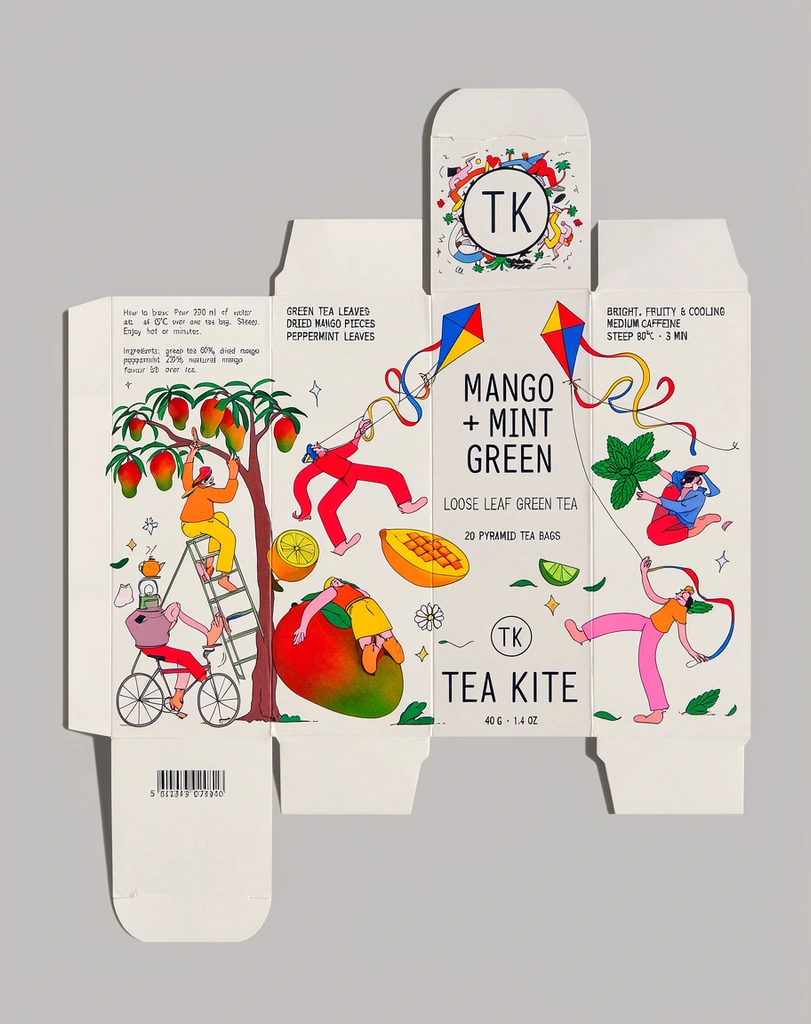
 Hold to compare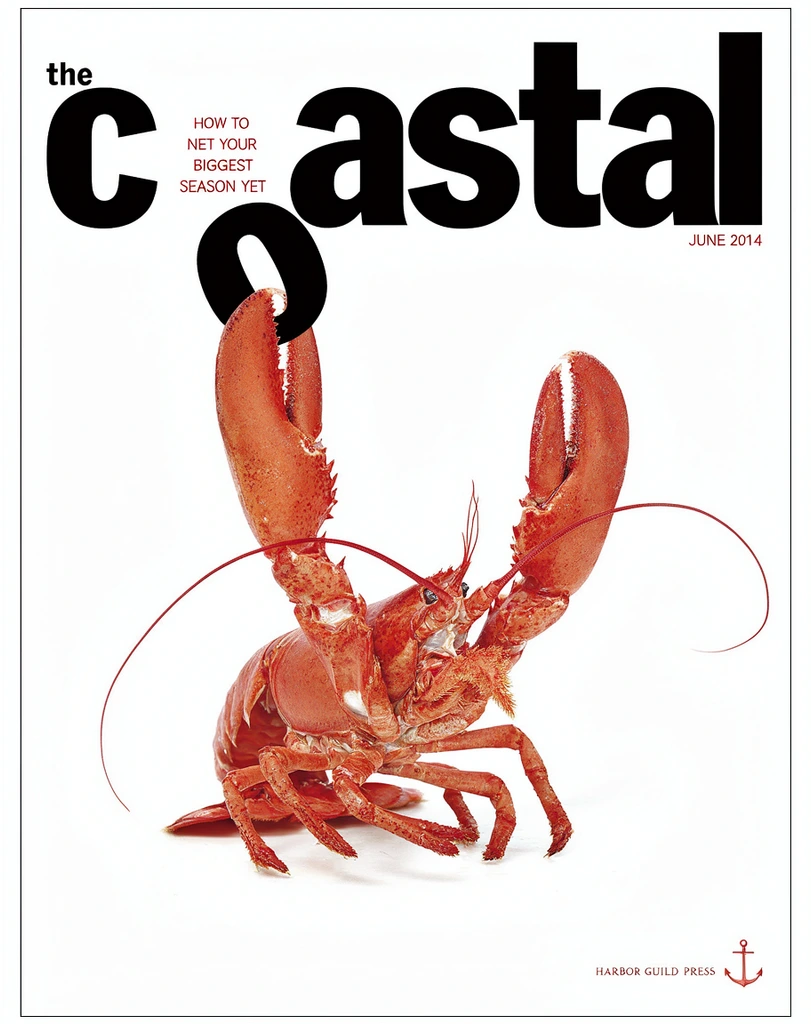
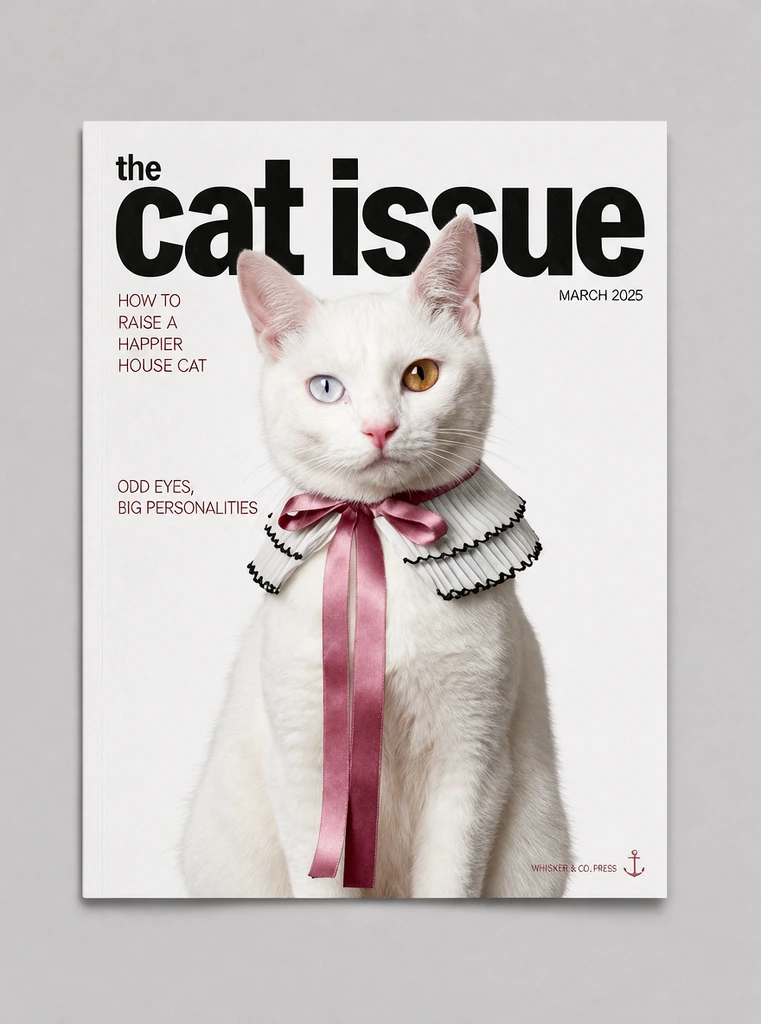 Hold to compare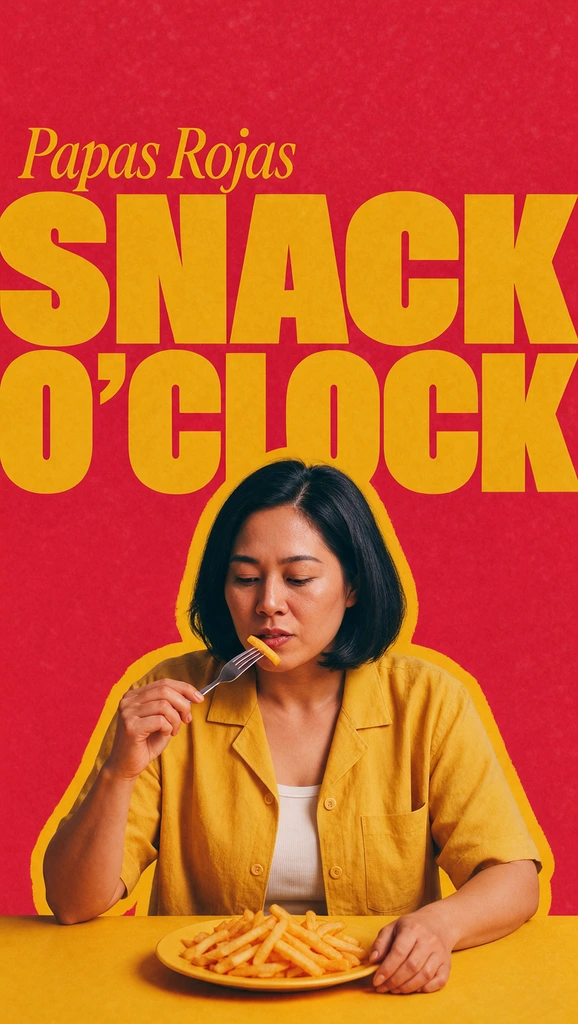
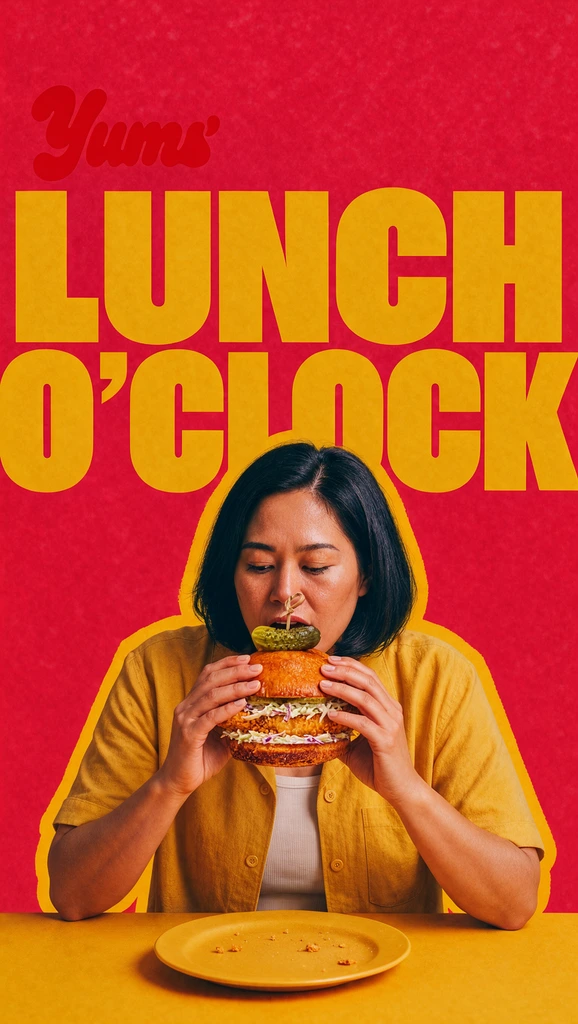 Hold to compare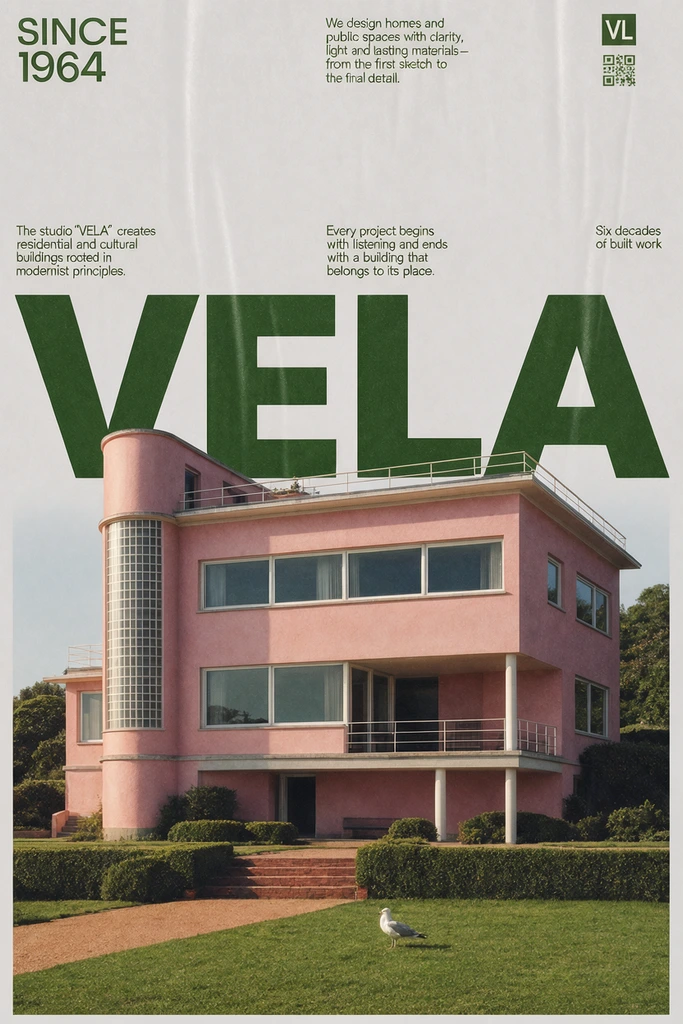
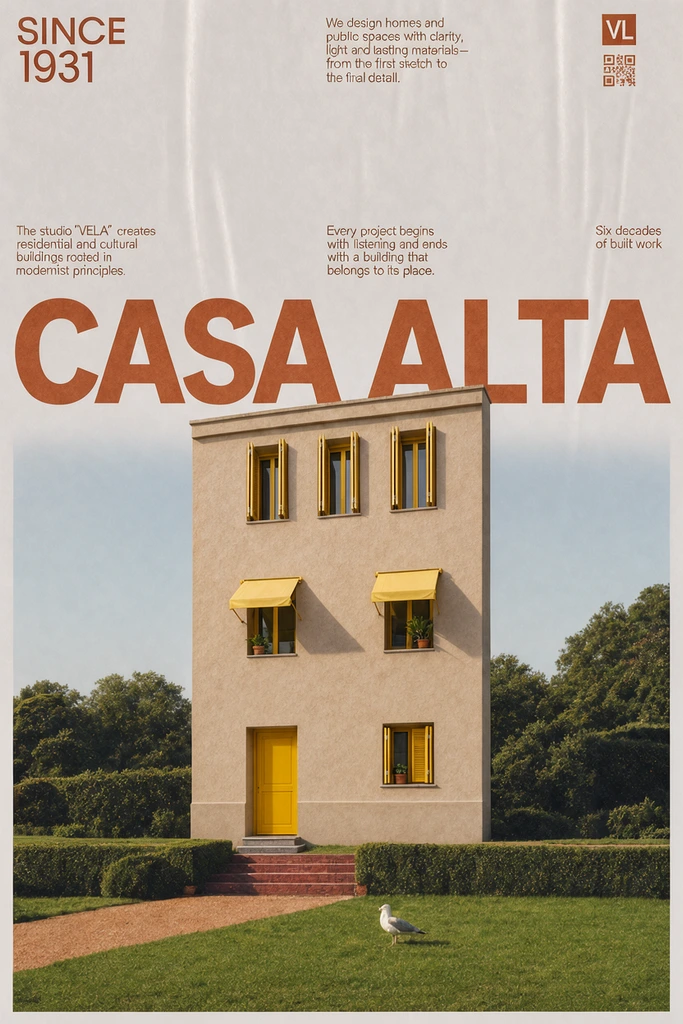 Hold to compare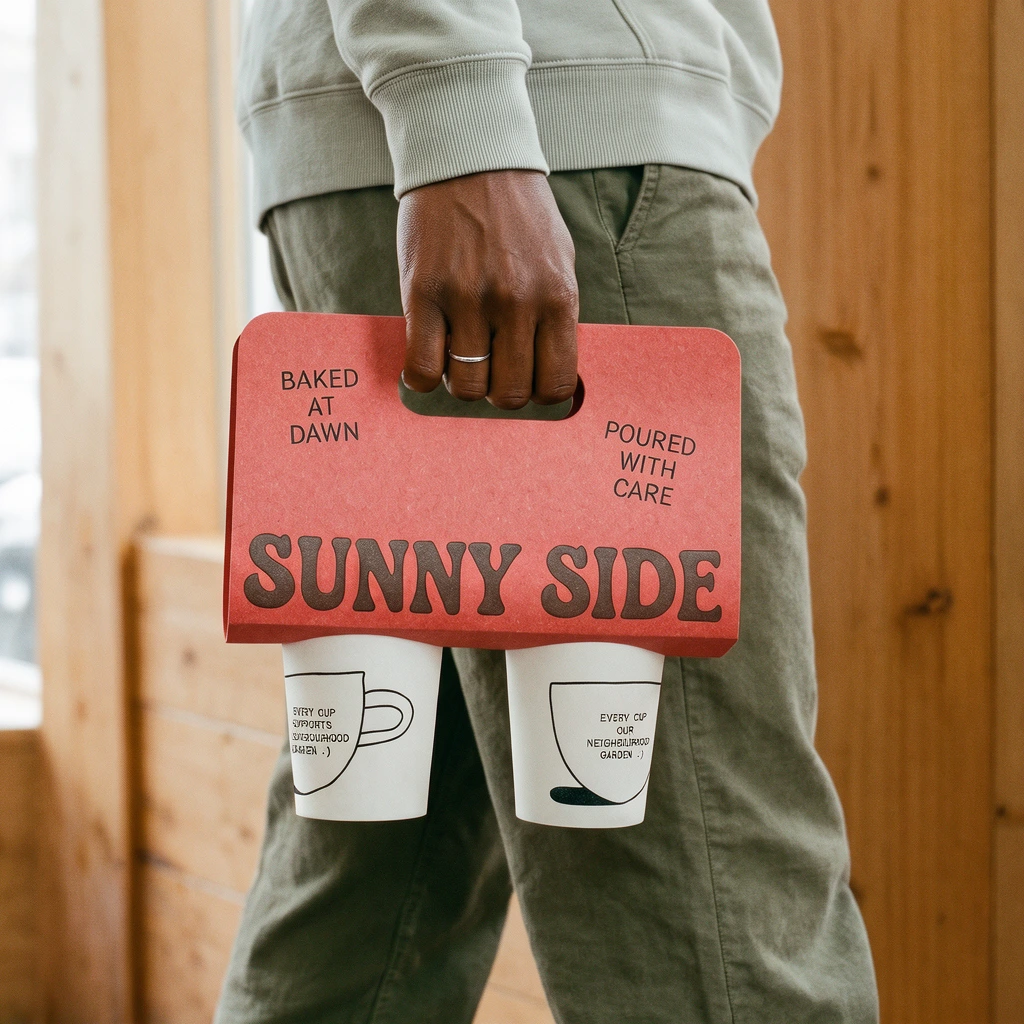
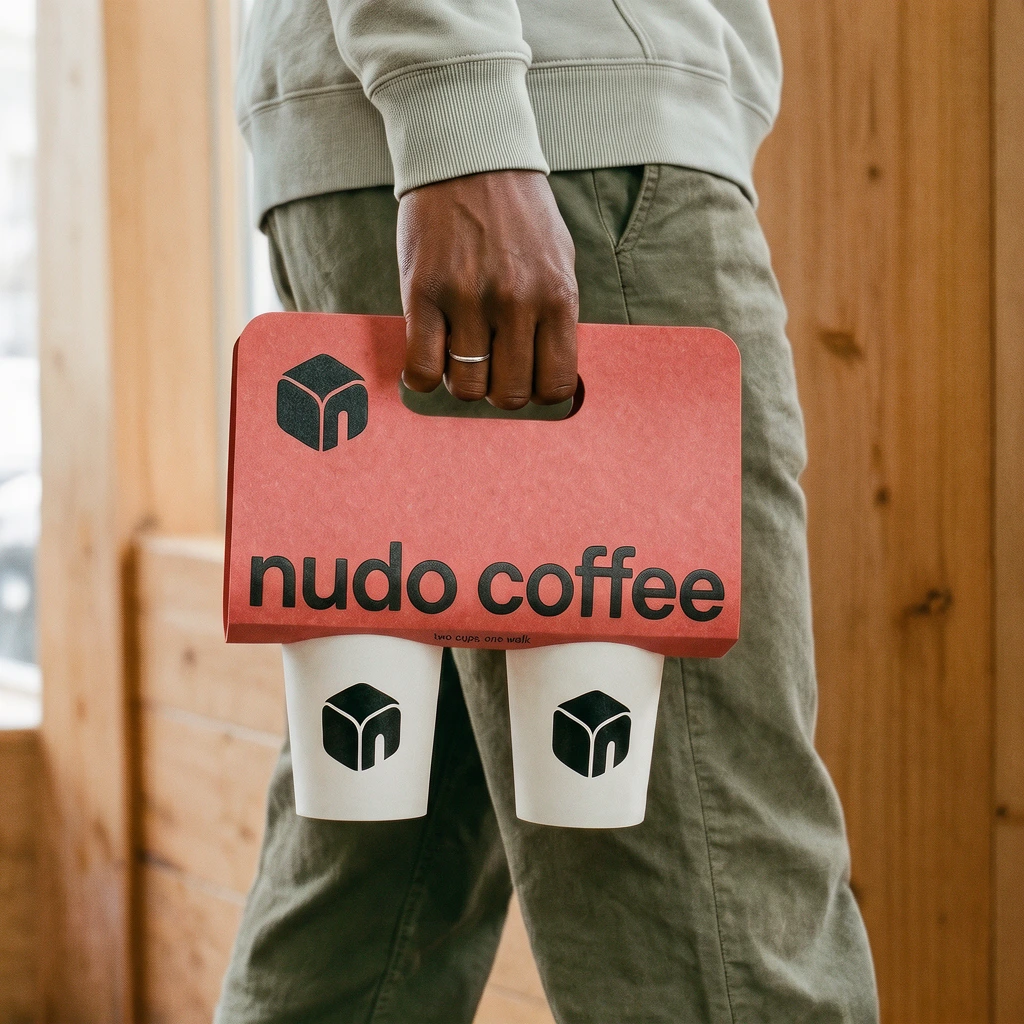 Hold to compare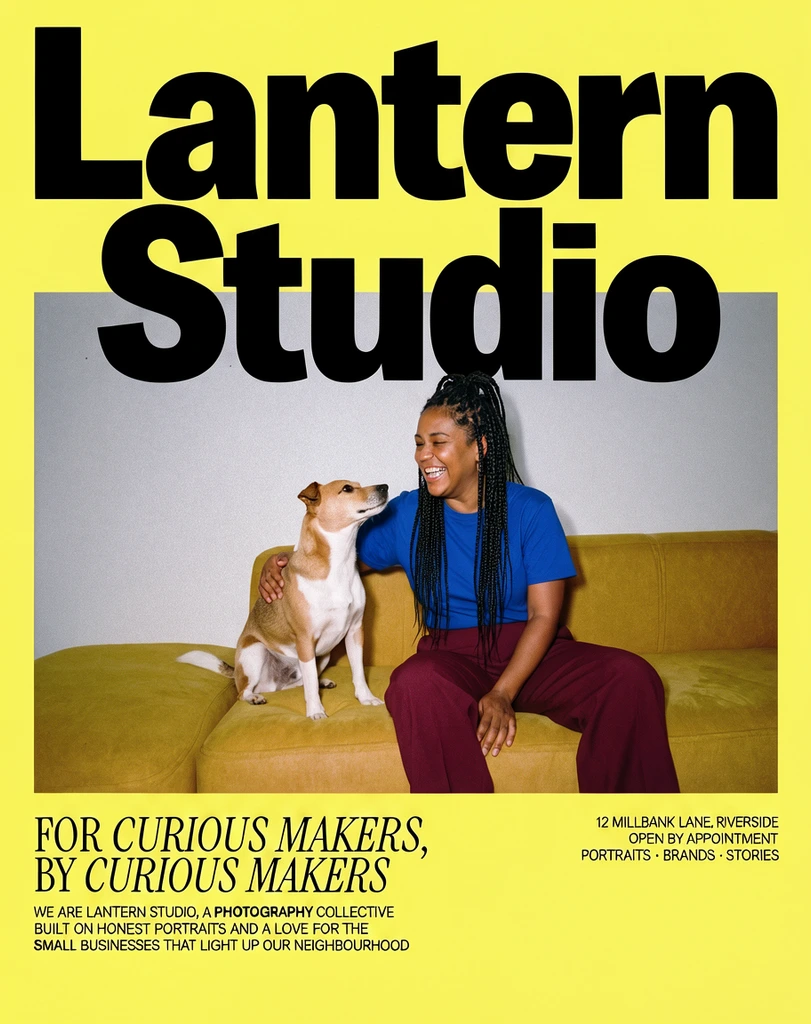
 Hold to compare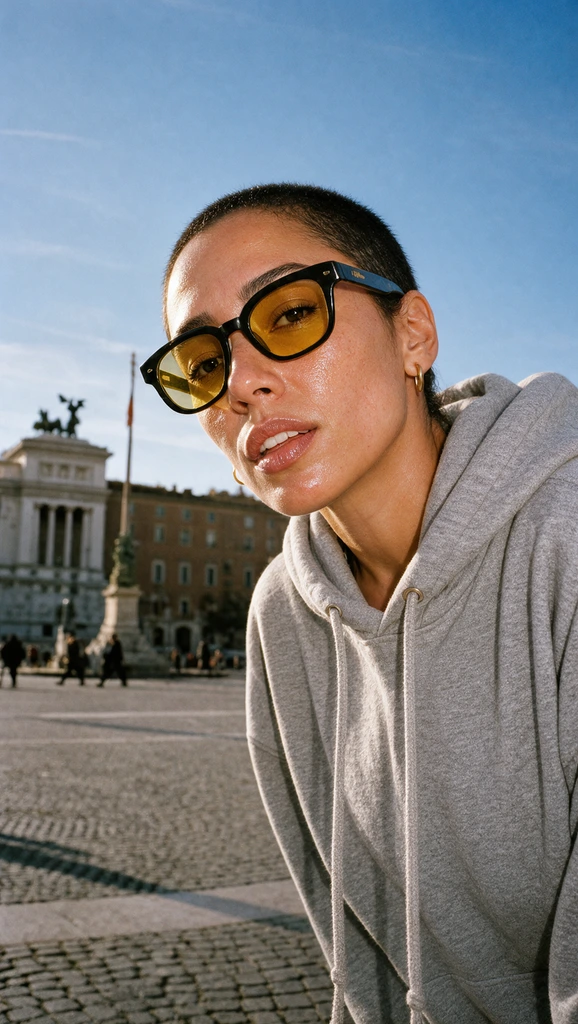
 Hold to compare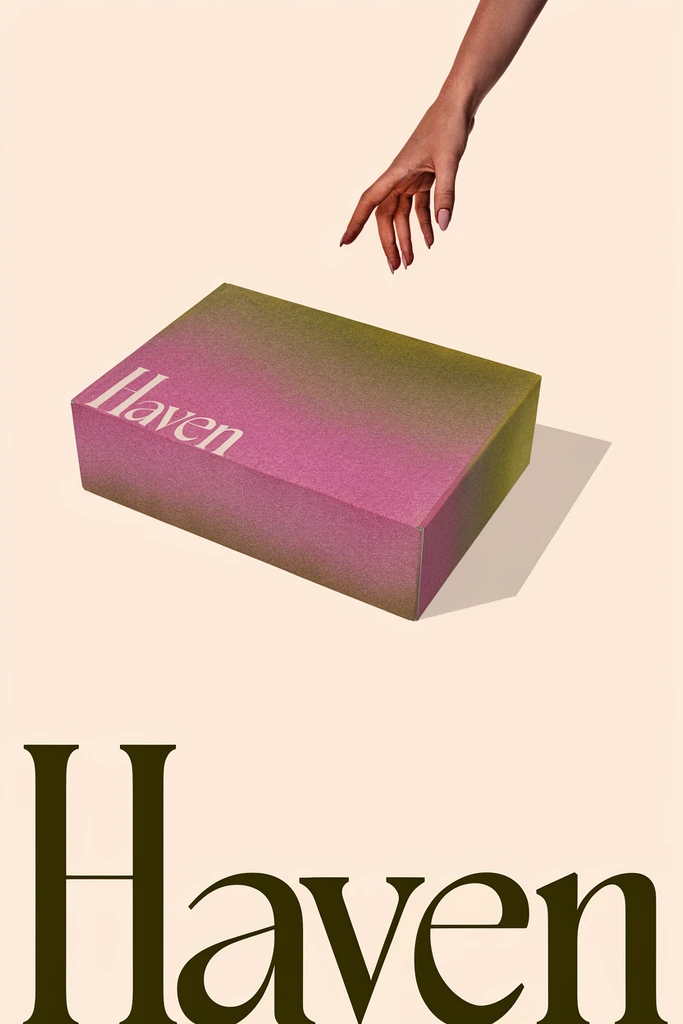
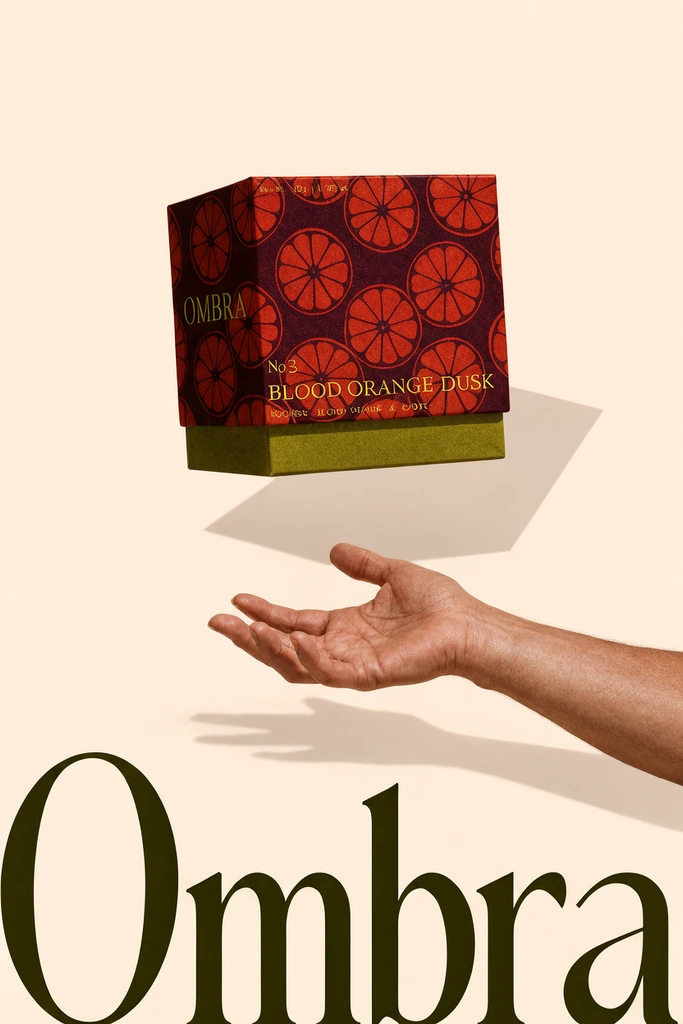 Hold to compare
 Hold to compare
 Hold to compare
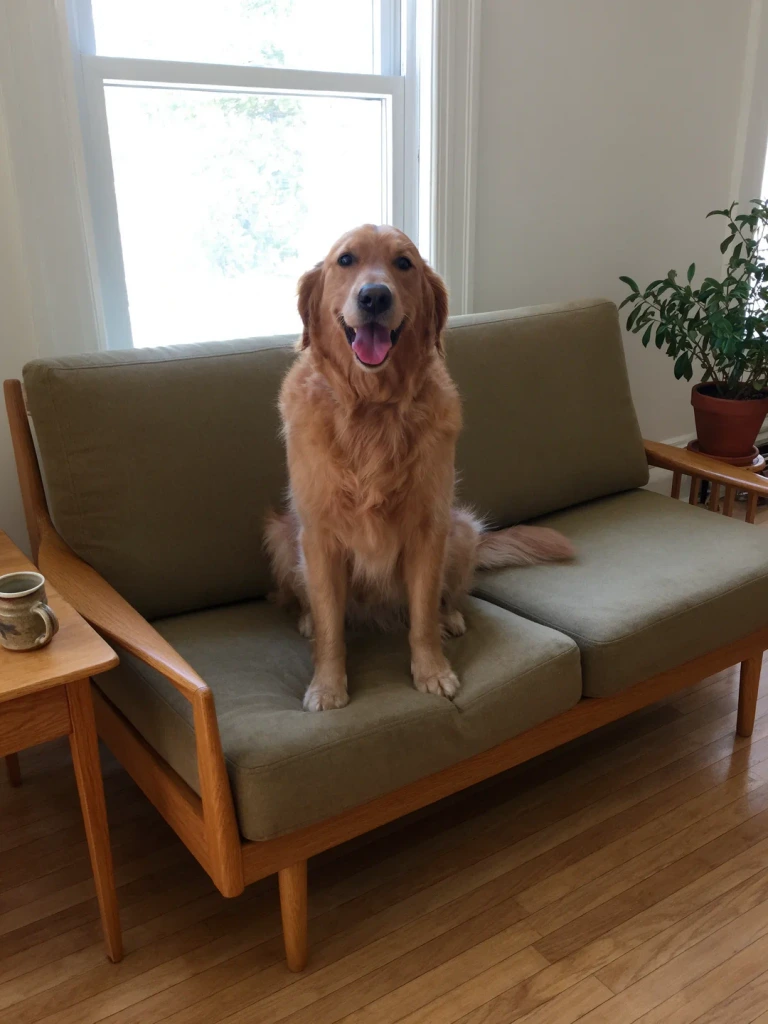
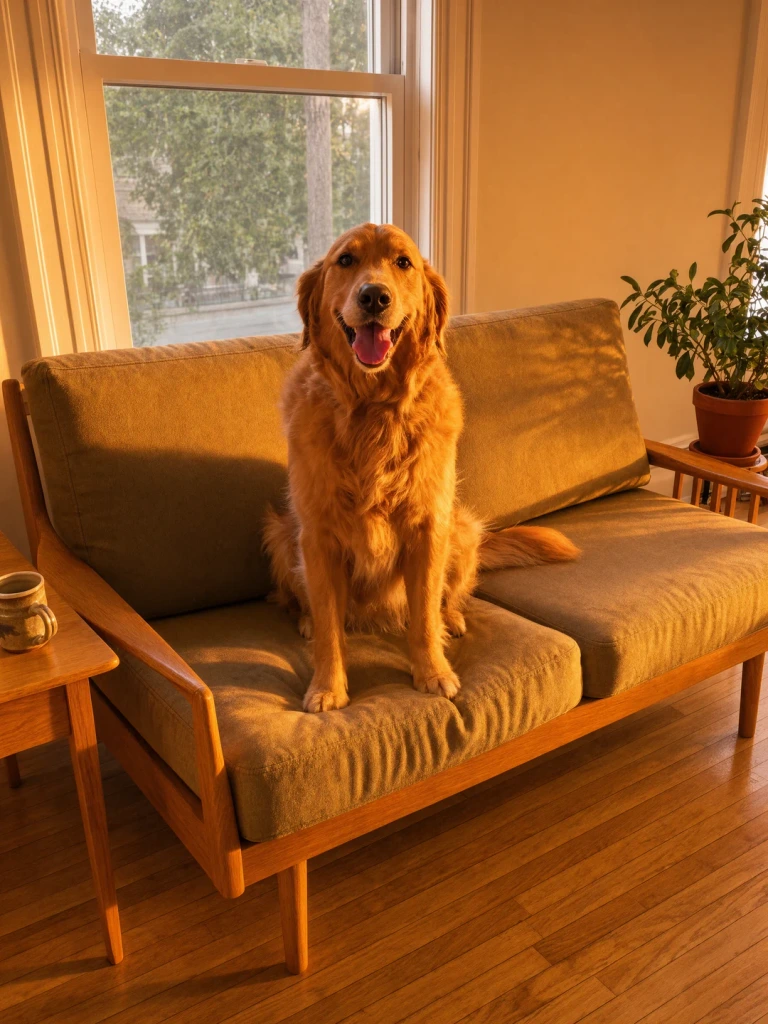
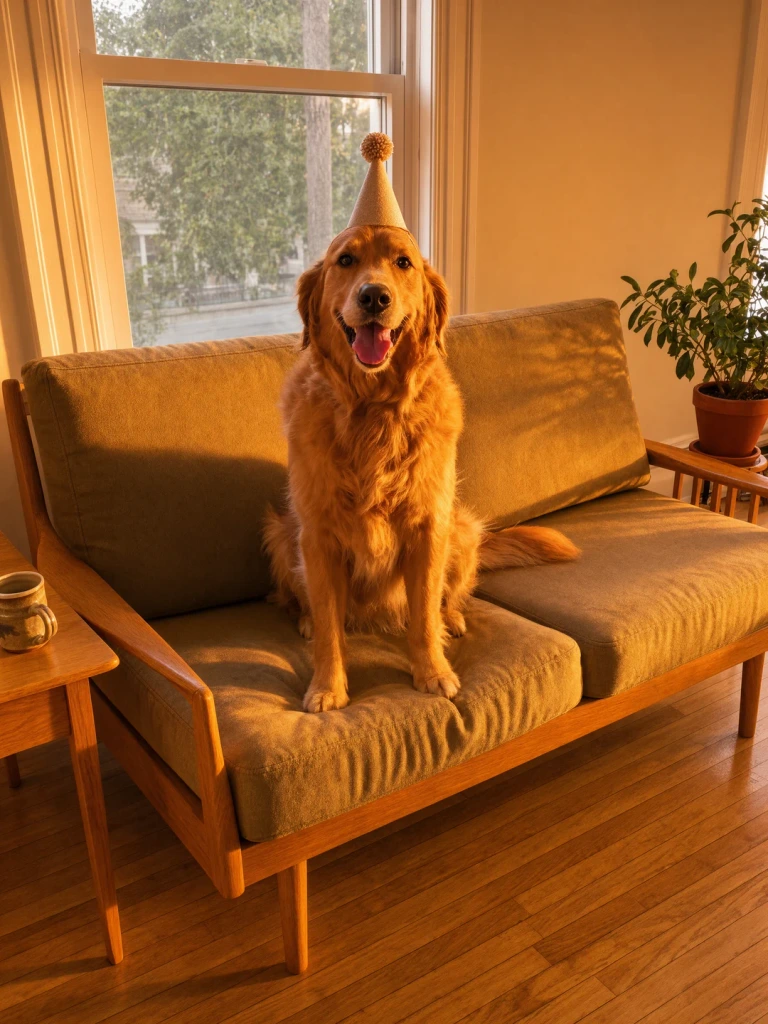
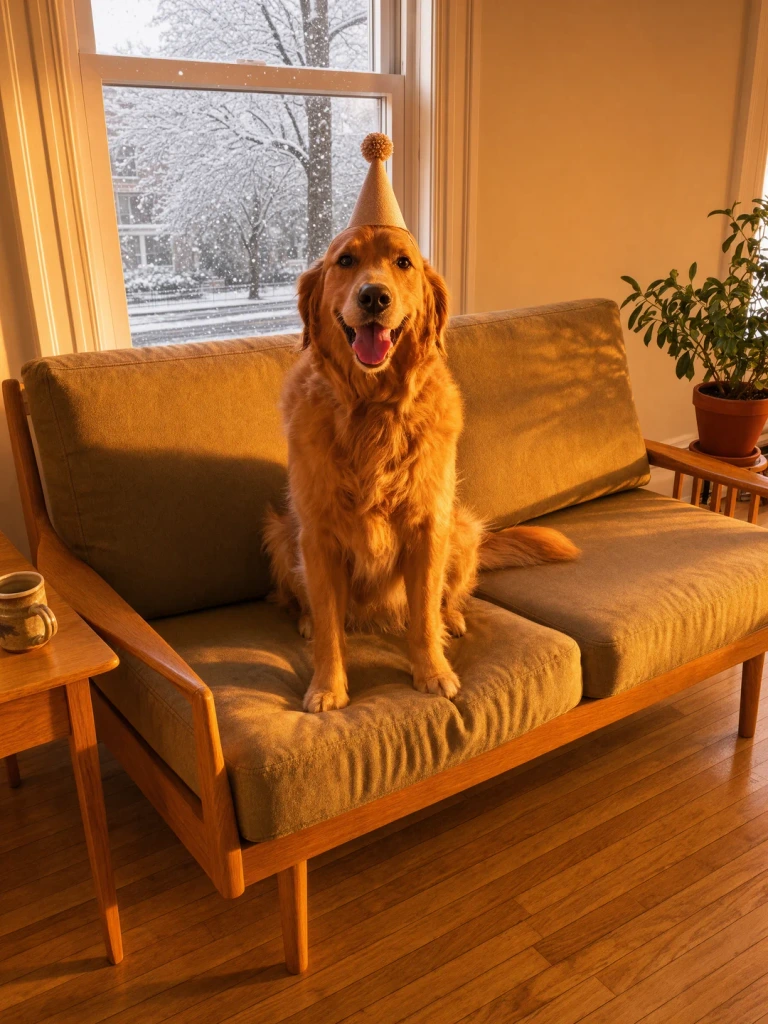
Send a photo, then a voice note. Krea 3 answers with the edit before you finish your next thought.
 ❤️
❤️  ❤️
❤️  ❤️
❤️ 
 Input Krea 3
  Krea 3
  Krea 3
  Krea 3
  Krea 3
 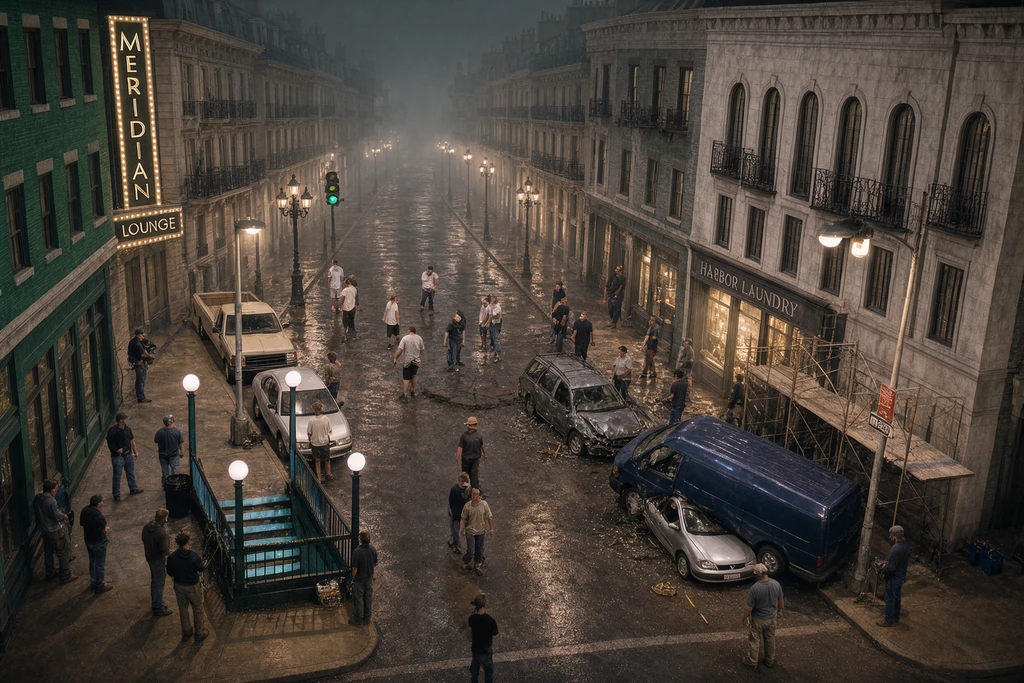 Krea 3
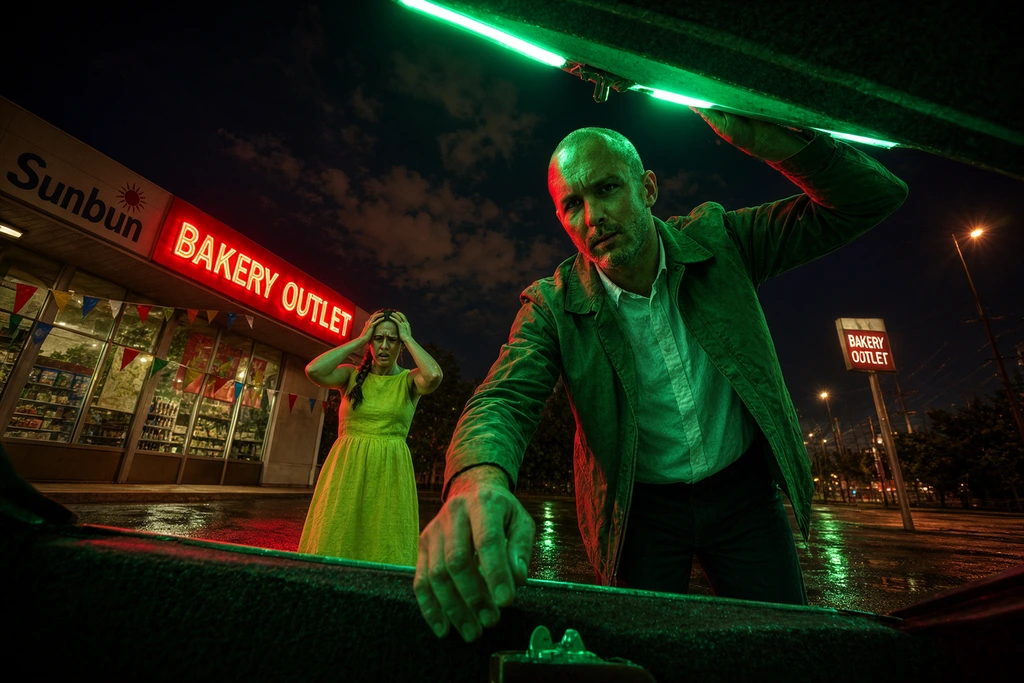
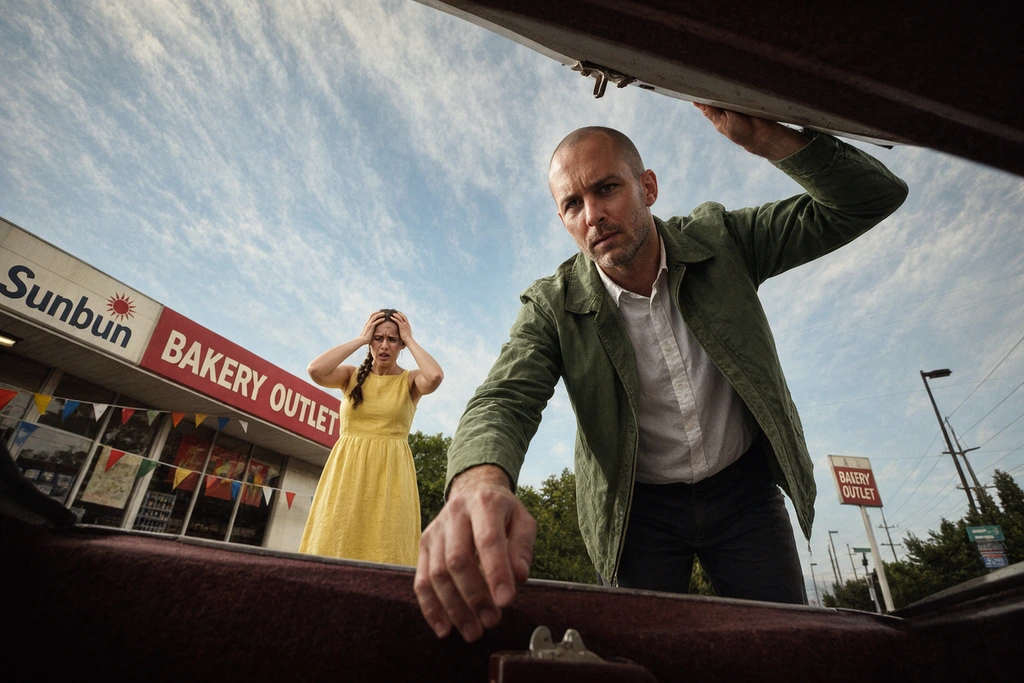
 Relight the low-angle gas-station plate in image 1 for night, keeping the camera, the action and both people.
Turn the white arena blockout in image 1 into boss-arena key art from the same camera, keeping the central pit, the broken columns and the stepped platforms.
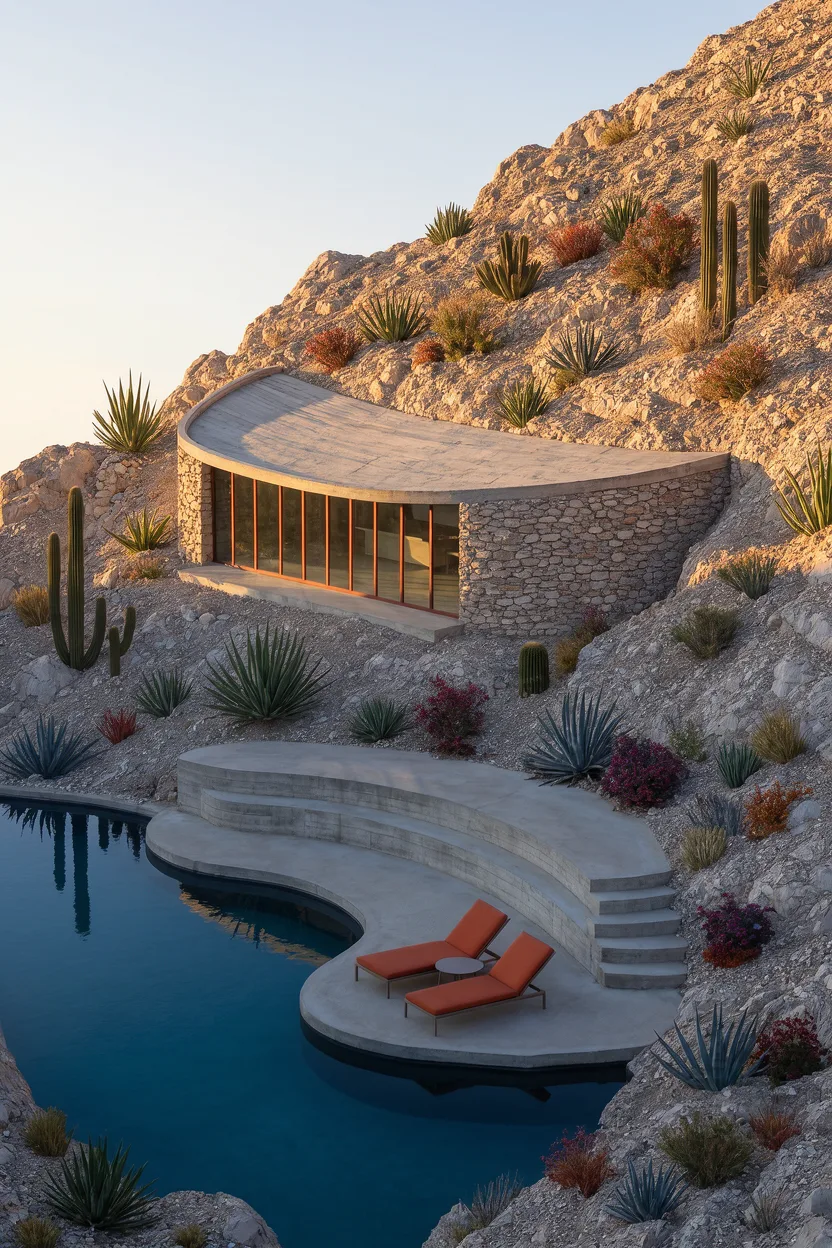
Turn the coloured-pencil terrace in image 1 into a photograph from the same viewpoint, keeping the railing, chairs, awning and plants where they are drawn.
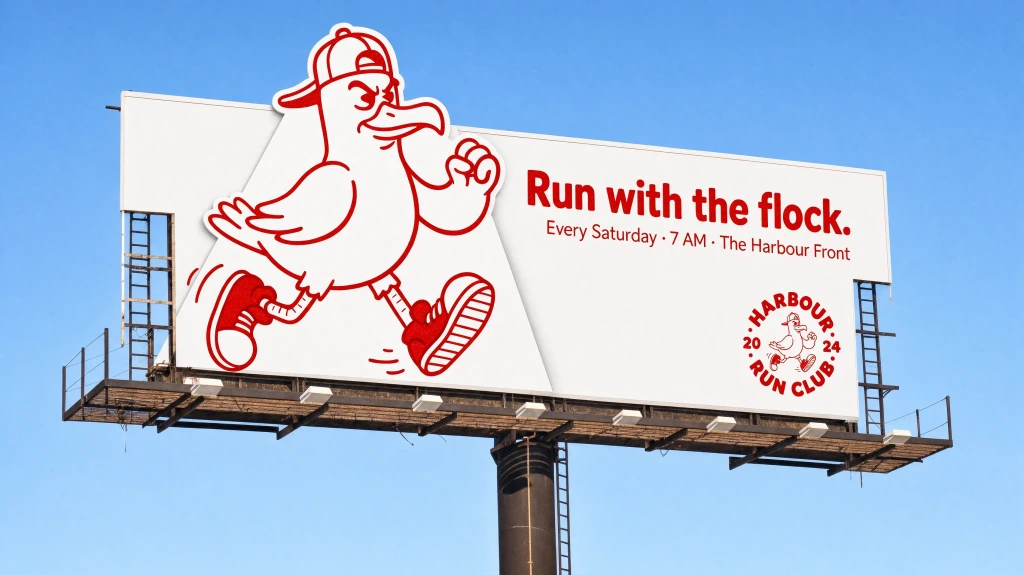
Re-skin the roadside billboard in image 1 for the coffee range in image 2.
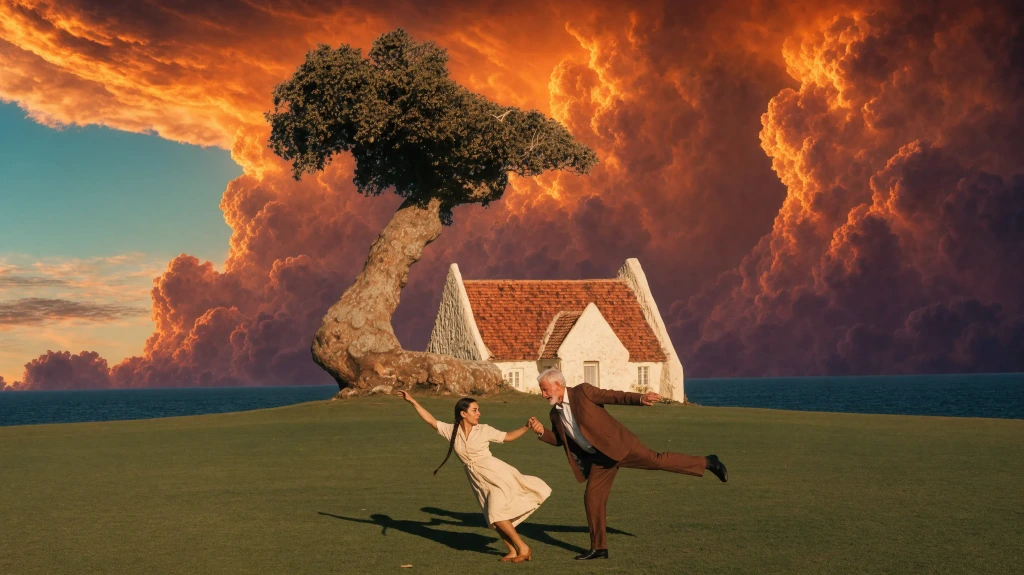
Replace the clear sky behind the dancing couple, the white house and the wind-bent tree in image 1 with the fiery orange-gold storm clouds of image 2.
Composite the backlot plate in image 1, replacing the green-screen wall with a continuation of the street built from the boulevard in image 2.
“Change only her coat to cobalt blue.” Orange marks every pixel each model changed. Drag to compare.
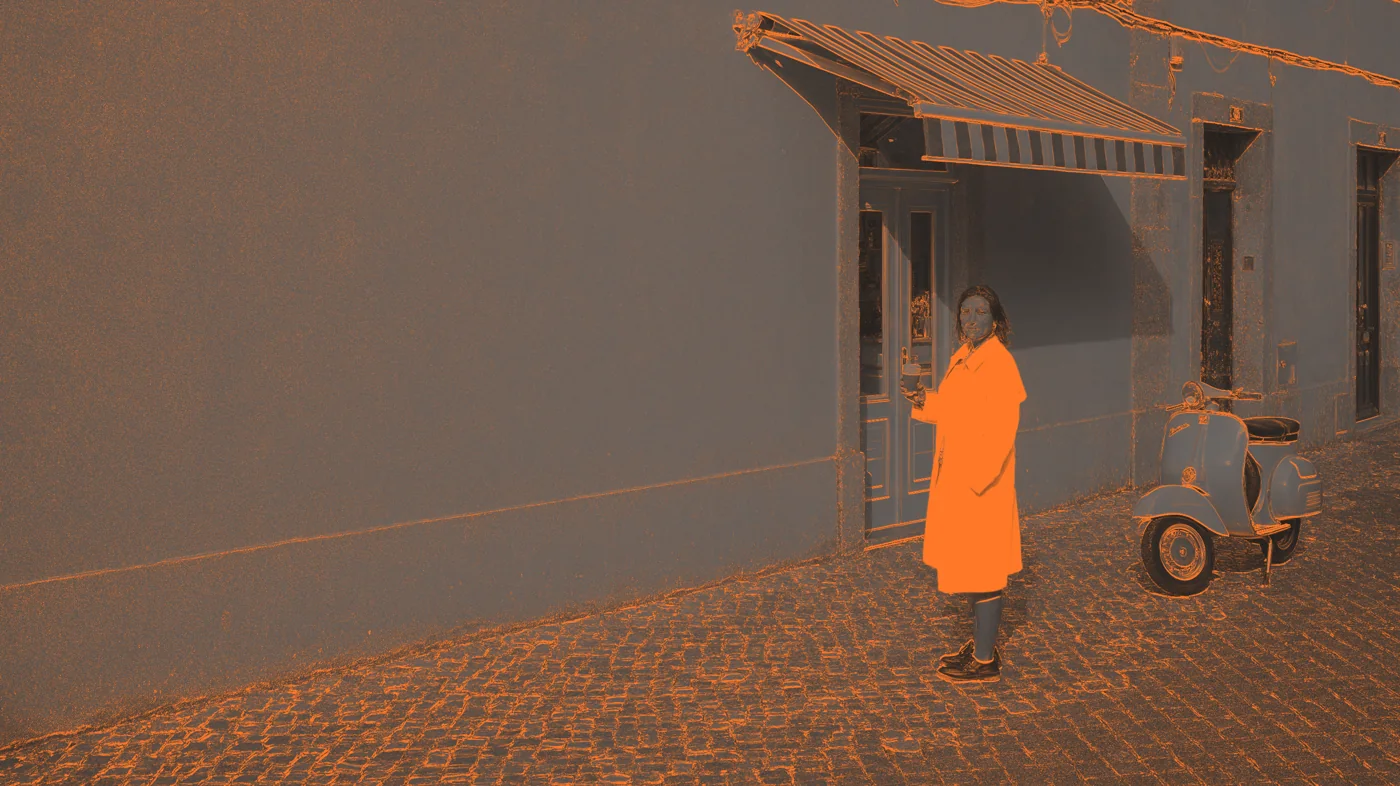
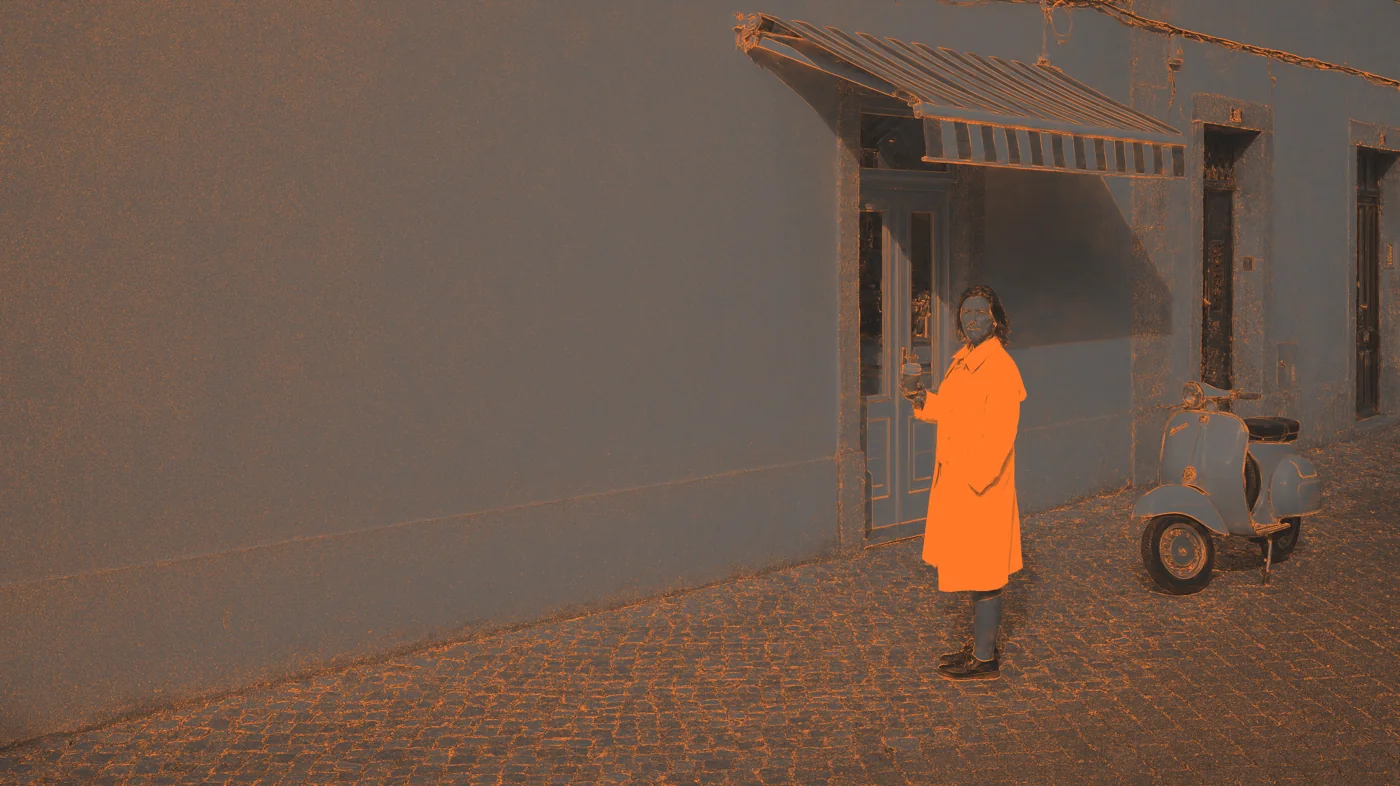
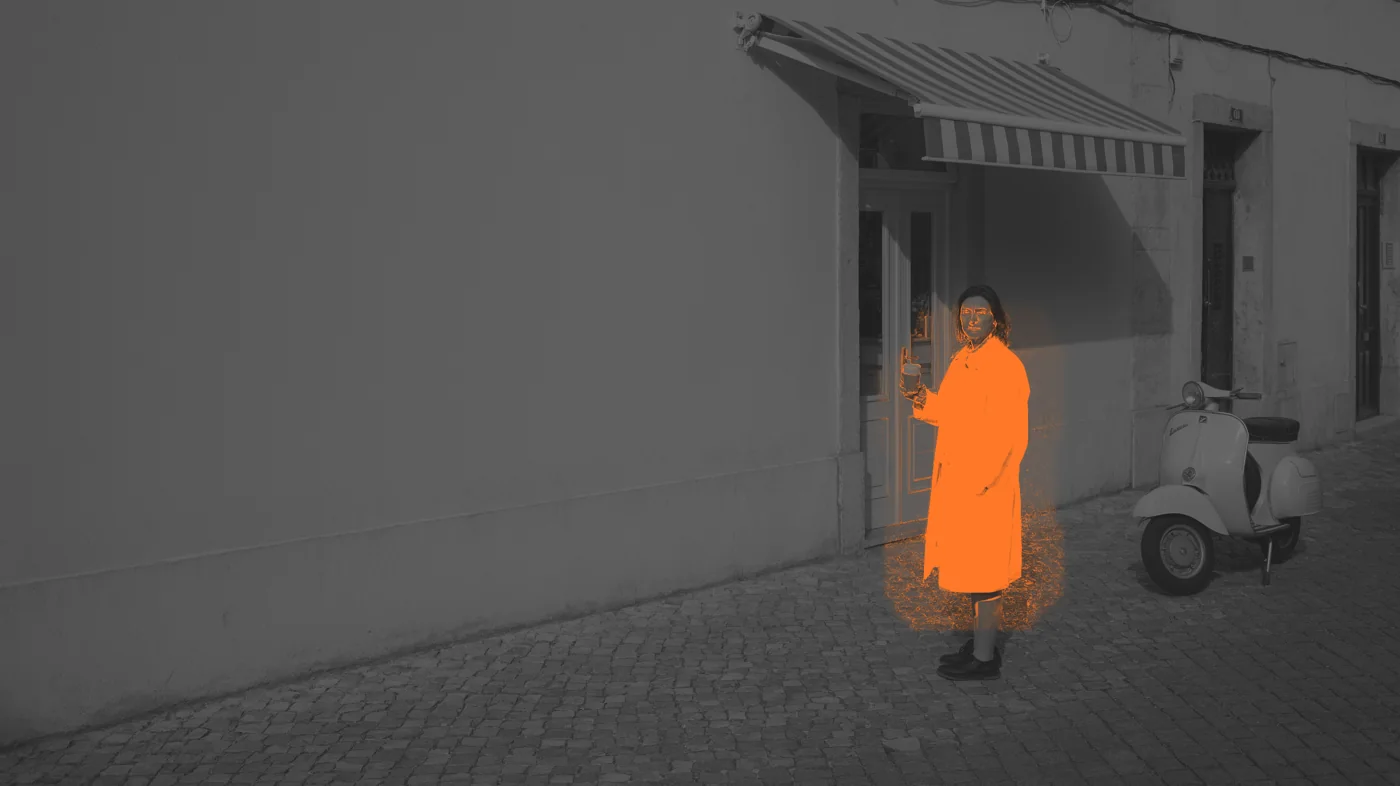
*Precision is the share of pixels outside the edit area left unchanged. One attempt per model, 2K, same image and prompt; Krea 3 in Precise mode. Outputs are compared at quarter resolution after the best alignment, so a different output size does not count as a change.
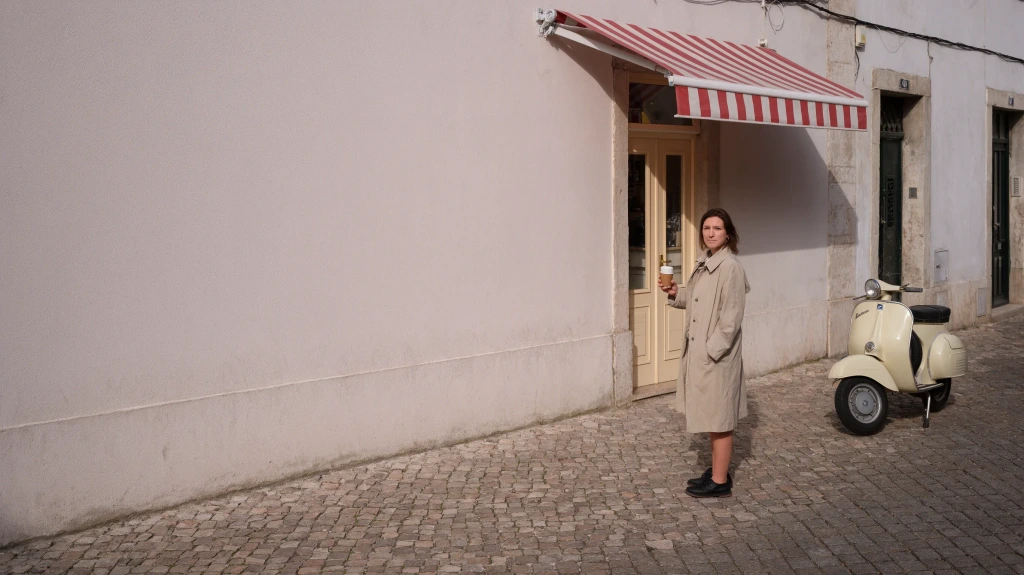
Krea 3 generates images from a written brief and edits uploaded references. Give the model a specific subject, change and intended use. Review the complete Krea 3 result before use. For a Krea 3 product scene, describe lighting, materials and camera position. For a Krea 3 edit, identify what must change and what must remain. Start with one clear transformation, inspect the output at full size, and refine your next instruction around a specific issue. Check small lettering, fingers, repeated patterns and reflections. Save a result you like before trying another variation, and keep the original file available for comparison.
Krea3.io is an independent service connecting Krea 3 through fal. Your account, subscriptions, credits and generation history belong to this website. A subscription bought elsewhere does not fund this account. Source imagery does not establish a partnership, endorsement or identical performance. The Krea 3 benchmarks above are published source demonstrations. This site’s Krea 3 charges come from the workspace estimate; plugin links open the original provider’s pages.
Krea 3 counts output and processed reference pixels at $0.025 per megapixel. Each reference is capped at the output size; one megapixel is 1024² pixels. Cost converts at one cent per credit, rounded upward, with a four-credit minimum. High reasoning adds five megapixels to Krea 3 editing cost. Your Krea 3 quote changes with output dimensions and references. Check the Krea 3 estimate after changing either; the published comparison is separate from your checkout.
The provider positions Krea 3 Berry around quality and Jam around speed. Both support text generation and reference editing. Negative prompts apply to Berry. Select a Krea 3 variant before preparing references. Keep the Krea 3 variant and dimensions consistent when comparing attempts, because a different setup can change the result.
The Krea 3 edit endpoint accepts one to eight images. Number their roles in the prompt. Fewer well-chosen images often make the intended Krea 3 task clearer. Give Krea 3 a clear role for each input: subject, location, clothing or product. Avoid asking Krea 3 to resolve conflicting identities or several incompatible layouts. Choose source files with enough detail to identify the product or person. Crop unrelated borders and keep the main subject visible. In a combined scene, specify which image supplies the setting and which supplies the subject. A lighting reference should guide illumination rather than introduce another person or change the product label.
Use this prompt prepares a Krea 3 draft without submitting a generation. Editing examples also load paired public reference images. Inspect the inputs, adjust the brief and review settings before Create. Reconstructed prompts are starting directions, not guarantees of reproducing source artwork. Preparing the draft itself consumes no generation credits. Before creating, check that every reference has finished loading and appears in the upload area. Replace any unrelated photo, confirm the selected mode and output size, then read the credit estimate again. You can change the prepared description or remove a reference without submitting a paid request. A Krea 3 example fills a draft for review. Krea 3 requests begin only after you submit Create with a valid account and enough credits.
A seed can make a Krea 3 request more reproducible when other settings stay the same. Use minus one for a new random seed. Berry also accepts negative prompts describing unwanted elements. Neither control replaces clear direction or a careful review of the returned image. Save the Krea 3 prompt, references and settings together for comparison. A Krea 3 seed cannot guarantee identical output after changing the model, source image or resolution.
Generation requires login and sufficient credits. Krea 3 jobs reserve quoted credits while processing and settle on confirmed completion. Confirmed failures release or refund reserved generation credits; pending jobs do not automatically fail. Monetary refunds follow the separate policy. Download access retains this website’s existing previous-purchase requirements. Check Krea 3 status in generation history before retrying a pending request. Starting another Krea 3 job creates a separate request and may reserve additional credits.